
AI is becoming a core part of data analytics. Around 46% of companies already use it, yet many still question whether these tools can be trusted.
I tested each one myself and selected the tools that hold up in real-world use. Here’s what’s worth your team’s time in 2026.
AI Data Analytics Tools: Key Findings
What To Look For in an AI Data Analytics Tool
AI in data analytics shortens the time it takes to understand large datasets and act on them.
46% of companies already use AI for predictive analytics (Nielsen), and those who do save an average of 12.5 hours per week on data-related tasks (HubSpot).
But this efficiency comes down to the tool you choose. To choose well, focus on what fits your workflow.
Here are the key criteria to guide you:
- Ease of use: Look for no-code or low-code platforms that reduce reliance on technical teams.
- Data integrations: Ensure the tool connects easily with your existing data sources and systems.
- AI capabilities: Features like natural language queries, predictive modeling, and anomaly detection can significantly improve analysis.
- Governance and security: Strong controls help maintain data quality, compliance, and access management.
- Scalability: The tool should handle growing data volumes and team usage without slowing down.
- Real-time vs. batch analytics: Choose based on whether you need instant insights or scheduled reporting.
Now, let’s take a closer, side-by-side look at the ones we tested.
Tool | Best For | No-Code / Low-Code | Conversational Analytics | Workflow Automation | Price (Starting At) |
Conversational data analysis | ✅ | ✅ | ❌ | Free; Pro at $33/month | |
Spreadsheet automation | ✅ | ✅ | ✅ | $18/month | |
AI visibility analytics | ✅ | ❌ | ❌ | Custom pricing | |
Predictive modeling | ✅ | ❌ | ✅ | Custom pricing | |
End-to-end data workflows | ✅ | ❌ | ✅ | $250/user/month |
1. Julius AI: Best for ChatGPT in Data Analysis
For teams and analysts who need fast, conversational insights from structured data.
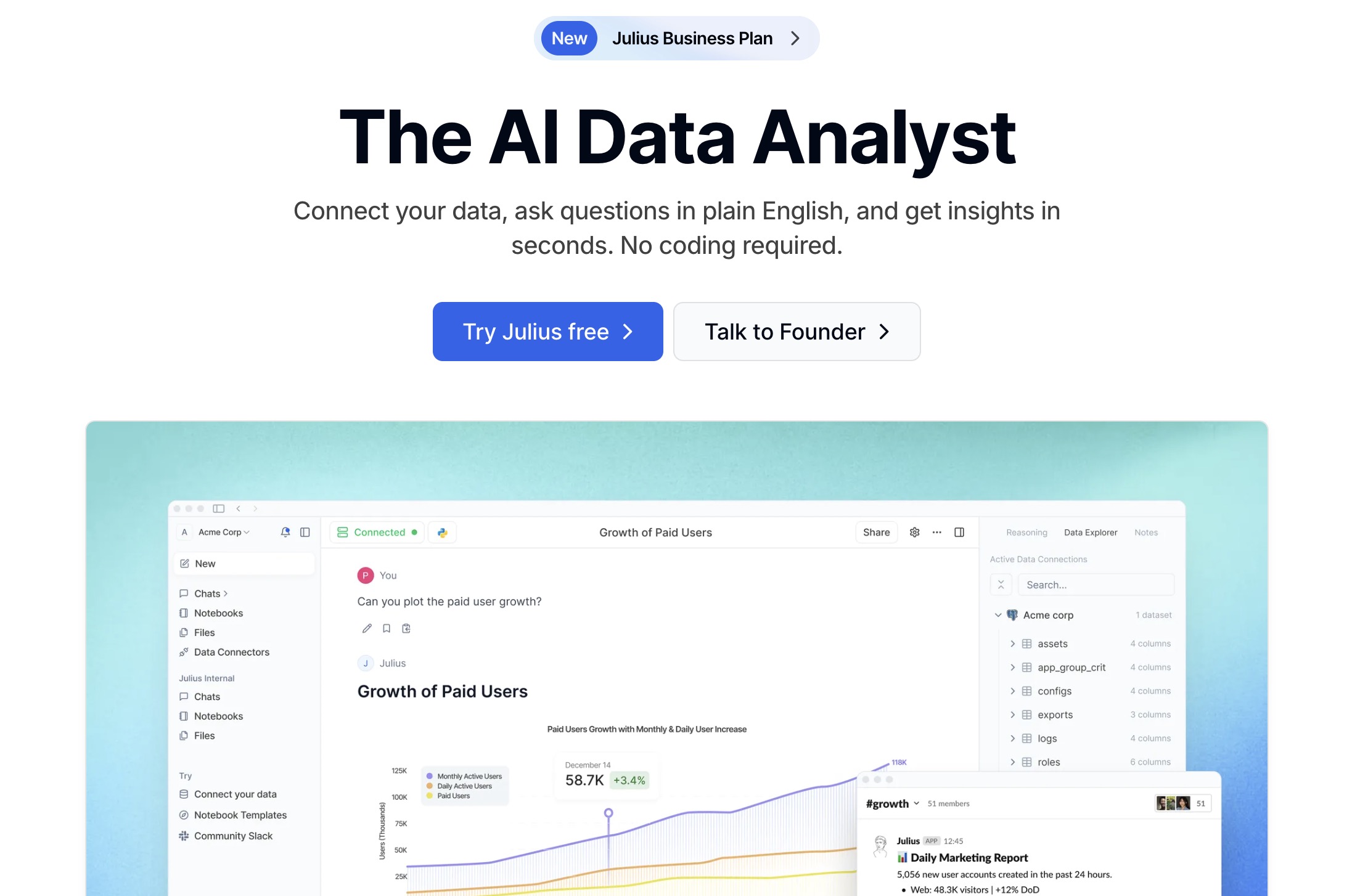
I tried Julius AI for data analysis, and it really stands out for combining ChatGPT-style conversations with actual statistical analysis.
It’s especially useful if you want quick insights without having to dig into code. Just upload a file, like a CSV or a spreadsheet, and then ask questions through the chat prompt to get instant results.
| Pros | Cons |
|
|
One of the best features for me is how it automatically creates data visualizations and reports.
The AI handles everything from cleaning the data to running analyses and even writing the code behind the scenes.
The quick and simple process makes it great for business owners, students, and researchers who want to understand their data without a steep learning curve.
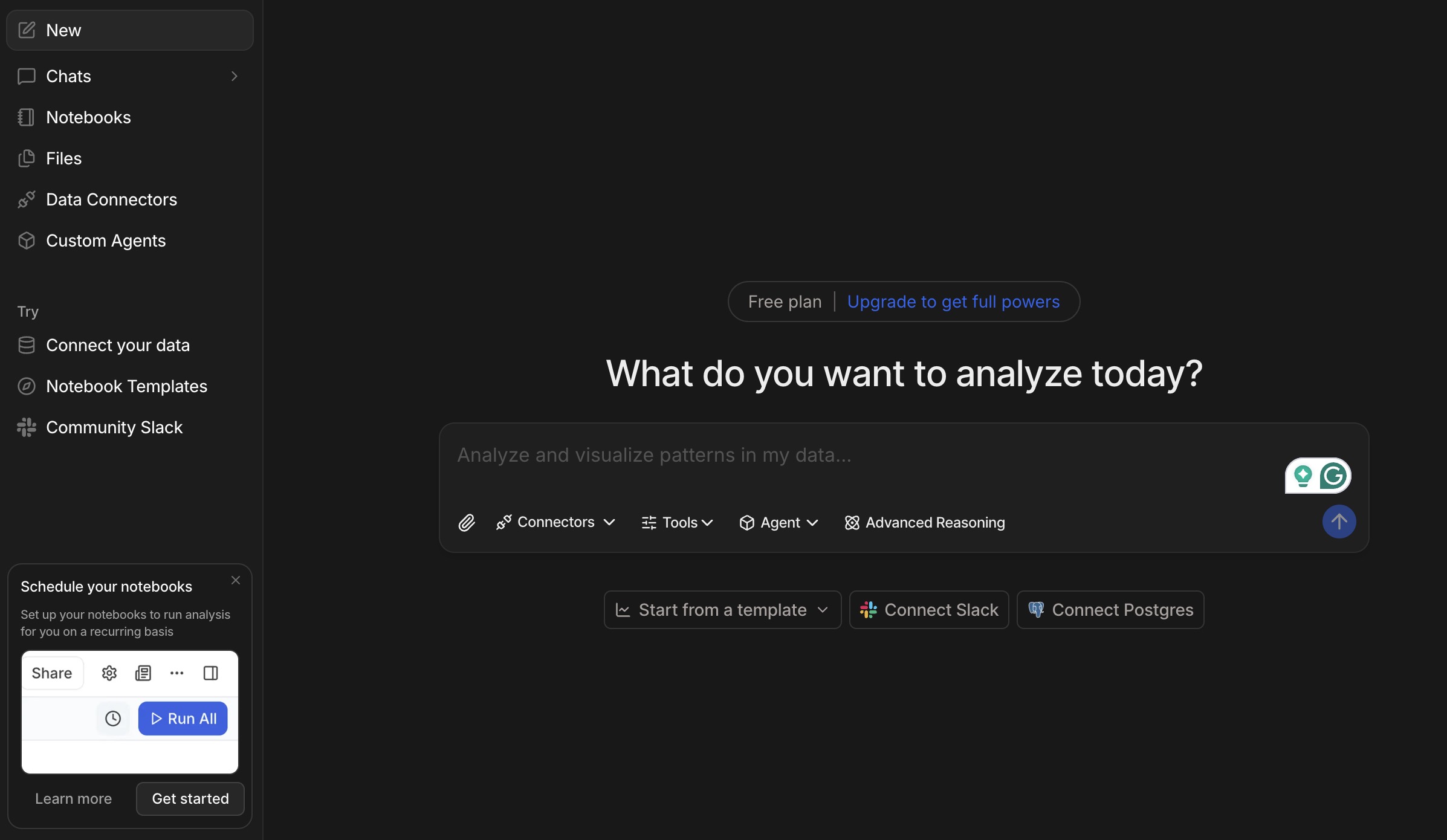
It also doesn’t offer the same level of fine control that experienced data scientists might look for, but for most users, that trade-off is worth it for the speed and ease of use.
Overall, if you want something that makes data analysis fast and easy to work with, Julius AI is a solid option.
While ChatGPT can handle basic analysis, Julius AI is built specifically for working with data and drawing insights from it.
Pricing
- Free for 5 messages/month
- Pro: $33/month, billed annually
- Business: $375/month, billed annually
- Growth: $625/month, billed annually
What Users Say
Users say Julius AI makes basic data analysis faster and easier, especially for non-technical users. It’s often praised for quickly generating charts, running simple analyses, and even debugging code, making it useful for quick-turnaround tasks.
However, more advanced users are less convinced. Many note it’s best for simple, ad hoc analysis, not complex or large-scale data work. Limitations like reliance on CSV uploads and shallow insights come up frequently.
Overall, users see Julius AI as a helpful assistant for real data expertise.
Who’s It For?
Julius AI works well for teams and financial analysts who rely on data to shape strategy, especially with its ability to generate dashboards and surface trends quickly.
It’s also a useful platform for researchers, business analysts, and marketers who need to analyze and visualize data without getting into heavy coding.
Other Notable Features
- Conversational data chat for real-time insights
- Instant chart, graph, and visualization generation
- Smart data cleaning (deduplication, sorting & transformation)
- Built-in statistical analysis without coding
- PDF and document summarization with export to Excel or CSV
2. Formula Bot: Best for Spreadsheet Automation
A strong fit for spreadsheet-heavy teams looking to automate formulas and reporting.
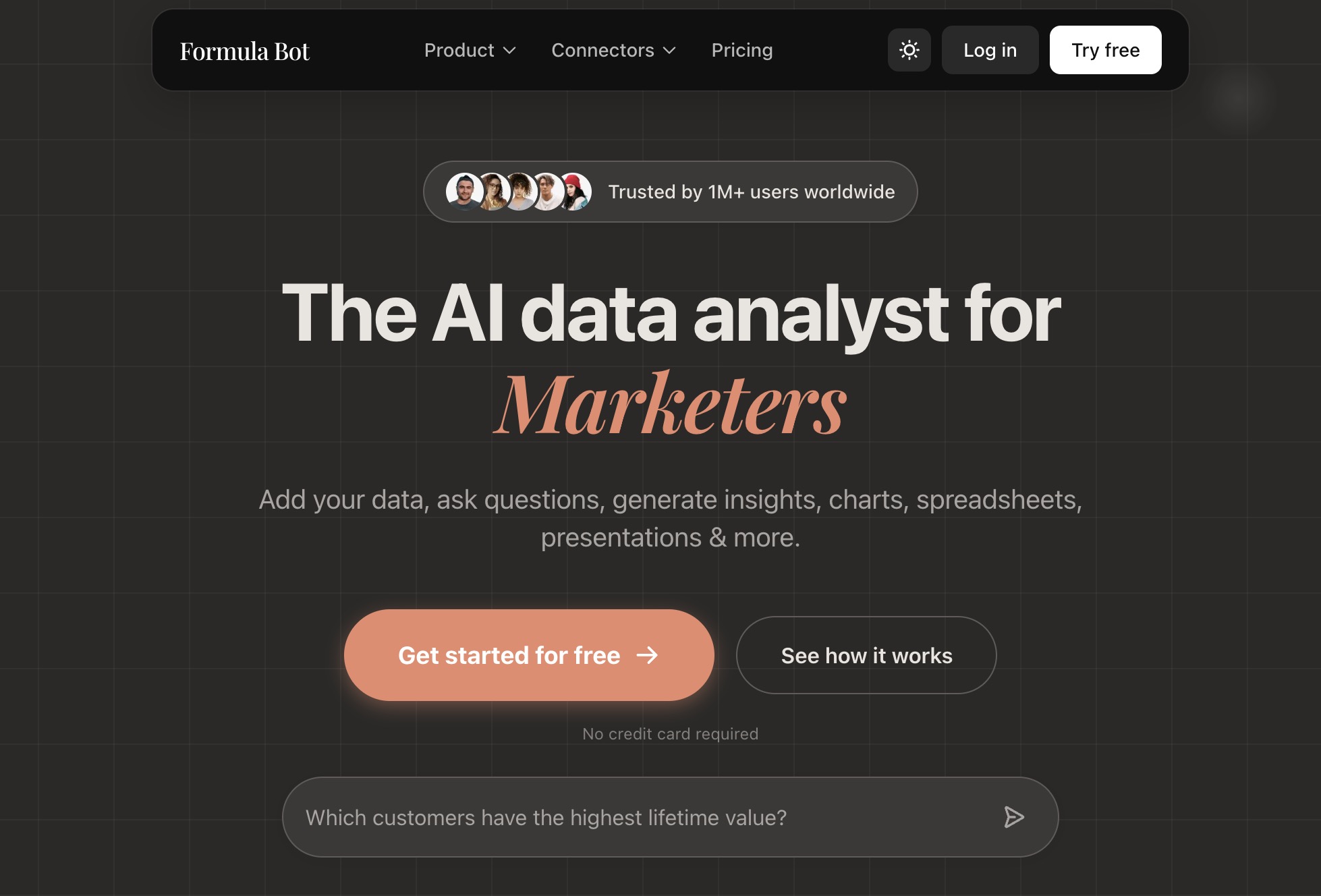
The next AI data analytics tool I checked is Formula Bot. If you spend a lot of time in Excel or Google Sheets, this is one of those tools you’ll probably end up relying on.
It’s especially helpful if you struggle with complex formulas or just want to speed up routine tasks.
| Pros | Cons |
|
|
Instead of memorizing complicated syntax, you can simply describe what you want to do using its Formula Generator, and it turns that into the correct formula.
In my experience, the best part is how accurately it translates plain-language prompts into Excel formulas, SQL queries, and even VBA scripts. It saves you from constantly having to look things up.
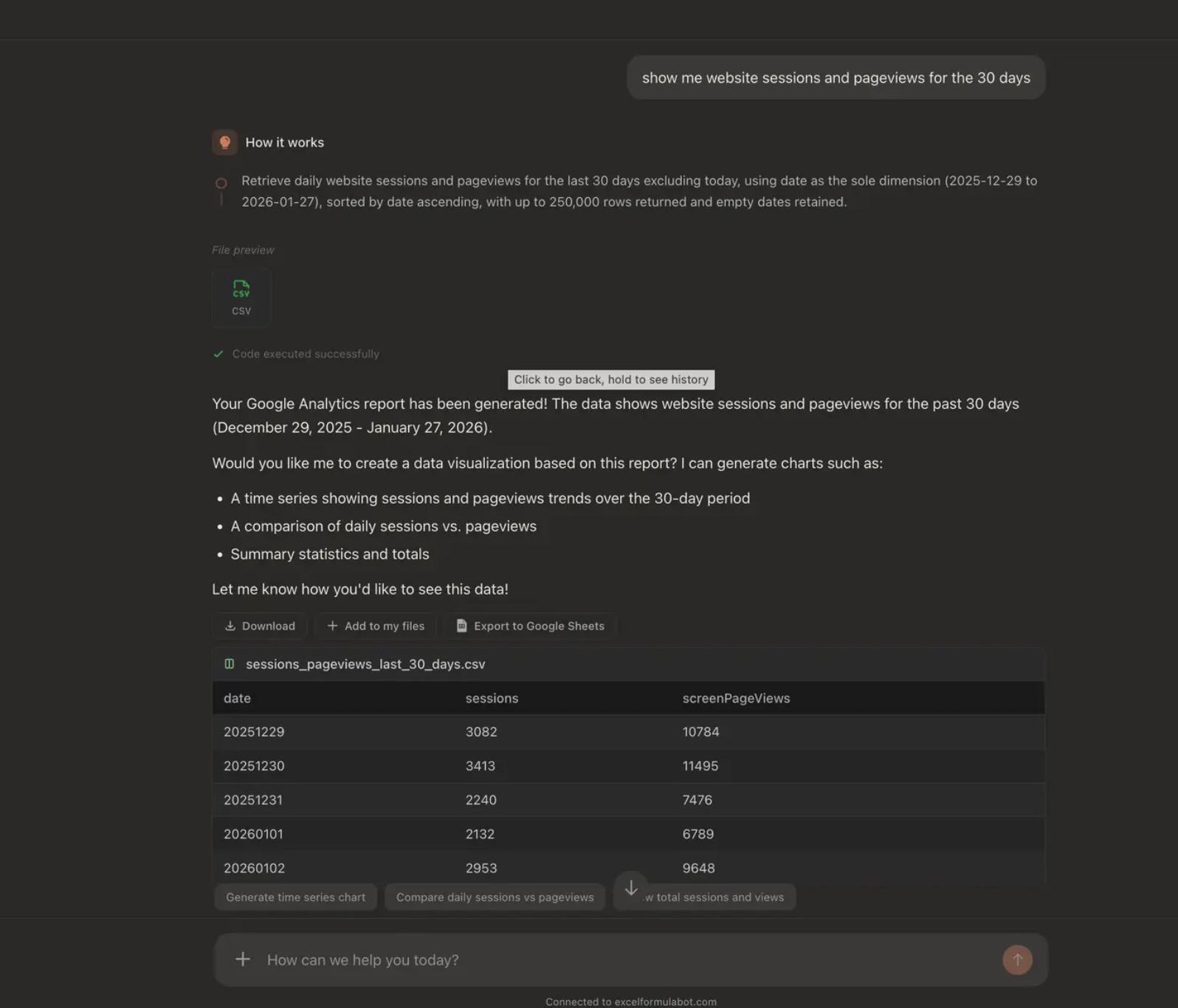
Formula Bot also handles common tasks like data cleaning, formatting, and error checking, which can take a lot of time off your plate.
On top of that, it can convert PDFs into Excel files and organize the data into clean tables with rows and columns.
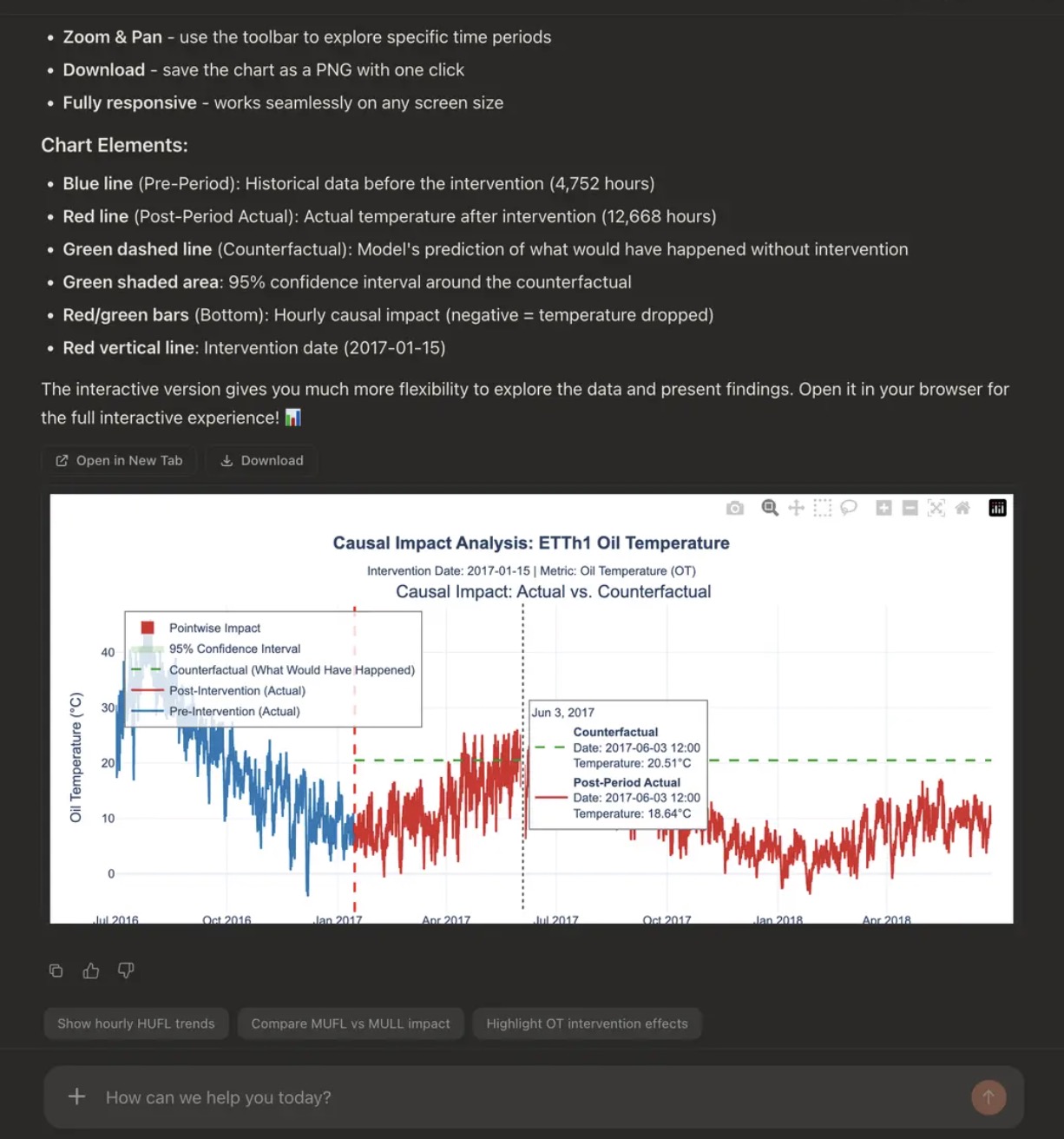
While Formula Bot does a lot well, it still has a few drawbacks. It can feel a bit limiting when you’re trying to build more unique or creative formulas.
It also doesn’t offer as much customization as you might want, which can be frustrating when you’re aiming for something very specific.
That said, it’s a great option for the price and ease of use if you want to cut down on spreadsheet drudgery.
Pricing
- Pro: $18/month, billed annually
- Max: $35/user/month, billed annually
- Enterprise: $99/user/month, billed annually
What Users Say
Users of Formula Bot often highlight how much easier it makes working with complex Excel tasks.
One data analyst mentioned that it saves a significant amount of time by turning plain-language requests into accurate formulas.
Small business owners also see it as a practical tool for quickly creating formulas, especially if they don’t have advanced Excel skills.
Who’s It For?
Formula Bot is a strong fit for marketers tracking campaign performance, operations teams improving workflows, and customer support teams pulling insights from feedback.
It’s also a valuable tool for product researchers looking to automate trend analysis and data summaries.
Other Notable Features
- Conversational interface generates charts, models, and analysis from plain language prompts
- Auto-generate bar charts, pie charts, and heatmaps
- Converts text into Excel formulas, SQL, VBA, and regex
- Data extraction and enrichment from raw text and PDFs
- Data cleaning, transformation, and forecasting with what-if scenario modeling
3. Brandi AI: Best for AI Visibility Analytics
For CMOs and SEO leaders who need to track and improve brand visibility across AI-generated answers.
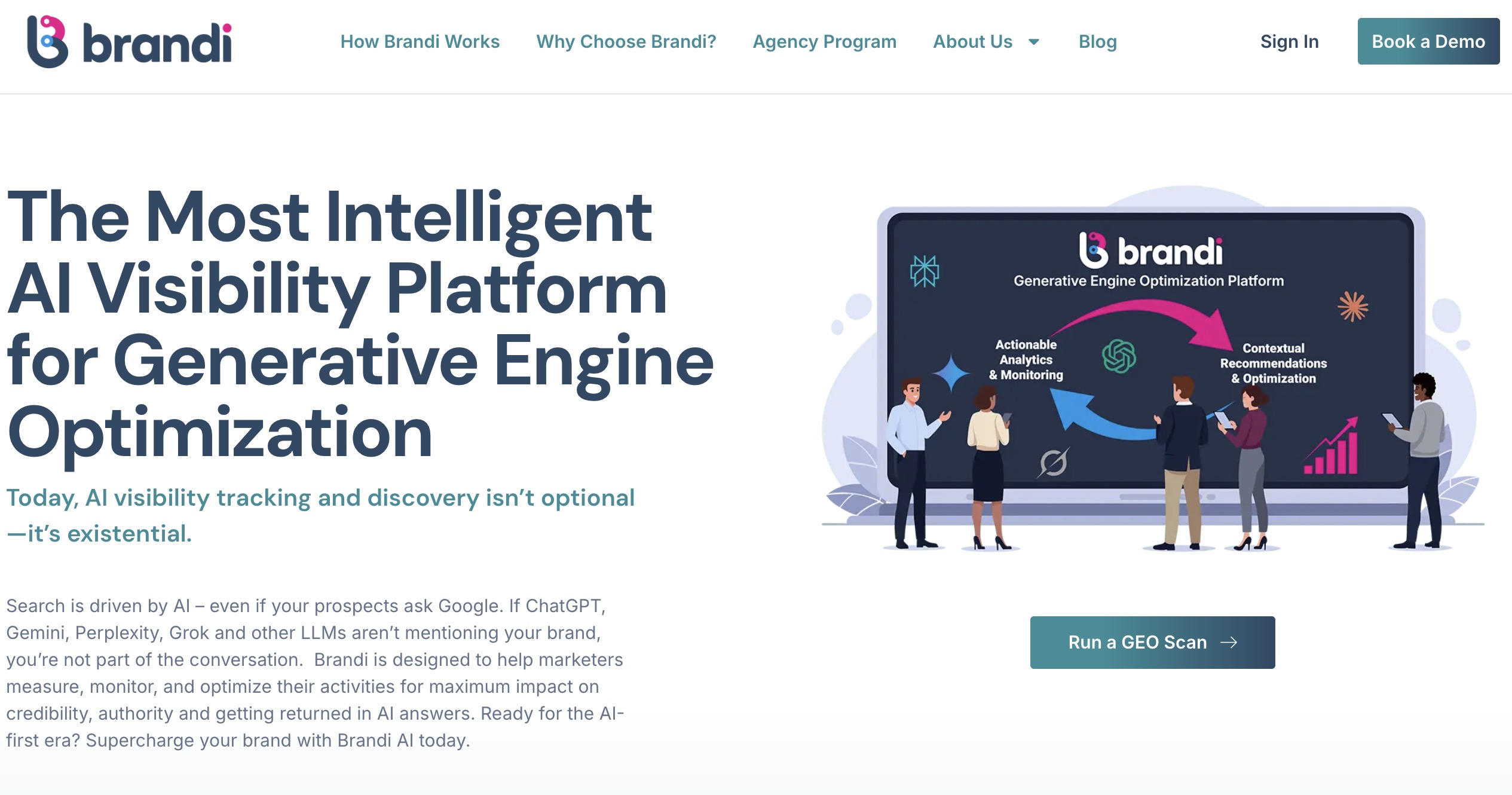
Brandi AI focuses on a problem most AI analytics tools still overlook: how your brand actually shows up inside AI-generated answers.
Instead of tracking clicks or rankings, I could see whether we were actually being mentioned in answers across platforms like ChatGPT and Google AI Overviews, and in what context.
| Pros | Cons |
|
|
What made the biggest difference for me was how grounded everything is in real buyer questions.
Brandi tracks the exact questions people are asking AI and shows how your content performs against competitors in those responses.
That made it much easier to prioritize updates, especially when refining existing pages to improve citation rates and visibility in AI-generated answers.
I also liked the global view. Seeing how answers change across regions and languages adds a layer you don’t usually get with standard AI analytics tools.
It’s especially useful if you’re managing multiple markets and want to avoid a one-size-fits-all content strategy.
Pricing
- Custom pricing (demo required)
Book a demo with Brandi AI to know more.
What Users Say
From what users share, Brandi AI serves more as a strategy tool for AI visibility than a simple tracker.
People especially like that it goes beyond monitoring and actually gives clear direction on how to improve content for AI visibility.
The trade-off is that it’s not the most lightweight tool. Some users say it can feel a bit much if you’re just experimenting, since it’s built more for teams taking GEO seriously.
Overall, it’s seen as powerful and insight-driven, but best suited for teams ready to act on the data, not just track it.
Who’s It For?
Brandi AI is a strong fit for marketing leaders, SEO teams, and content strategists who are starting to see gaps between their search performance and how they show up in AI tools.
If your team is responsible for visibility, category positioning, or global content strategy, it helps bridge the gap between traditional SEO and how buyers now research through AI tools.
It’s especially valuable for enterprise and mid-market organizations navigating competitive industries or launching into new markets.
Other Notable Features
- Tracks and benchmarks AI visibility using the Brandi Competitive Market Universe™
- Identifies messaging gaps and recommends updates using an intent-driven GEO framework
- Analyzes AI-generated answers across 15+ languages and regional contexts
4. Altair RapidMiner: Best for Predictive Modelling
Best suited for data teams building and deploying predictive models with low-code workflows.
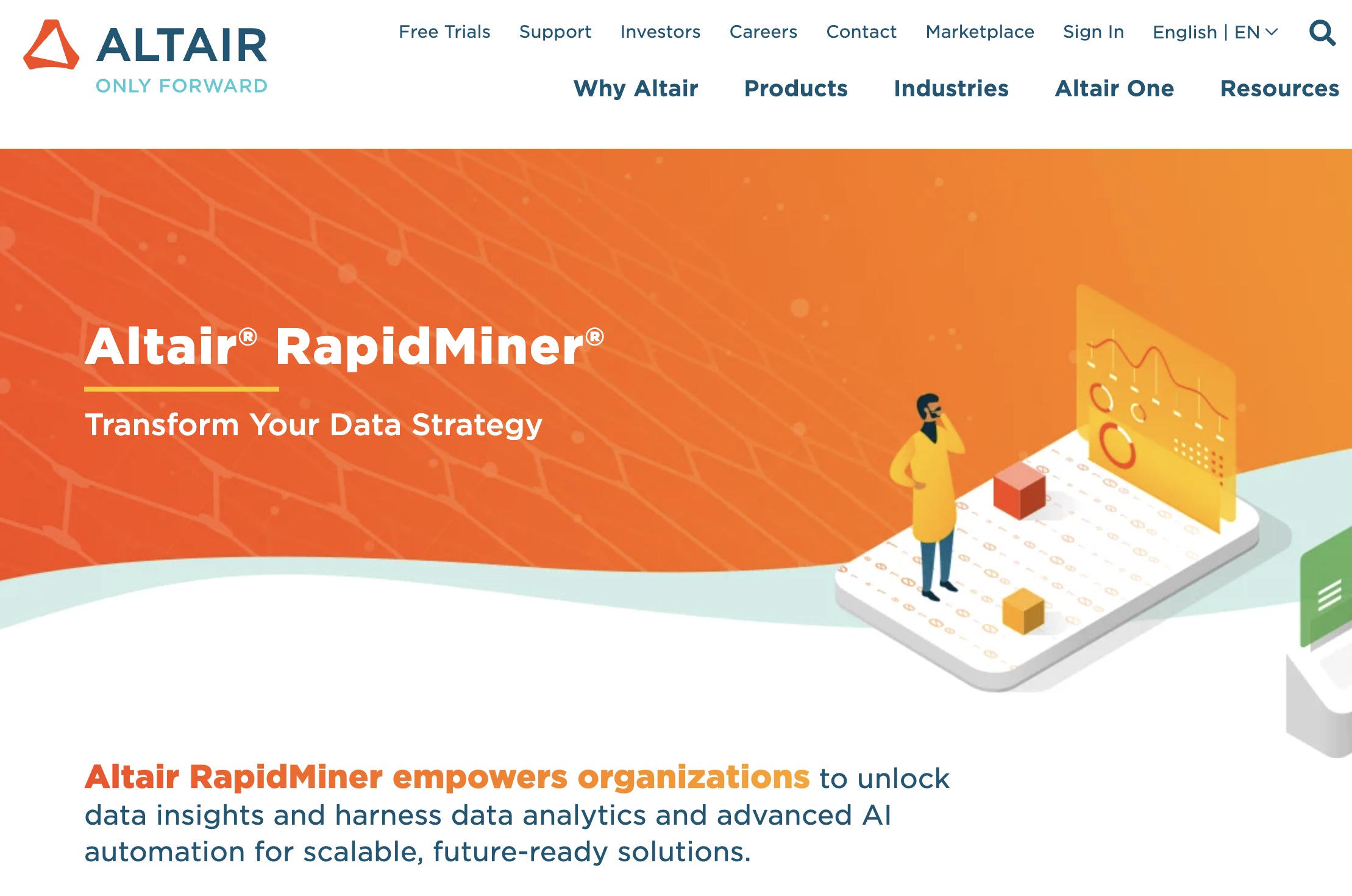
Altair RapidMiner, previously known as RapidMiner AI Studio, has gained attention as a user-friendly AI analytics software, particularly for building machine learning models without extensive coding.
I find this accessibility a major advantage because it allows me to quickly test ideas before moving them into production.
| Pros | Cons |
|
|
For me, the tool’s real strength lies in its predictive modeling capabilities. With a wide range of machine learning algorithms, it can handle different types of prediction tasks without much friction.
The pre-built modules also make a big difference. They simplify data prep, model building, and visualization, all within one interface, so you’re not constantly jumping between tools.
I’ve also seen users praise its intuitive interface, which makes it easier to build workflows, process data, and visualize results.
However, a big disadvantage, in my opinion, is that Altair RapidMiner can be resource-intensive with larger datasets. Even though its interface is powerful, it can sometimes feel clunky.
Still, if you’re looking for a flexible, all-in-one data science platform with strong automation, I’d recommend it. Just make sure you have the hardware to support it.
Pricing
- Inquire to get pricing
What Users Say
Users praise Altair RapidMiner for its visual, low-code interface, mainly because of its drag-and-drop feature that makes building models easier.
It’s often seen as a solid tool for learning and handling end-to-end data workflows.
On the downside, some users have noted challenges when working with large datasets, citing performance issues and occasional crashes.
Who’s It For?
Altair RapidMiner is best suited for larger organizations working on digital transformation, financial analytics, or data governance.
It’s a strong fit for teams that need automated insights, real-time monitoring, and predictive models for things like risk management.
Its compatibility with SAS also makes it a good option for financial institutions and other highly regulated industries that rely on established analytics systems.
Other Notable Features
- GenAI and AI agents automate workflows and monitor processes
- Data fabric architecture unifies and connects siloed data
- Automated extraction of “dark data” from PDFs and legacy files
- End-to-end AI suite for data preparation, modeling, and deployment
- Enterprise-grade analytics with governance, transparency, and high processing power
5. Alteryx: Best for End-to-End Data Processing
Works well for mid-to-large teams who need to automate and scale end-to-end data workflows.
Having worked with several AI data analytics tools at this point, I’d say Alteryx is probably the strongest when it comes to end-to-end data processing.
Unlike most of the others I tested, it does require a full desktop install. The setup took a bit longer than I expected, but I eventually got through it.
| Pros | Cons |
|
|
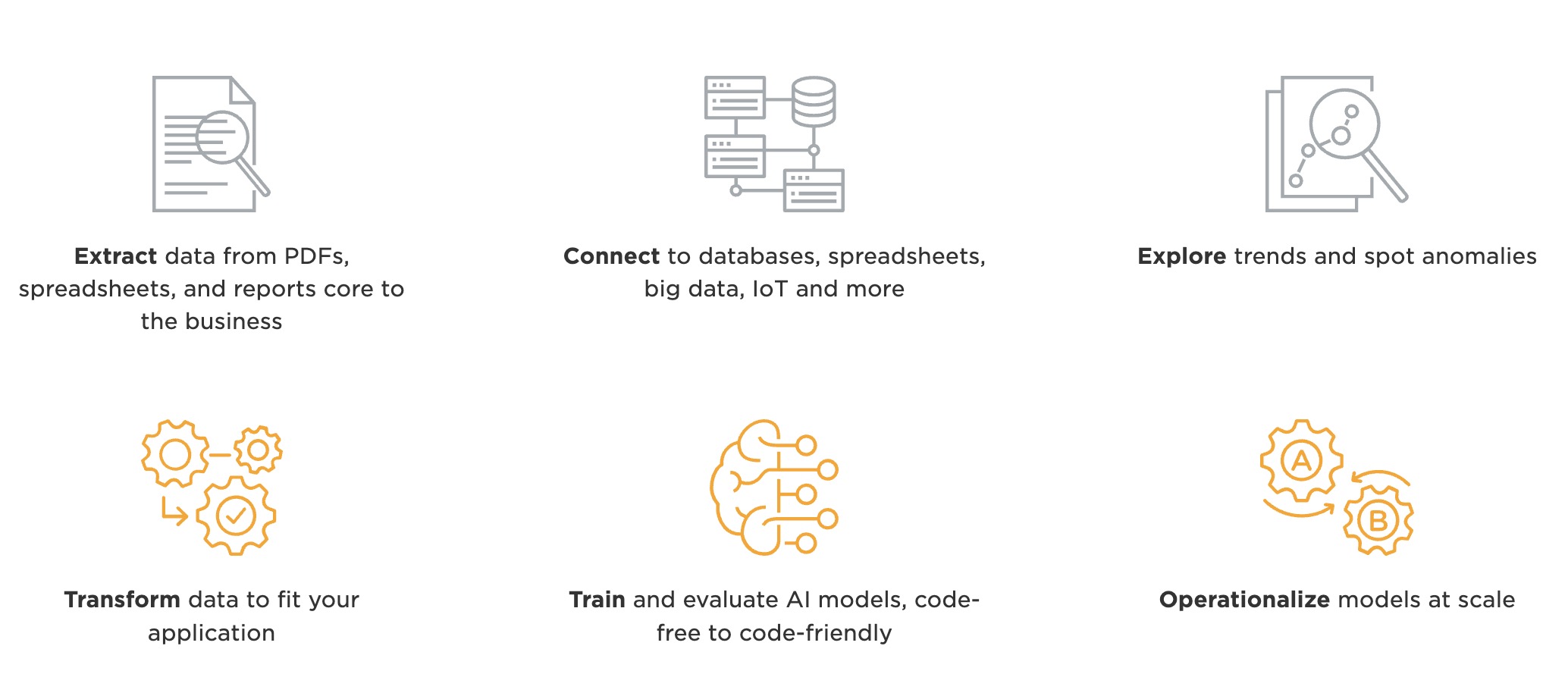
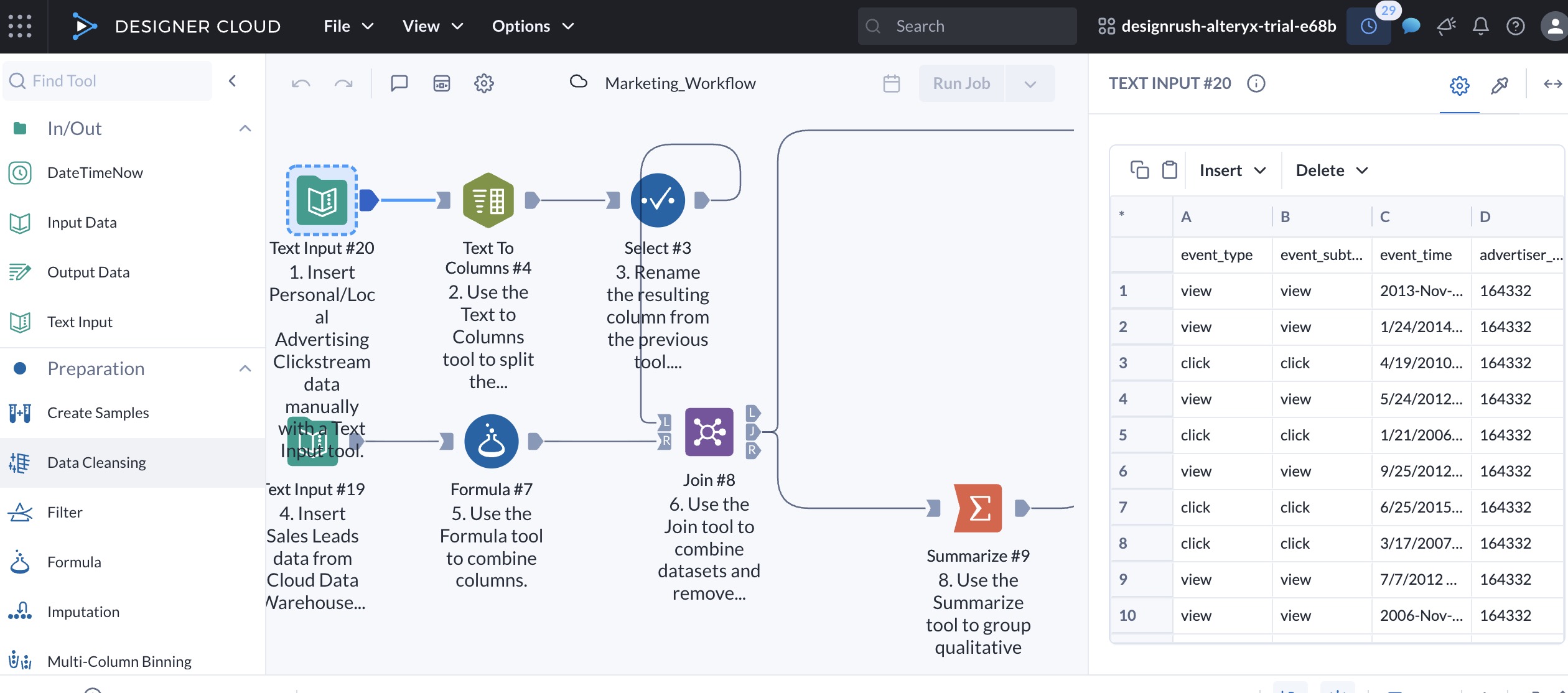
I like how this tool simplifies complex tasks with its drag-and-drop interface. Everything happens in one place, from pulling in raw data to cleaning, analyzing, and even building reports.
Its AiDIN engine is another big plus. It speeds up machine learning and offers smart suggestions that help you spot insights faster.
It also connects easily with different databases and cloud platforms, which cuts down a lot of the time usually spent on data prep.
But where Alteryx really shines is in its ability to automate entire data workflows. I’ve used it to set up reports that used to take hours, and now they run on schedule without any manual work.
While it’s powerful for large datasets, some of the more advanced features can slow down with extremely high volumes. The newer cloud features also don’t feel as polished as the desktop version yet, and real-time visuals could be better.
Another downside is the pricing, as it might be hard to justify the cost for smaller teams or startups.
Overall, I recommend Alteryx if you’re looking for a tool that handles full data workflows and scales with your business.
Pricing
- Starter: $250/user/month, billed annually
- Professional: Custom – contact sales
- Enterprise: Custom – contact sales
What Users Say
Users praise Alteryx for its intuitive drag-and-drop interface and visual workflows, making complex data tasks easier without coding.
Many also highlight strong automation and data preparation features, with noticeable time savings.
Alteryx is undoubtedly great tool for processing and transformation of data 🔥🧑💻@alteryxpic.twitter.com/YWJhaCIxqR
— Abhishek Tripathi (@cloudandtechie) May 17, 2025
However, reviews point to high pricing, scalability limits, and a learning curve for advanced use. Some users also report mixed experiences with support.
Who’s It For?
Alteryx is best suited for mid- to large-sized businesses across industries like finance, retail, manufacturing, and marketing.
Finance teams often use it for risk modeling and compliance, while retailers rely on it for demand forecasting.
Manufacturers and marketers can also get a lot out of it, especially when it comes to predictive analytics and geospatial insights to improve operations and better target customers.
Other Notable Features
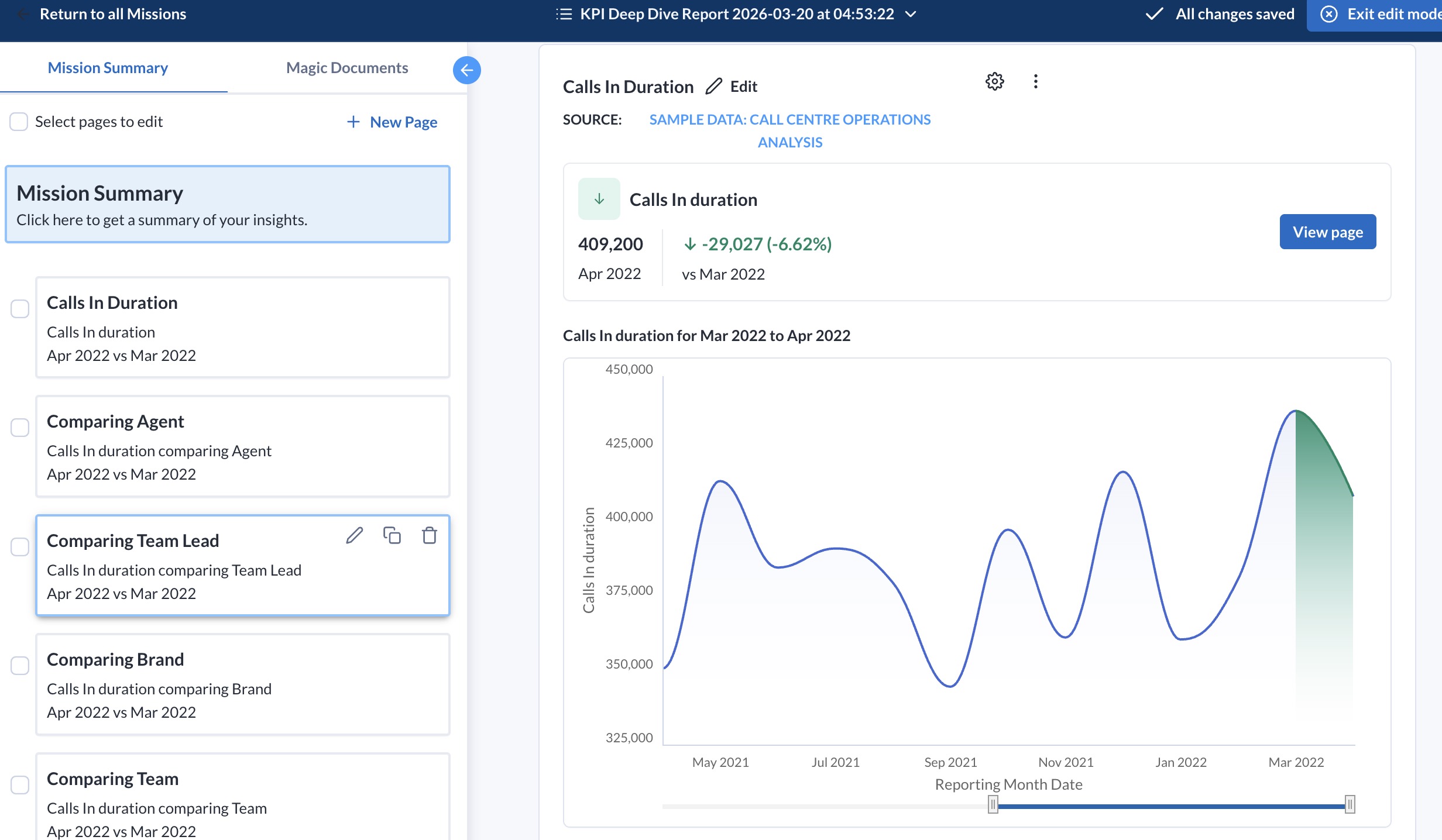
- Automated workflows, machine learning, and smart recommendations
- Drag-and-drop interface for repeatable data prep and analytics
- Auto-generated data stories with visuals and key insights
- AutoML and predictive analytics for simplified model building
- Works with Snowflake, Tableau, AWS, Azure, and more
Other Data Analytics Tools with Growing AI Capabilities
Beyond the big names, there’s a growing wave of data analytics tools quietly adding AI features, making things like data prep and visualization faster and a lot less manual.
Here’s one worth keeping on your radar:
ApertureDB: One Database for All Your Multimodal Data
When I tried ApertureDB, I was looking for a single place to manage different types of data, including images, text, embeddings, and metadata, without using multiple tools.
Setup was quick. I had a basic workflow running in about 30 minutes, with minimal configuration needed, which already felt like a win.
| Pros | Cons |
|
|
The vector search was quick, and adding metadata for filtering felt a lot less clunky compared to trying to hack it together in Elasticsearch or Postgres extensions.
I could query both the embeddings and their relationships in one go, which saved me a lot of copy-pasting between systems.
That said, it wasn’t all smooth sailing. When I pushed larger image datasets through, things slowed down a bit more than I expected. It wasn’t unusable, but definitely something I noticed.
Also, while the documentation is decent, I did find myself cross-checking their examples with GitHub repos to really understand the query patterns.
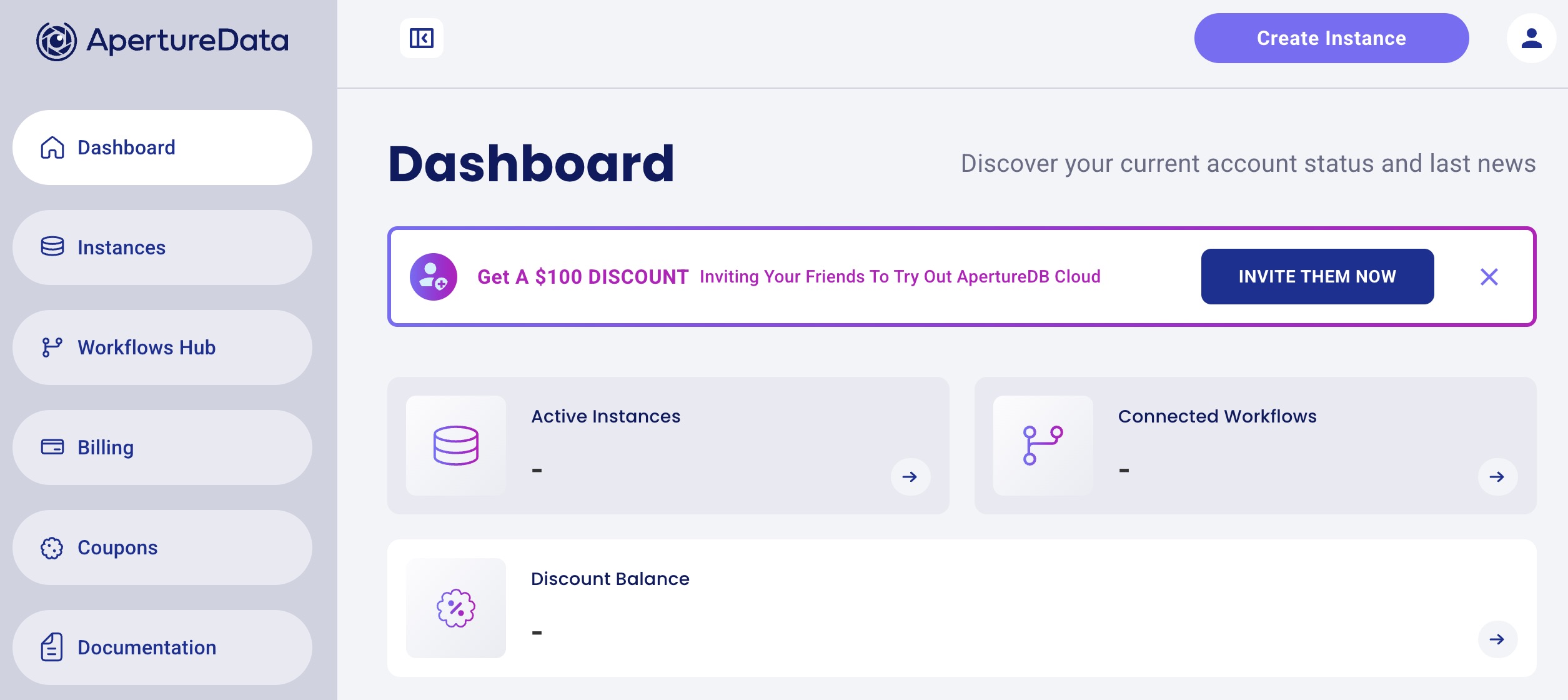
For teams juggling diverse data types, needing rapid prototyping and scalable search capabilities, it’s a game-changer.
The sweet spot seems to be medium-to-large scale AI use cases where flexibility, speed, and ease drive real impact.
Pricing
- 30 Days Free Trial
- Basic: $0.33/hourly
- Standard: $1.29/hourly
- Premium: $4.00/hourly
- Custom: Contact sales
Choosing the Right AI Analytics Platform for Your Team
The right choice depends on team size, budget, and the complexity of your data workflows:
- For startups: Use tools that remove friction and deliver immediate value. Julius AI and Formula Bot support quick analysis tasks, such as identifying campaign trends or generating formulas.
- For small to mid-sized marketing agencies: As reporting demands grow, you’ll start hitting limits. Alteryx or Altair RapidMiner standardizes processes and reduces rework across multiple accounts.
- For enterprises: Larger teams require consistent processes across datasets and departments. Altair RapidMiner and Alteryx support automated pipelines and large-scale analysis, while Brandi AI helps track and improve presence in AI-generated results.
Focus on the gaps you need to solve today and whether the tool can scale with you overtime.
That matters more now as AI analytics becomes a long-term investment category, with the market projected to reach $302.01 billion by 2030 (Grand View Research).

Our team ranks agencies worldwide to help you find a qualified partner. Visit our Agency Directory for the top AI companies, as well as:
- Top AI Companies in Boston
- Top Big Data Companies
- Top Big Data Consulting Companies
- Top AI App Development Companies
- Top AI Product Development Companies
Our design experts also recognize the most innovative design projects across the globe. Given the recent uptick in AI tools usage, you'll want to visit our Awards section for the best & latest in AI website designs.
AI Data Analytics Tools FAQs
1. What are AI data analytics tools?
Data analytics AI are software platforms that use AI to find patterns, trends, and insights in data.
They automate complex tasks like data cleaning, predictive modeling, and visualization to help businesses make more informed decisions.
AI tools for data analysis can handle large amounts of data and often include features like natural language processing, automated reports, and real-time alerts.
2. What are the four types of data analytics tools?
The four types of data analytics tools are descriptive, diagnostic, predictive, and prescriptive.
- Descriptive focuses on what happened.
- Diagnostic explains why it happened.
- Predictive looks at what might happen next based on past data.
- Prescriptive recommends what to do next based on those predictions.
3. How fast can AI analyze data?
AI can analyze data in seconds to minutes, depending on the data size and complexity.
The process is almost instant for smaller datasets, while larger, more complex datasets may take a bit longer.
4. Do I need coding skills to use AI data analytics tools?
Not always. Many modern tools are built with no-code or low-code interfaces, so you can analyze data using simple prompts or drag-and-drop workflows.
5. What should I look for when choosing AI tools for data analysis?
Start with your actual use case. Some tools are better for quick insights, while others are built for full data workflows or predictive modeling.
It also helps to consider ease of use, integrations, pricing, and how well the tool handles your data size and type.
6. Are AI-powered analytics accurate?
They can be very accurate, but they’re not perfect. Results still depend on the quality of your data and how the tool is used.