
Mobile proxies route requests through IP addresses assigned by mobile carriers. The right service depends on the locations you need, how long your workflow must keep one IP, and whether you prefer to pay for traffic or connection time.
In this guide, we compare the top mobile proxy providers by coverage, session behavior, and purchase conditions to help you build a shortlist.
Best Mobile Proxy Providers: Key Findings
Stretch occasional research budgets with DataImpulse’s non-expiring traffic or use NodeMaven’s shared balance for mobile and residential work.
Check localized ads and content with ProxyEmpire’s city, carrier, and ASN targeting, or consider Rayobyte for monitoring on US mobile networks.
Match mobile access to your project with Proxy-Seller’s configurable carrier selection and weekly-to-annual rentals, or consider Airproxy for dedicated Italian connections.
Nearly 60% of Web Page Views Were Mobile in September 2026. What Are Your Checks Missing?
Mobile devices accounted for 58.99% of worldwide web page views in September 2026, according to Statcounter. In Asia, that share reached 66.97%, making mobile browsing especially important for businesses targeting the region.
Mobile proxy providers give teams access to carrier IPs for investigating these situations across supported markets.
Advertisers can inspect campaign destinations, retailers can compare localized offers, and researchers can check publicly available information through different carrier connections.
The comparison below brings coverage, session controls and pricing together to help you narrow your options.
Compare their coverage, session controls and pricing against the work your team needs to do.
Comparing the Best Mobile Proxy Providers
Mobile proxy providers charge by traffic, rental time or subscription credits. Compare the billing model and minimum purchase alongside the advertised rate.
| Provider | IP Pool Size | Geo-Targeting | Rotation and Sessions | Uptime | Pricing (Starting from) |
| ProxyEmpire | 4M+ mobile IPs | Country, region, city, carrier and ASN | Per-request rotation; sticky sessions | 99.9% | $4.50/GB for a 1GB |
| DataImpulse | 16M+ mobile IPs | Country, state, city, ZIP and ASN | Rotating; sticky up to 120 minutes | 99.9% | $2/GB |
| Proxy-Seller | 1M+ mobile IPs | Country and carrier across 20 countries | IP changes by link or every 5/30 minutes; shared or dedicated access | 99.7% | $10/IP for one week, shared |
| NodeMaven | 295K+ mobile IPs | Country, state, city, ZIP code, ISP, and carrier | Rotating and sticky sessions up to 24 hours | 99% | From $2.20/GB on larger monthly plans |
| SOAX | 33M+ mobile IPs | Country, region, city and ISP | Per-request rotation and persistent sessions | 99.9% | $200/month plus VAT |
| Proxy-Cheap | 5M+ mobile IPs | Product-dependent location and carrier options | Static and rotating products | Over 99% | $5.99/GB |
| MarsProxies | 450K+ mobile IPs | Select available location at checkout | Dedicated access; optional 10-minute rotation | 99.99% | $8.49/day |
| IPRoyal | 4.5M+ mobile IPs | Country, state, city and carrier | Rotating and dedicated products | 99% | $6.80/GB for 2GB |
| Rayobyte | Not stated | US carriers | Sticky or rotating IPs | 99.9% | $3/GB |
| Airproxy | 2,000 active SIM cards and modems | Italy | Dedicated SIM; scheduled rotation | 99.99% | €67/proxy |
How We Chose These Mobile Proxy Providers
To build this mobile proxy providers list, we reviewed official product pages, pricing and technical documentation. All 10 services listed mobile access at the time of writing, though availability may vary by location and carrier.
We compared:
- Connection types, because rotating and dedicated proxies suit different tasks.
- Locations and carriers, because providers need to cover the markets you want to check.
- Session settings, because some tasks require the same IP through several steps.
- Pricing and terms, because minimum payments, data expiry and rental periods affect the total cost.
- Compatibility, because the proxies need to work with your tools and support their connection and login methods.
We based our recommendations on each provider’s published features, coverage and pricing. For each service, we explain which projects it may suit and what to check before signing up.
1. ProxyEmpire: Best for Carrier-Specific Mobile Testing
For teams checking ads, apps, and localized content across mobile networks.
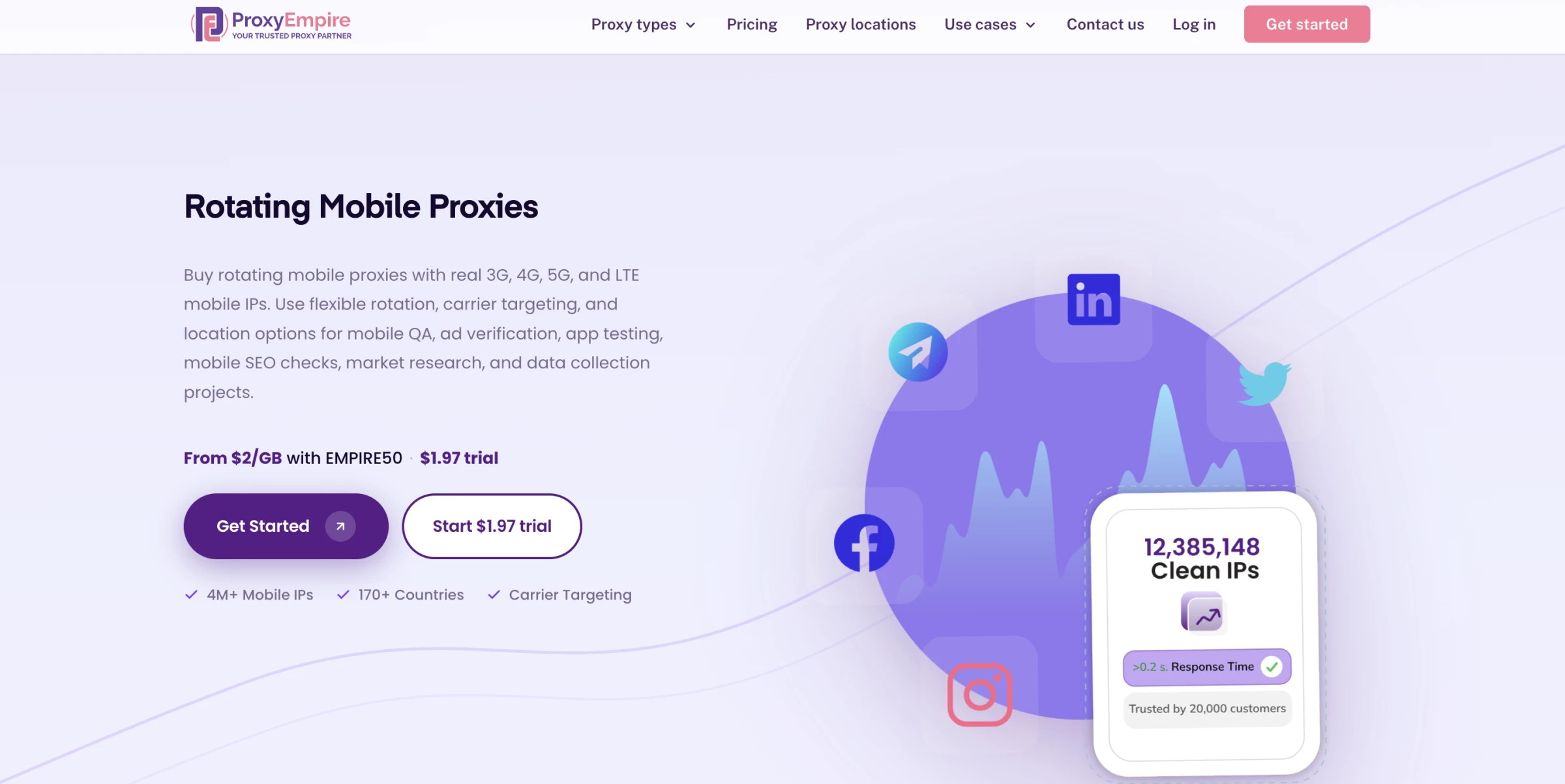
ProxyEmpire offers mobile proxies for checking ads, apps and websites across different mobile networks and locations. This can help teams see what users in a specific market see and check whether content loads or redirects correctly.
For example, a team checking an ad campaign could use different IP addresses to review separate placements, then keep the same IP while following an ad through to its landing page.
If you need to test a particular mobile carrier in a specific location, check availability before paying. The service’s global coverage does not mean every carrier is available in every location.
Pricing
- Promotional pay-as-you-go mobile traffic: $4.50 for 1GB, reduced from $9.
- Mobile A: Promotional $25 for 6GB.
The $1.97 trial includes 100 MB of residential traffic and 50 MB of mobile traffic.
The advertised 50% discount requires the current offer or code EMPIRE50; confirm checkout terms.
Key Features
- 4M+ mobile IPs across 170+ countries.
- Real 3G, 4G, 5G, and LTE carrier networks.
- Country, region, city, carrier and ASN targeting.
- Per-request rotation, sticky sessions and timed rotation.
- HTTP, HTTPS, HTTP/2, and SOCKS5 support.
- API management for credentials, targeting and sessions.
2. DataImpulse: Best for Non-Expiring Mobile Traffic
For teams whose research and testing needs to fluctuate between projects.
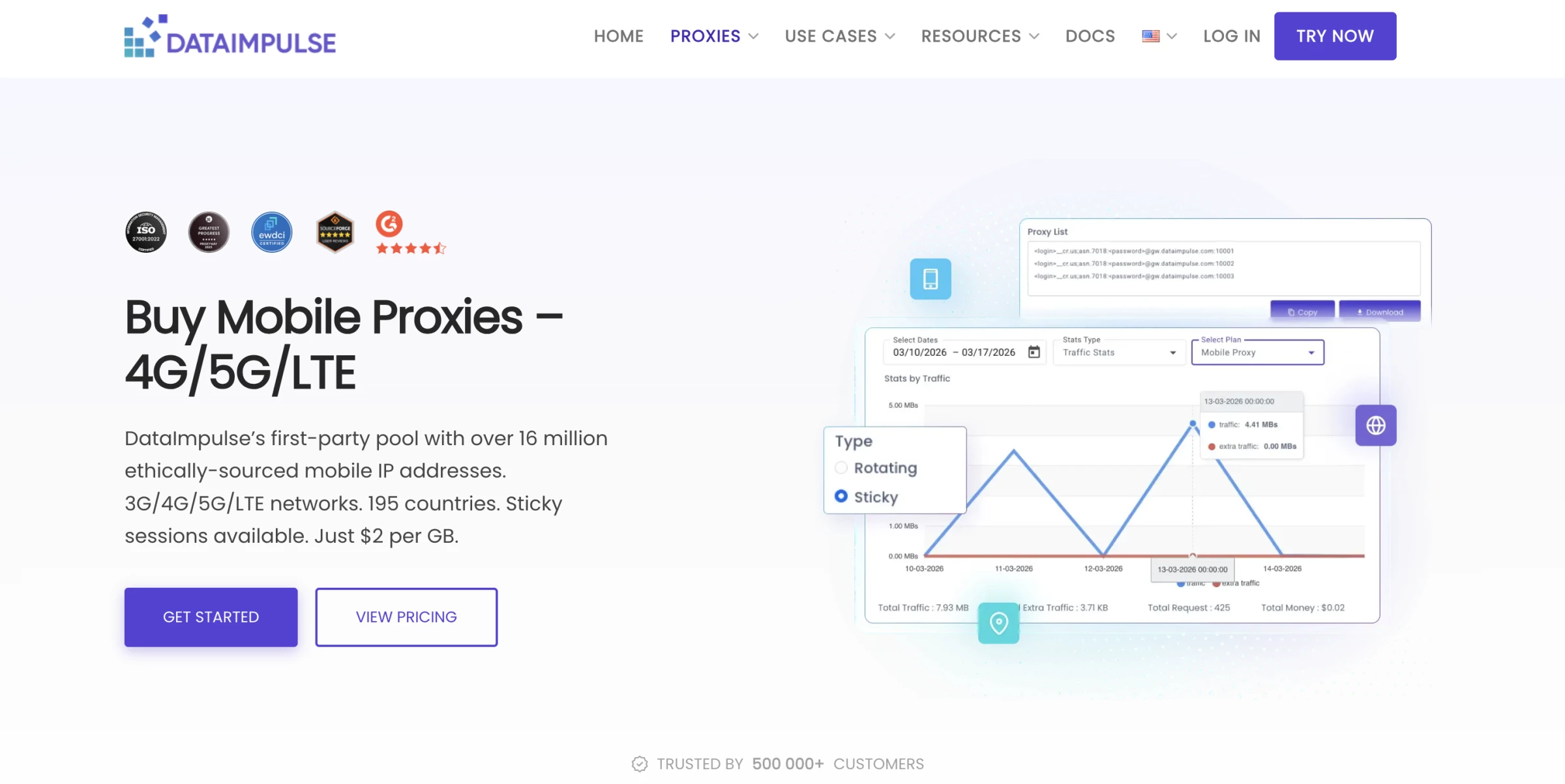
DataImpulse is focused on delivering reliable performance at a much lower cost than many premium competitors.
Its mobile proxy platform combines high success rates with flexible pay-as-you-go pricing, making it a worthy choice for businesses running web scraping, automation, and large-scale data collection tasks.
Its non-expiring balance makes that purchasing model useful beyond the first assignment. Leftover traffic can support a later brief, so you don’t need to schedule extra collection simply to use an allowance before a deadline.
The service also accommodates both independent requests and linked browsing steps. For occasional work, the practical starting point is a representative project: measure the traffic it consumes, then buy against that requirement rather than choosing a large package solely for its lower unit price.
Pricing
- Introductory purchase: $5 for 2.5GB at $2/GB
- 1TB package: $1,600 at $1.60/GB
Key Features
- 16M+ advertised mobile IPs across 195 countries
- Rotating and sticky sessions up to 120 minutes
- 99.9% uptime
- Non-expiring prepaid traffic
- HTTP, HTTPS, and SOCKS5 support
3. Proxy-Seller: Best for Scheduled Mobile IP Rotation
For teams that need control over when carrier IPs change during monitoring and testing.
Proxy-Seller is a proxy infrastructure provider offering mobile proxies for public SERP monitoring, public price monitoring, ad verification, app and website testing, and AI data collection.
Its rental configuration lets teams select the country, carrier, shared or dedicated access, rotation settings, and purchase period together.
For example, a retailer monitoring public prices during a seasonal sale could start with a weekly rental, then consider a longer term after measuring how well the connection handles recurring checks.
Shared access offers a lower starting cost, while dedicated mobile proxies provide one customer per IP.
Same-day sandbox access is available to everyone, and larger deployments can request a free proof of concept on their own targets. Human support is available 24/7, with median live-chat replies under one minute.
For teams completing vendor reviews, available DPA and SCC documentation helps assess data-processing terms and sourcing arrangements before deployment.
Pricing
- Shared mobile access starts at $10 per IP for one week.
- Dedicated mobile access starts at $49 per IP for one month.
Key Features
- 4G, 5G, and LTE IPs in 20 countries
- Carriers including AT&T, T-Mobile, Verizon, Vodafone, Orange, EE, and Jio
- Unlimited bandwidth, subject to the carrier’s Fair Usage Policy
- 99.7% uptime and 99.5% success rate
- An approximately 0.35-second company-wide average response time
- HTTP, HTTPS, and SOCKS5 support, with username/password or IP allowlisting per order
- API access and SDKs for Python, Node.js, PHP, Java, and Go
- Ethically sourced IPs with GDPR, CCPA, and ePrivacy compliance
- ISO/IEC 27001:2022 and ISO 9001:2015 certifications, plus the EWDCI Trust Seal
4. NodeMaven: Best for Combined Mobile & Residential Access
For teams that want mobile and residential IPs under one traffic plan.
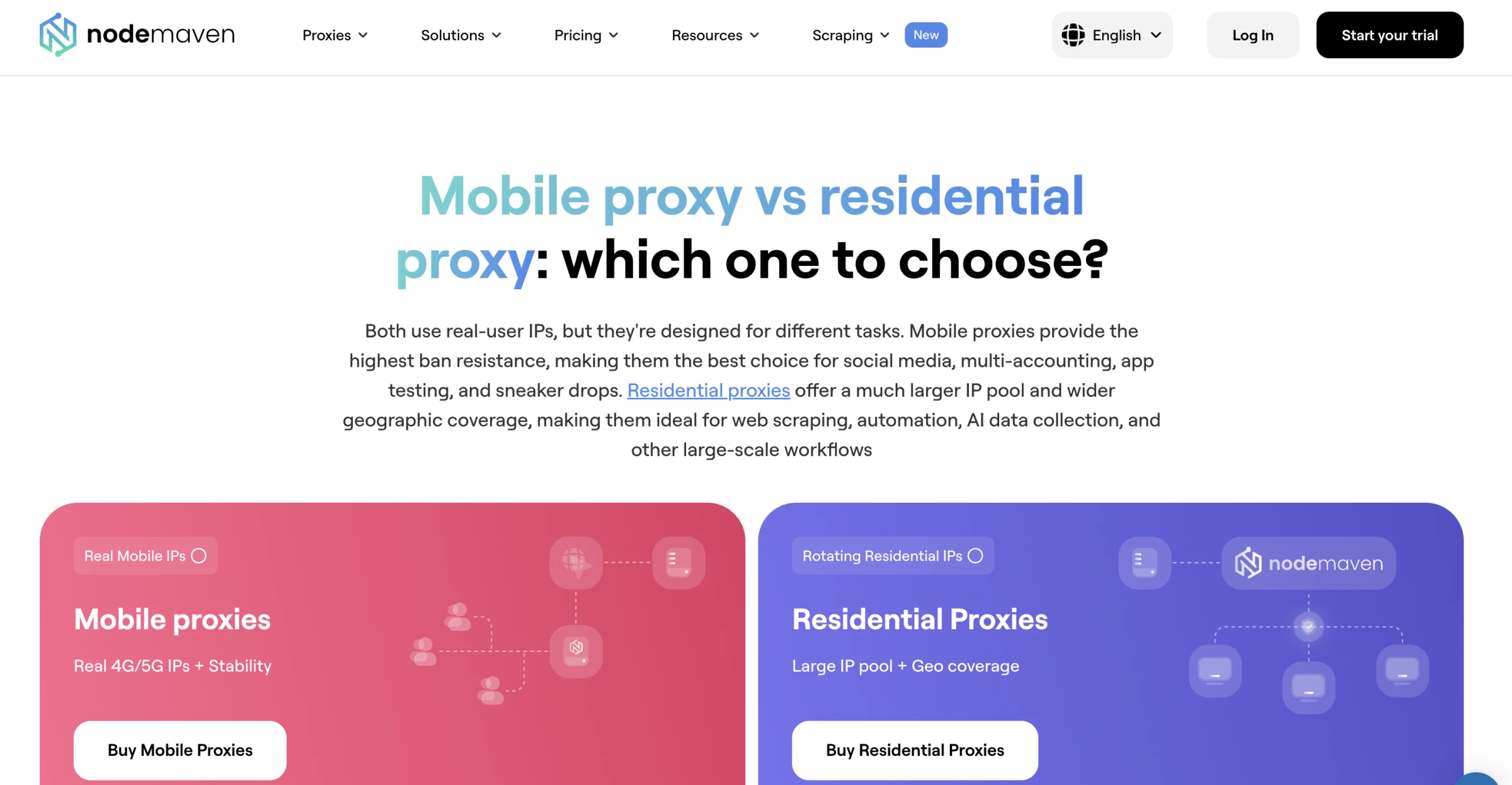
NodeMaven provides more than 295,000 real-device 4G, 5G, and LTE mobile IPs across 190+ countries. Every address is screened before it reaches a user.
As Anna R., Content Manager at NodeMaven, explains, “NodeMaven’s IP Quality Filter checks reputation, fraud signals, and blacklist records before assigning residential or mobile IPs to users.”
According to the provider, this screening results in a 95% IP clean rate and a 99.54% average success rate.
A key advantage is that mobile and residential proxies share one plan and one traffic balance, so users can move between both networks as their workflow requires, without buying separate packages or leaving traffic locked in a mobile-only plan.
Pricing starts at $2.20 per GB on larger-volume plans, which puts NodeMaven among the more competitive per-GB rates on this list.
Targeting options include country, city, ZIP code, ISP, and carrier. Users can configure rotation frequency or keep sticky sessions for up to 24 hours, and HTTP and SOCKS5 are supported.
Pricing
- Mobile and residential proxies start from $2.20 per GB
- One traffic balance covers both proxy networks
- A $3.50 paid trial includes 750 MB
- All traffic plans include traffic rollover and cashback
Key Features
- 295K+ mobile IPs across 190+ countries
- Real-device 4G, 5G, and LTE connections
- Residential and mobile proxies under one plan
- Country, state, city, ZIP, ISP, and carrier targeting
- Sticky sessions of up to 24 hours and configurable rotation
- 95% IP clean rate and 99.54% reported average success rate
- Traffic rollover and cashback for consumed traffic
5. SOAX: Best for Managing Mobile and Residential Traffic
For teams that use both proxy types within one data collection program.
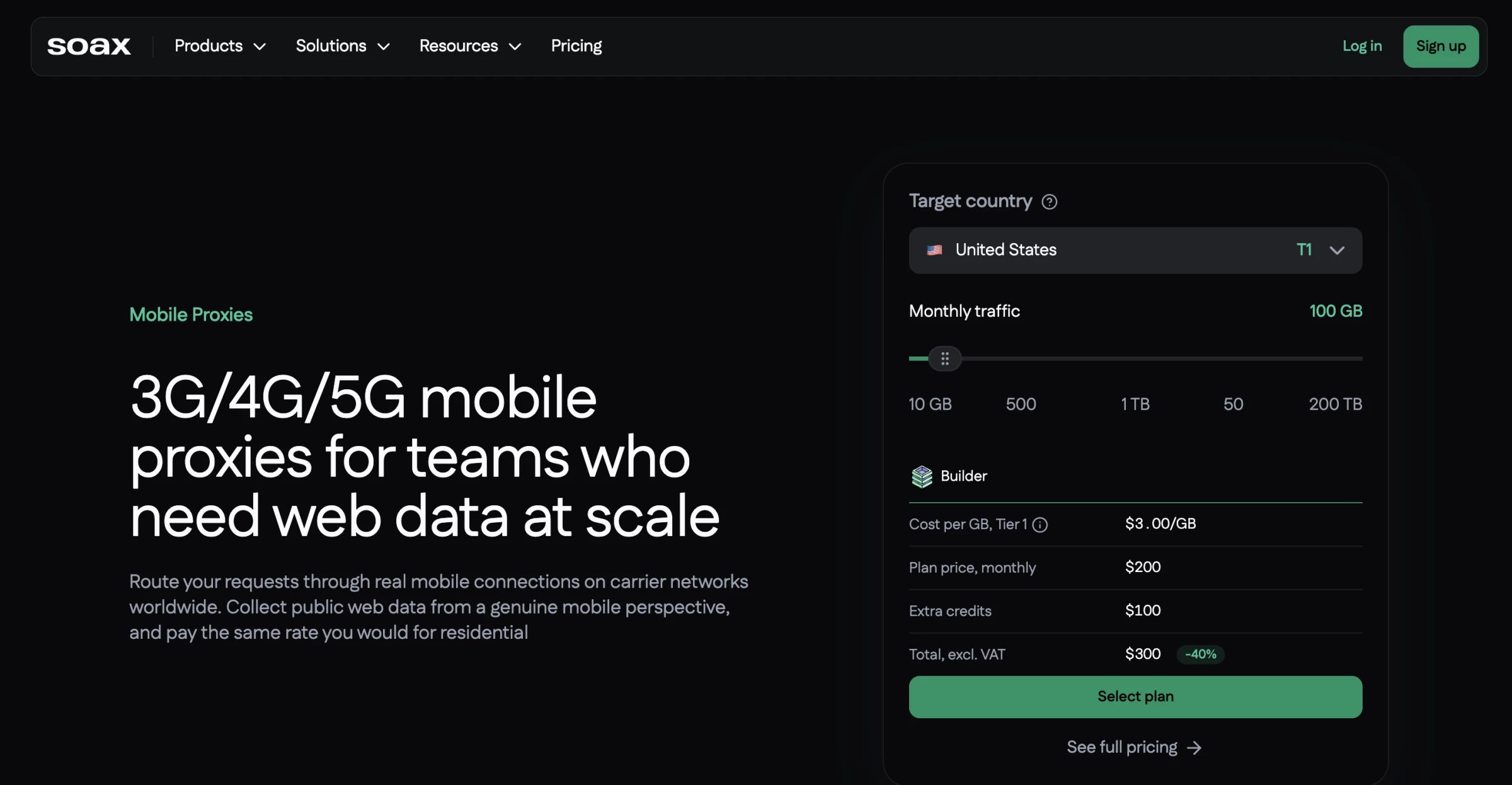
SOAX offers mobile and residential proxies through one platform, where teams can manage connections and track data use.
This can help teams running several research or monitoring projects at once. Usage analytics show how much traffic the work consumes, while API access lets teams include that information in their own reports.
Check the rates for the countries you plan to cover before choosing a subscription. SOAX charges different usage rates across groups of countries, so the same budget may cover more traffic in some locations than others.
Pricing
- Builder: $200/month plus VAT
- Team: $500/month plus VAT
- Scale: $1,500/month plus VAT
- Enterprise: $3,000/month plus VAT
Per-GB usage rates vary by geographic tier and plan
Key Features
- Residential and mobile networks under one pricing structure
- 99.9% uptime
- Rotating and persistent sessions
- API access for packages, sessions and analytics
- Location filters with plan-dependent targeting
- Geographic usage tiers



6. Proxy-Cheap: Best for Static and Rotating Mobile Options
For teams comparing session continuity with access to changing mobile IPs.
Proxy-Cheap offers both static and rotating mobile proxies. The choice depends on whether your task needs the same IP address throughout or can use different addresses for separate requests.
Static mobile proxies may suit tests that involve logging in and completing several steps. Rotating proxies may work better for monitoring jobs where each page check runs separately.
Check the product details before paying, especially if you need to keep the same IP address. Proxy-Cheap notes that changes on the mobile network can affect a static IP, so it may not stay the same for the entire project.
Pricing
- Rotating mobile proxies: from $5.99/GB
- A 1GB rotating purchase is available
Static mobile prices and rental periods depend on the selected product.
Key Features
- Static and rotating mobile products
- HTTP, HTTPS and SOCKS5 support
- Over 99% uptime
- Product-specific location and session settings
- Manual rotation for static mobile connections
- A 1GB rotating mobile purchase option
7. MarsProxies: Best for Time-Based Mobile Access
For teams that prefer a rental term to metered mobile traffic.
MarsProxies offers mobile proxies for a fixed rental period with unlimited traffic. This can suit short projects, such as checking a website before launch, monitoring prices during a sale or running several days of testing.
You pay for the time you need, so you don’t have to keep buying data as traffic increases. That makes costs easier to plan when you need to check pages frequently or load images and other large files.
Choose a rental period that gives you enough time to finish the work, and test a few typical pages before running the full project.
Unlimited traffic doesn’t guarantee fast loading, and IP changes could interrupt tasks that require the same connection throughout.
Pricing
- Mobile access advertised from $8.49/day
- Total price depends on rental duration and selected configuration
- Plans advertise unlimited traffic
Key Features
- Dedicated mobile access with advertised unlimited traffic
- 450K+ mobile IPs
- 99.99% uptime
- 3G, 4G, LTE and 5G support
- Optional automatic rotation every 10 minutes
- HTTPS and SOCKS5 support
- Multiple rental durations
8. IPRoyal: Best for Choosing Between Rotating and Dedicated Access
For teams that want both purchasing models from one provider.
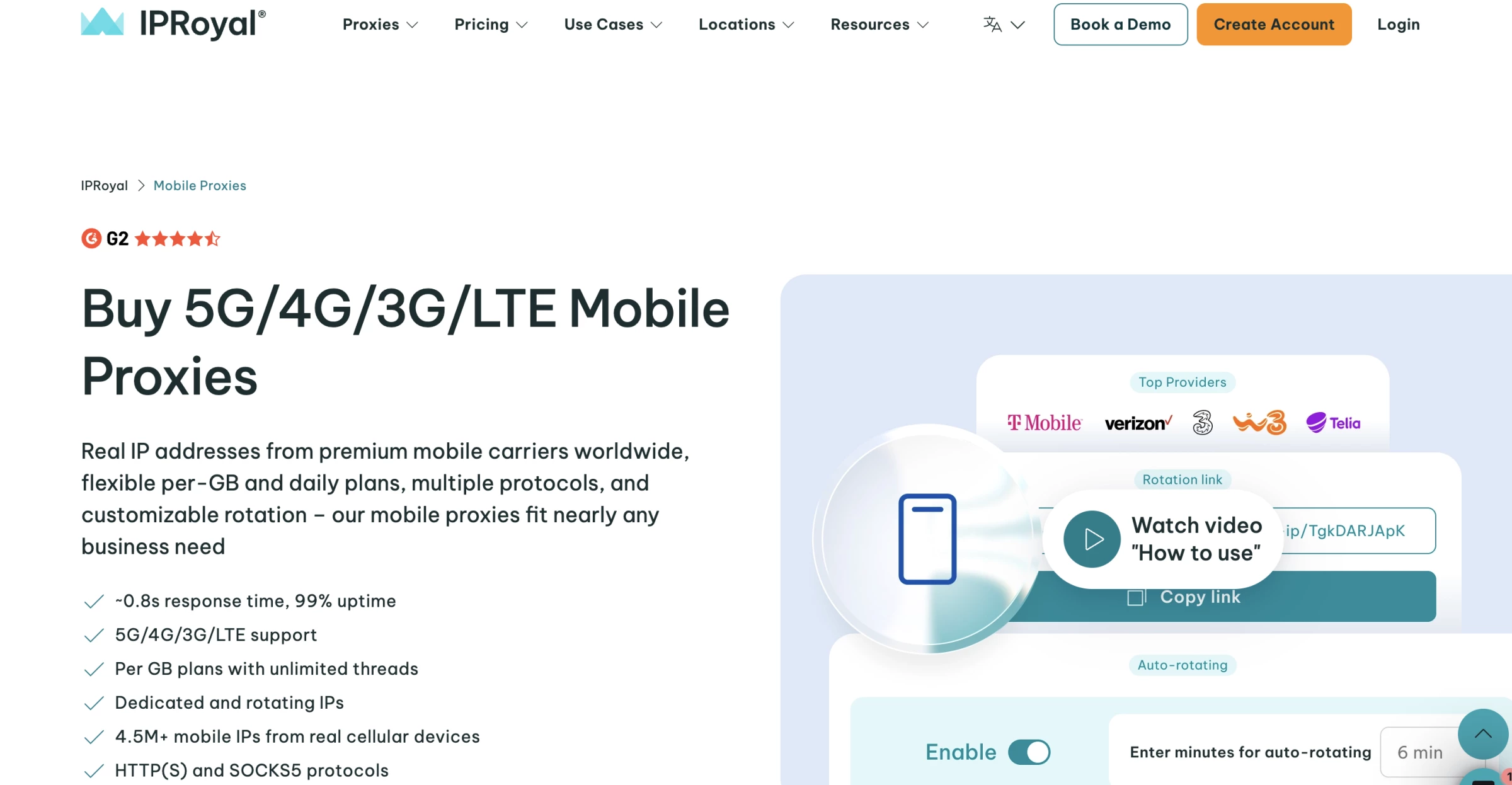
IPRoyal offers a rotating mobile proxy pool and dedicated mobile plans. Teams can choose an option based on the work, from collecting data across separate pages to running repeated checks through the same connection.
For example, you might use rotating proxies for general research and a dedicated plan for tests that involve logging in and completing several steps. If a project includes both, you can compare the cost of each option before deciding how to split the work.
Check coverage and availability for each product separately, as the rotating pool and dedicated plans may offer different options. Longer rentals can lower the monthly cost, but only commit if you expect to use the connection regularly.
Pricing
- Rotating: 2GB at $6.80/GB, totaling $13.60
- Dedicated: from $10.11 for 24 hours
- Dedicated 30-day rental: from $130
Longer dedicated terms advertise lower monthly rates
Key Features
- 4.5M+ advertised mobile IPs
- 99% uptime
- Rotating and dedicated mobile products
- Country, state, city and carrier targeting
- Configurable rotation and sticky sessions
- HTTP, HTTPS and SOCKS5 support
9. Rayobyte: Best for US Carrier Workloads
For teams that want sales-assisted mobile access on US networks.
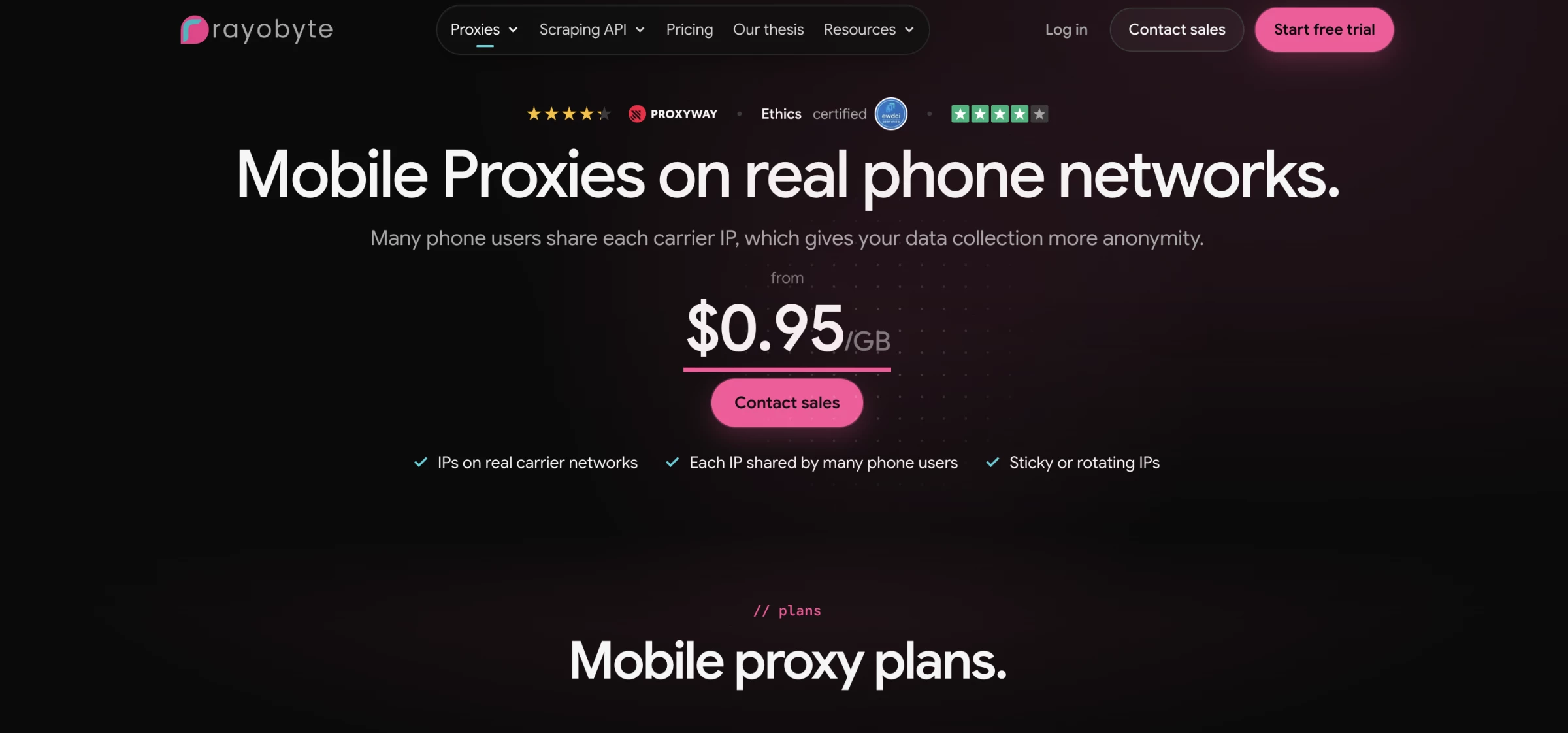
Rayobyte offers mobile proxies through its sales team, with its published plans focused on US mobile networks. You’ll need to contact the team to discuss your project and check what’s available.
For US search monitoring or ad verification, explain which locations you need, how often you’ll run checks and whether you need to keep the same IP between requests.
Rayobyte also accepts inquiries about other countries, so ask directly if your project extends beyond the US.
Its monthly data packages may suit regular monitoring better than occasional checks because unused data expires at the end of the billing period. Ask whether you can test a small amount of mobile traffic first, then use the results to choose a package.
Pricing
- Professional: $250/month for 83GB; advertised $3/GB
- Business: $1,000/month for 571GB; advertised $1.75/GB
- Corporate: $2,500/month for 2,632GB; advertised $0.95/GB
Published unit rates are rounded; bandwidth expires after 30 days
Key Features
- US mobile carrier networks
- 99.9% uptime
- Sticky and rotating IP options
- Sales-assisted setup and route qualification
- Monthly bandwidth packages
- Additional countries subject to sales confirmation
10. Airproxy: Best for Dedicated Italian Connections
For social media automation and stable dedicated mobile connections.
Airproxy offers dedicated mobile proxies through SIM cards in Italy. It may suit teams that regularly check Italian websites, ads or online stores and need a local mobile connection.
You can request an IP change manually or through an API. This lets you finish a test before changing the address, which can help when checking a login process or following several steps through a website.
Check that its Italian coverage matches the locations and carriers you need. If your project covers several countries, you’ll need to arrange access elsewhere too. Use the paid trial to test it with your websites and tools before committing to a full rental.
Pricing
- €67 per proxy for 30 days
- 72-hour paid trial: €9.90
Published rentals include unlimited data
Key Features
- Dedicated SIM-based mobile connections
- Italian mobile exit locations
- 99.99% uptime
- Advertised unlimited data
- Scheduled and API-triggered IP rotation
- Paid 72-hour trial
How To Choose a Mobile Proxy Provider
Start with what you need the proxy to do. Check the connection type, locations, and session settings first, then compare prices.
Choose the Right Connection Type
Rotating proxies, sticky sessions, and dedicated connections work differently, but they can overlap.
A dedicated connection can change its IP address, while a rotating proxy service may let you keep the same IP for a set period.
| What you need | What to look for | What to check |
| Different IPs for separate page checks | Rotating mobile proxies | Available locations, how IPs change and traffic costs |
| The same IP for several connected steps | Sticky sessions | How long the IP stays the same and what happens if the connection drops |
| A mobile connection reserved for your use | Dedicated mobile proxies | What you get exclusive access to, how you change IPs and how long the rental lasts |
Check the Locations and Carriers You Need
A large IP pool does not guarantee availability in your chosen location. Confirm that you can use the country, city, and carrier filters together, and check whether those connections are available before paying.
For example, Rayobyte’s mobile setup guidance explains that access to specific IPs and carriers depends on the connections available at the time.
Find Out What Happens When a Connection Drops
Ask whether the service reconnects with the same IP, assigns a new one, or stops the session when a device disconnects. Also check what happens when the carrier changes the IP, or the session reaches its time limit.
A listed session length does not guarantee that the IP will stay the same throughout.
Test this yourself, especially if an unexpected change could interrupt a login, checkout or other multistep task. Check that your software can detect the change and pause or restart the task if needed.
Compare the Full Cost
“The price per GB does not show how much usable work that traffic will produce,” says Anna R.
“Low-quality or overused IPs can lead to blocked requests, repeated page loads, interrupted scraping jobs, and additional account verification.”
Alongside performance, check the purchasing terms that affect your project’s total cost:
- Minimum payment: A low per-GB rate may require you to buy more data than you need.
- Billing period: Choose a daily rental or monthly plan based on how long the work will take.
- Unused data: Check whether it carries over or expires.
- Location charges: Confirm whether your chosen countries or targeting options cost extra.
- Trials and refunds: Check whether you can test the service before committing to a larger payment.
SOAX’s rates vary by geographic tier, NodeMaven’s prices depend on traffic volume, and Airproxy charges by rental period. Compare what each would charge for your project.
Test the Websites You Plan To Use
Run a small test before buying a larger package. Give each provider the same tasks, locations, request limits and amount of time.
Check the results themselves. A request can connect successfully and still return a block page, missing content or data you cannot use.
Anna R. suggests comparing location, network provider, blacklist status and fraud scores through services such as Scamalytics or IPQualityScore.
However, she cautions, “Results can differ between databases, so one score should not be treated as a final verdict.”
| What to measure | What to record |
| Complated tasks | Page checks or tests that return the result you need |
| Failed tasks | Timeouts, blocks, missing content and other unusable results |
| Retries | Extra attempts needed to finish each task |
| IP changes | Whether the IP changes during a task that needs the same connection |
| Time taken | How long the work takes under the same conditions |
| Cost | Data charges, rental fees and any other proxy charges |
Calculate proxy cost per completed task = proxy test cost ÷ successfully completed tasks.
If none of the tasks finish successfully, record that as a failed test.
For a full project cost comparison, add development, browser and server costs separately.
When To Use Mobile Proxies and When Not To
Consider mobile proxies when you need to check content through a mobile carrier’s network, such as testing local ads or checking carrier-specific offers. They may also suit projects where testing shows they return more usable results than other proxy types.
Search monitoring is one example. In his DesignRush interview, Terakeet’s former director of marketing, RJ Licata, explains, “We look at organic search and search behavior as the world's most honest focus group.”
For teams researching different markets, mobile proxies can support checks of localized search results through carrier connections. Those observations can complement search analytics when investigating which competitors, offers and content appear in each market.
Mobile proxies may be unnecessary if your task works reliably with another connection type. They may also be a poor fit if you need an IP address that stays unchanged for long periods, since mobile carriers can change addresses even on dedicated connections.
If you do not need a mobile carrier IP, compare residential proxy providers, datacenter proxy providers, and ISP proxy providers against your requirements and budget.
For more options, our web scraping proxy comparison covers services across several proxy types.
Choose the Right Mobile Proxy for Your Project
The right mobile proxy provider should support the locations you need, keep connections consistent for the task and deliver usable results at a manageable cost. Compare providers against those requirements before committing to a larger plan.
Start with a small test on your actual workload. Measure completed requests, interruptions and total spend, then use those results to decide which service deserves a longer commitment.
A successful trial gives you a stronger basis for choosing than an advertised pool size or starting price alone.

Our team ranks agencies worldwide to help you find a qualified partner. Visit our Agency Directory for the top IT services companies, as well as: