
Let's walk you through how to choose a datacenter proxy provider: pick the right proxy type first, evaluate providers, understand common pricing models, and then compare the best datacenter proxy providers for 2026.
Datacenter Proxy Providers: Key Findings
- Oxylabs is built for scale, while Webshare is great for keeping things simple and cost-efficient when you just need fast datacenter proxies without overcomplicating setup.
- SOAX stands out for teams that want more control over targeting and proxy behavior, while IPRoyal is a practical pick for steady dedicated datacenter use.
- Decodo and Shifter are strong options for rotation-heavy traffic, making them a good fit for high-volume monitoring and scraping workflows where you want consistent throughput.
What Is a Datacenter Proxy?
A datacenter proxy is a proxy IP hosted on servers in commercial data centers, meaning it’s not tied to a real home ISP connection like residential proxies.
It’s especially common in high-volume workflows like eCommerce, which is the most frequent proxy use case, and it’s also heavily used in AI-driven use cases where teams need fast, repeatable access to public web data.
The reason businesses use them is simple: they’re typically faster, higher-bandwidth, and more cost-efficient for high-volume tasks like monitoring, automation, and scraping public pages.
What Type of Datacenter Proxy Do You Actually Need
Before you compare providers, you need to pick the setup that matches your workload.
Here’s the simplest way to decide.
If You Need Consistent Logins and Stable Sessions, Go Dedicated
Choose dedicated datacenter proxies when you need the same IP to stick around and behave like a predictable user.
Best for:
- Logging into tools or dashboards
- Account management workflows
- QA/testing where consistency matters more than rotation
- Anything that breaks if the IP keeps changing
If You Need Scale and Speed on a Budget, Go Shared
Choose shared datacenter proxies when you need lots of requests, fast performance, and you can tolerate some noise.
Best for:
- Broad scraping where speed matters
- Public pages (no logins)
- Early-stage testing and proof of concept runs
- Large volume tasks where occasional blocks aren’t fatal
If You Need High Volume Across Strict Sites, Go Rotating
Choose rotating datacenter proxies when you’re running repeated requests and you need the IP to change automatically to reduce blocking.
Best for:
- SERP monitoring and keyword tracking
- Price intelligence at scale
- Data extraction from sites with rate limits
- Any workflow where repeated requests from one IP will get throttled
One Thing Businesses Miss
If you’re scraping “easy” targets, almost any datacenter proxy will look fine.
The real test is when you hit sites that:
- Rate-limit aggressively
- Flag hosting ranges
- Block repeated traffic patterns
That’s where the right proxy type matters more than the provider’s marketing page.



What To Look for in a Datacenter Proxy Provider: 7 Criteria To Help You Choose
As enterprise analytics gets more web-data driven, choosing the right provider matters more than ever.
These are the seven criteria that tell you if a provider will work for your business or just waste your time.
And the stakes are higher now that proxies aren’t just used for scraping and monitoring, they’re part of how businesses fuel automation and AI workflows.
As Bright Data Chief Product Officer Ariel Shulman puts it, “Today’s AI models need constant access to fresh, structured, and compliant data. That requires infrastructure that’s always on, adapts automatically, and can be governed centrally.”
- IP quality that doesn’t get you burned
- Targeting you can actually control
- Rotation and sessions that match real workflows
- Protocol coverage that won’t break your stack
- Speed and success rate you can depend on
- Limits that don’t ambush you later
- Support and tooling that saves you time
IP Quality That Doesn’t Get You Burned
This is the foundation. If the IPs are burned, nothing else matters.
What good looks like:
- IPs don’t get blocked instantly on your target sites
- Performance stays consistent day to day
- The pool isn’t full of recycled, overused ranges
What to watch for:
- You’re getting CAPTCHAs and bans within minutes on basic targets
- Success rates tank as soon as you scale requests
- The provider avoids answering where their IPs come from
Targeting You Can Actually Control
Along with proxies, you’re buying control.
What good looks like:
- Reliable country-level routing (not “sometimes it’s correct”)
- City or region targeting if your work actually needs it
- ASN targeting if you’re dealing with strict sites
What to watch for:
- Geo targeting that doesn’t match IP location checks
- Too few real options once you’re inside the dashboard
- Constant mismatches between requested and delivered locations
Rotation and Sessions That Match Real Workflows
Rotation is how you manage risk. Sessions are how you keep workflows stable.
What good looks like:
- Clear rotation options (per request, timed, or manual)
- Sticky sessions that don’t randomly drop mid-flow
- You can control session length based on the job
What to watch for:
- Rotating that still reuses the same small subset of IPs
- Sticky sessions that behave like random rotation
- You can’t adjust rotation rules without upgrading plans
Protocol Coverage That Won’t Break Your Stack
This is less exciting, but it’s where compatibility issues happen.
What good looks like:
- HTTP(S) proxies for most web workflows
- SOCKS5 available if you need broader app compatibility
- IPv4 support when targets are picky (many still are)
What to watch for:
- You buy a plan and realize your stack can’t use it cleanly
- IPv6-only pools that don’t work with your targets
- Limited auth options that create messy setups for teams
Speed and Success Rate You Can Depend On
The provider that’s cheap but fails half your requests isn’t cheap.
What good looks like:
- Low latency and stable response times at scale
- High success rates on your real targets, not demo endpoints
- Performance doesn’t collapse when you increase concurrency
What to watch for:
- Fast connections but constant 403/429 errors
- Big drop in success rate during peak hours
- You can’t maintain throughput without adding cost fast
Limits That Don’t Ambush You Later
Every provider has limits. The bad ones hide them until you hit a wall.
What good looks like:
- Clear concurrency rules and fair usage terms
- Predictable throttling behavior (not random instability)
- Capacity that matches the workload you actually run
What to watch for:
- Unlimited bandwidth with aggressive throttling
- Hidden caps that trigger after a few thousand requests
- Plans that look scalable but break the moment you scale
Support and Tooling That Saves You Time
If proxies are business-critical for you, support isn’t optional. It’s part of the product.
What good looks like:
- Real troubleshooting, not canned replies
- Clear documentation and a dashboard that shows failures
- APIs that make rotation, sessions, and usage easy to manage
What to watch for:
- Support that disappears after you pay
- No useful logs or reporting when something breaks
- Slow response times when you’re losing revenue or data
Datacenter Proxy Pricing Models Explained
Datacenter proxy pricing looks simple until you start using the product. Then you realize two providers can charge the same amount and deliver totally different outcomes.
The goal is to find a pricing model that matches how your team actually runs traffic.
- Pay per IP: Best for stability and long-running workflows
- Pay for bandwidth (GB-based): Best when traffic Is predictable
- Pay per request: Best for strict cost control
- Unlimited or unmetered plans: Best when you trust the fine print
Pay per IP: Best for Stability and Long-Running Workflows
You’re paying for a fixed number of IPs, usually monthly.
Best for:
- Dedicated proxy setups
- Logins, account management, and session-based workflows
- QA/testing where consistency matters
Pay for Bandwidth (GB-Based): Best When Traffic Is Predictable
You pay based on how much data you move through the proxies.
Best for:
- Scraping lightweight pages at steady volume
- Projects where usage is predictable month to month
Pay per Request: Best for Strict Cost Control
You pay per successful request or per total request volume.
Best for:
- High-scale scraping where you want clean forecasting
- Teams that need clear “cost per job” tracking
- Burst workloads (spiky demand)
Unlimited or Unmetered Plans: Best When You Trust the Fine Print
These plans usually mean you won’t get charged by GB, but you’re still limited somewhere.
Best for:
- High-volume teams with stable targets
- Workloads where bandwidth metering is annoying
7 Best Datacenter Proxy Providers in 2026
Below is a practical shortlist of providers that are worth considering in 2026, with what they’re best for and where they tend to fit in a business workflow.
- Oxylabs: Best for enterprise scale
- Webshare: Best for budget picks
- Decodo: Best for growing teams
- IPRoyal: Best for cost-conscious teams
- SOAX: Best for control and targeting
- Shifter: Best for high-volume rotation
- Live Proxies: Best for dedicated simplicity
1. Oxylabs: Best for Enterprise Scale
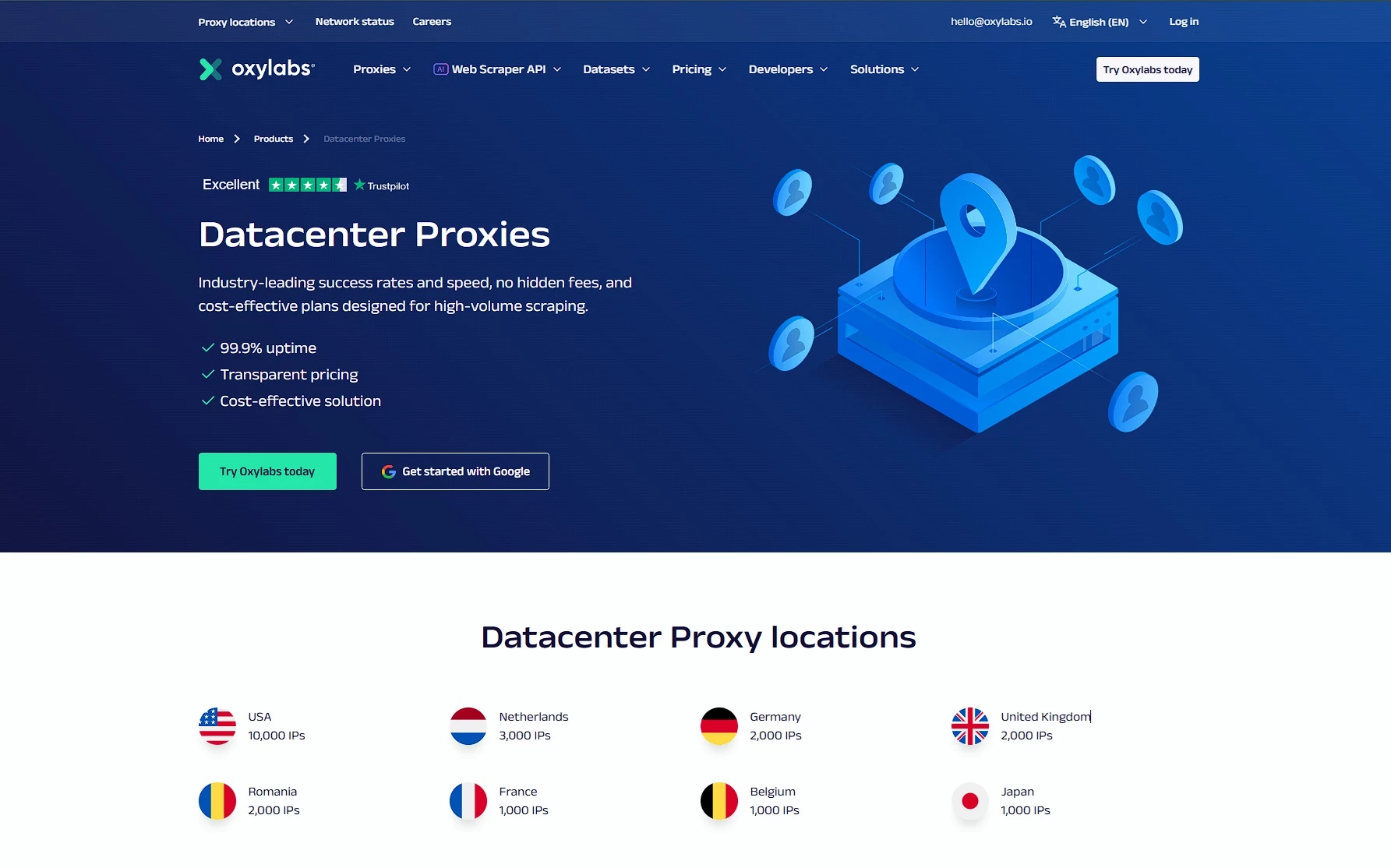
Key features:
- Automatic IP rotation (rotate every request or keep the same IP)
- Unlimited bandwidth under fair usage policy
- Flexible billing: pay-per-IP or traffic-based
- 99.9% success rate positioning
Pricing:
- Listed from $1.20/IP
- Shared Datacenter Proxies plans start from $50/month
Oxylabs is a strong pick when proxies are business-critical and you need consistent performance at scale.
It’s built for teams running serious volume, with the kind of infrastructure and tooling that typically works well for data operations, market intelligence, and high-frequency collection.
Best fit if you: Want stability, scale, and a provider that feels “enterprise-grade.”
Not ideal if you: Only need a small pool and want the cheapest option.
2. Webshare: Best for Budget Picks
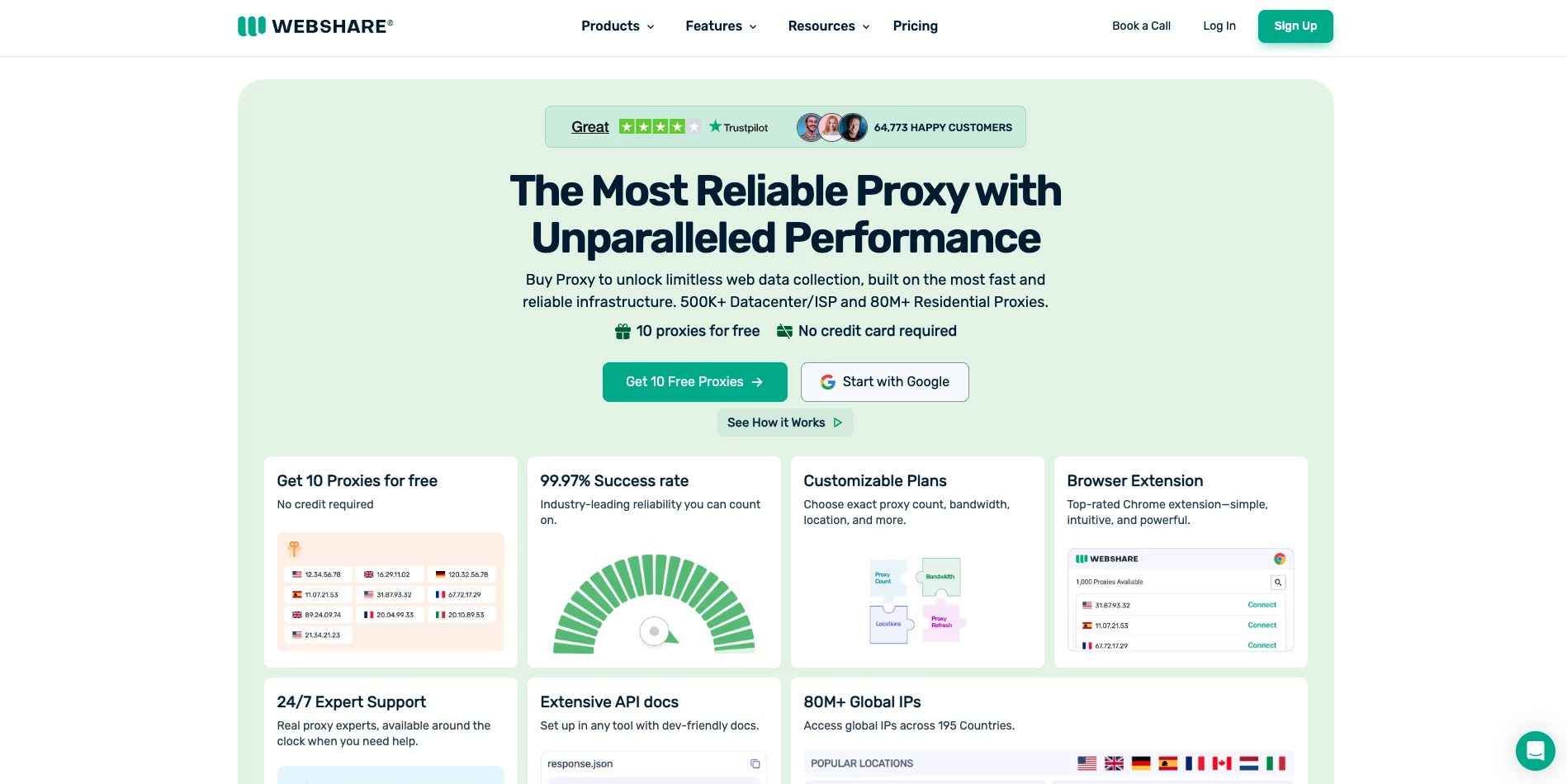
Key features:
- HTTP + SOCKS5 support
- 99.7% uptime positioning
- Free plan available (10 proxies)
Pricing:
- Datacenter proxies starting at $0.018/IP
Webshare is a go-to choice for teams that want something straightforward, fast, and cost-effective.
It’s especially useful if you’re building internal scripts, running lightweight scraping tasks, or testing proxy-based workflows before scaling up.
Best fit if you: Want a simple setup and predictable pricing.
Not ideal if you: Need advanced targeting or heavy-duty support for strict targets.
3. Decodo (formerly Smartproxy): Best for Growing Teams
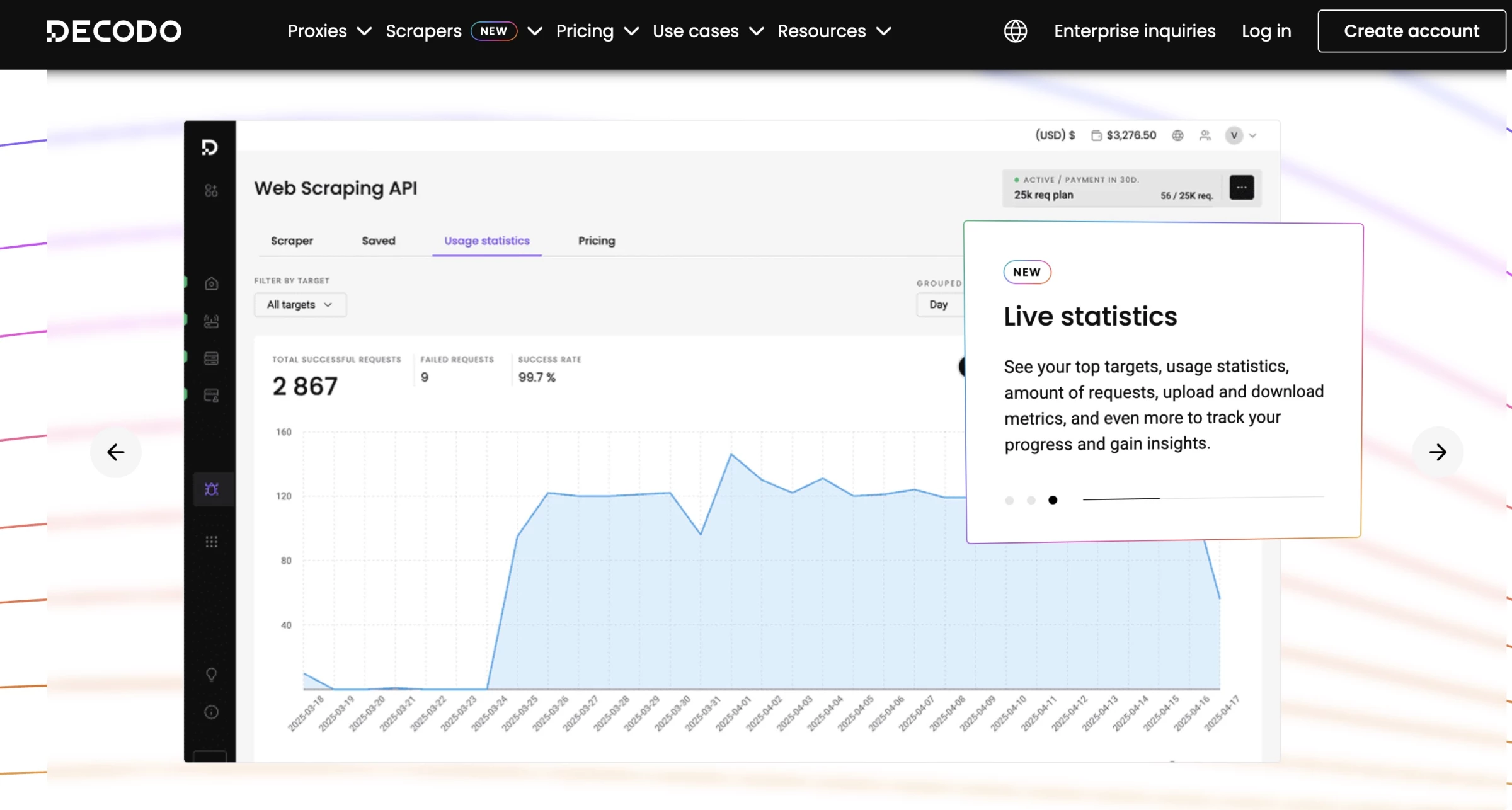
Key features:
- Over 115 million residential IP addresses (7.1 million of which are in the US)
- “Start free trial” available
- Built as a broader stack (proxies + scraping tools ecosystem)
Pricing:
- Datacenter proxies from $0.020/IP
Decodo sits in the “strong all-rounder” lane: good for teams that want solid proxy performance without jumping straight to enterprise-level pricing.
It’s a common choice for eCommerce monitoring, SEO tracking, and scaling data tasks while keeping control over cost.
Right now, Decodo is offering 58% off on static residential (ISP) proxies, making it an even more attractive option for businesses seeking reliable, high-performance IPs at a discounted rate.
Best fit if you: Want reliable performance and decent flexibility for different workflows.
Not ideal if you: Need highly customized enterprise arrangements.
4. IPRoyal: Best for Cost-Conscious Teams
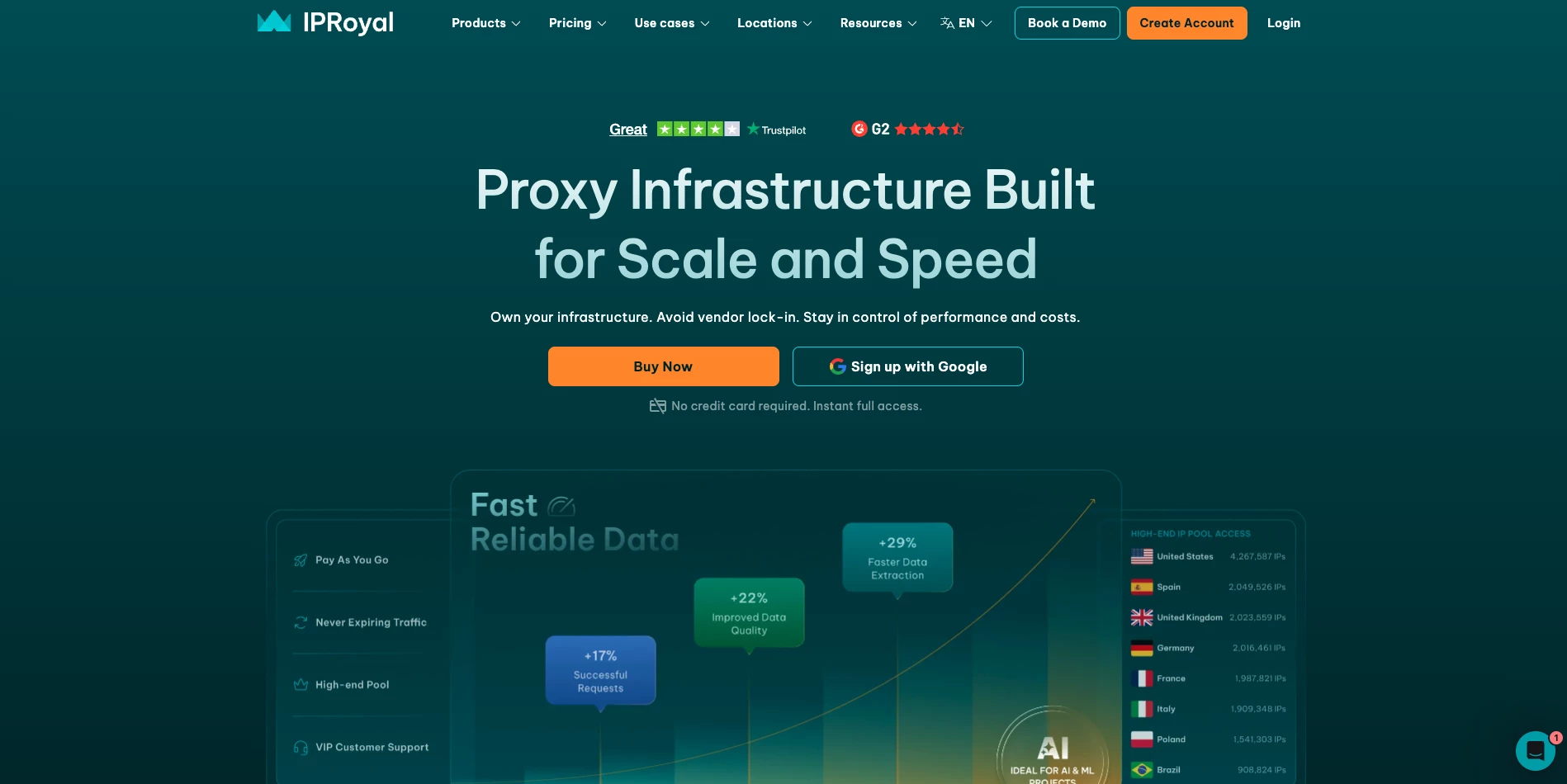
Key features:
- Dedicated IPs + “no limits” positioning
- 99.9% uptime positioning
- 24/7 support + dashboard management
- Residential proxy pool of 250,000 monthly IP addresses.
Pricing:
- Staring from $1.39/proxy
IPRoyal is often considered when you need workable datacenter proxies at a reasonable price point.
It’s a practical option for smaller teams doing competitive research, monitoring, or scraping that doesn’t require heavy targeting sophistication.
Best fit if you: Want good value and a simple buying experience.
Not ideal if you: Need premium performance on stricter targets.
5. SOAX: Best for Control and Targeting
Key features:
- 300k+ datacenter IPs positioning
- Designed for scaling + proxy access across use cases
- Quick trial access (useful for benchmarking)
- 99.5% success rate and a 0.55-second response time
Pricing:
- Trial: 3-day / 400MB for $1.99
SOAX is a good option when targeting flexibility matters and you want more precision in how traffic is routed.
It’s often used when teams are dealing with platforms that are more sensitive to repeated requests and need tighter control over proxy behavior.
Best fit if you: Need better routing control and a more “managed” feel.
Not ideal if you: Only care about raw volume at the lowest cost.
6. Shifter: Best for High-Volume Rotation
Key features:
- Developer-friendly support for multiple protocols including HTTP/S and SOCKS 4/5
- Built around scaling sessions and automation-style workflows
- Broader product ecosystem (proxies + scraping APIs)
- 99,99% uptime
Pricing:
- Starting from $74.99
Shifter is typically considered for rotation-heavy use cases where you need to push a lot of requests and want a provider that’s built around proxy pool access and continuous rotation.
Best fit if you: Run volume-based workflows and need rotation-focused behavior.
Not ideal if you: Need fine-grained control per session or per workflow.
7. Live Proxies: Best for Dedicated Simplicity
Key features:
- Instant delivery positioning and dashboard access
- IP whitelisting + optional API access
- Sticky rotation included in their offering (per site copy)
- Over 10 million IPs
Pricing:
- Starting from $70
Live Proxies is a solid pick when your goal is stable, dedicated datacenter IPs without overcomplicating the setup. It fits teams that want reliability for repetitive tasks and ongoing operations.
Best fit if you: Need dedicated IPs for consistent access and stable sessions.
Not ideal if you: Want a fully managed “scraping platform” type experience.
Common Mistakes When Choosing Datacenter Proxy Providers
Most proxy problems start with mismatched expectations and a rushed buying decision. Here are the mistakes that waste the most time and money, and tips on how to avoid doing them.
- Buying on IP pool size instead of IP quality: Big numbers don’t mean clean IPs. What matters is whether the IPs hold up on your target sites at your real scale.
- Picking the wrong proxy type for the job: Rotating isn’t always the answer. If you need sticky sessions or dedicated IPs, the wrong setup will break workflows fast.
- Assuming unlimited means no limits: Unmetered plans still have caps. Concurrency limits and throttling usually show up right when you start scaling.
- Testing on easy sites only: Most providers look fine on low-friction targets. Test on the strict sites you actually care about, or the trial means nothing.
- Not tracking success rate and retries: Speed doesn’t matter if requests fail. Measure success rate, block rate, and how many retries it takes to get data.
- Ignoring concurrency and throughput limits: Some plans fall apart with higher thread counts. Confirm how much traffic you can run before performance drops.
- Focusing on price per IP instead of cost per successful request: Cheap proxies get expensive when you’re paying for failures. Your real cost is what it takes to get usable results.
- Skipping support and tooling checks: When something breaks, you need answers fast. A solid dashboard and real support save hours.
- Overlooking compliance and acceptable use rules: Some providers are strict about targets and use cases. Confirm your workflow is allowed before you build on top of it.
- Locking into long terms too early: Proxy performance can change over time. Start short, validate, then scale up once it’s proven.

Our team ranks agencies worldwide to help you find a qualified partner. Visit our Agency Directory for the top IT services companies, as well as:
Datacenter Proxies FAQs
1. Are datacenter proxies legal to use for business?
Yes, in most cases, but it depends on what you’re accessing and the site’s terms.
2. What makes a datacenter proxy provider reliable?
Clean IPs, stable performance, real targeting, and consistent success rates.
3. What’s the best way to test a proxy provider before buying?
Run a small benchmark on your real target sites at real concurrency.