
Web scraping tools help businesses collect pricing, competitor, lead, and market data without searching thousands of pages manually.
But access, accuracy, and cost vary widely, especially as websites tighten crawler restrictions and more teams feed web data directly into AI systems.
We compared 12 web scraping tools based on what they collect, how they handle difficult sites, what they cost, and which use cases they suit best.
Best Web Scraping Tools: Key Findings
- Access to public web data is tightening: Cloudflare has blocked declared AI crawlers by default since 2025, making built-in anti-bot handling essential.
- Bright Data leads the commercial field on scale and compliance, pairing scraping APIs and proxy infrastructure with a stack covering GDPR, CCPA, ISO 27001, and SOC 2.
- Free open-source frameworks like Scrapy and Playwright give engineers full control, while newer retrieval APIs return clean, AI-ready text built for agents and RAG pipelines.
Web Data Is More Valuable and Harder to Reach in 2026
Two things happened to web data this year, and they pull in opposite directions.
1. It got more valuable.
AI systems started acting on data, which means a stale price, or a mis-parsed listing now propagates into live decisions at machine speed.
IBM's 2025 CDO Study found that 43% of chief operations officers name data quality their single most significant data priority, and IBM's related research shows concerns about data accuracy or bias are a leading barrier to scaling AI, cited by nearly half (45%) of business leaders.
2. And it got harder to reach.
Cloudflare began blocking AI crawlers by default in July 2025, letting site owners decide who gets access and charging for it through Pay-Per-Crawl.
From September 15, 2026, its defaults will also block mixed-use crawlers from any page carrying ads.
That squeeze has changed what best web scraping tool actually means. A year ago, the shortlist came down to price per thousand requests and how friendly the dashboard was.
In this guide, we break down the 10 best web scraping tools in 2026 to help you choose the one that aligns with your goals, technical comfort level, and growth ambitions.
API vs. Open-Source Web Scraping Tools
The right web scraping tool depends less on features than on how much engineering capacity a team can commit. The three categories below map to three different situations.
Choose a commercial scraping API or platform when:
- The bottleneck is time, not budget.
- The team needs reliable data at scale without maintaining scrapers.
- Core work is marketing, analysis, or research rather than data extraction itself.
- Proxy rotation, anti-bot evasion, and rendering should be handled for you.
Choose an open-source framework when:
- The bottleneck is control or budget rather than time.
- In-house engineers can manage proxies, blocks, and code upkeep.
- Needs are high-volume, highly customized, or feed AI and RAG pipelines.
Choose an AI-search and retrieval API when:
- The end goal is feeding relevant content to LLM agents, not scraping raw HTML.
Best Commercial Scraping APIs and Platforms
Commercial scraping APIs and platforms handle the hardest parts of data extractio,, managing proxies, anti-bot evasion, and JavaScript rendering behind a single request. They cost more than building your own, but they save engineering time and deliver reliable output at scale.
The seven tools below suit teams that want dependable web data without maintaining the infrastructure behind it.
1. Bright Data: Best Overall
[Source: Bright Data]
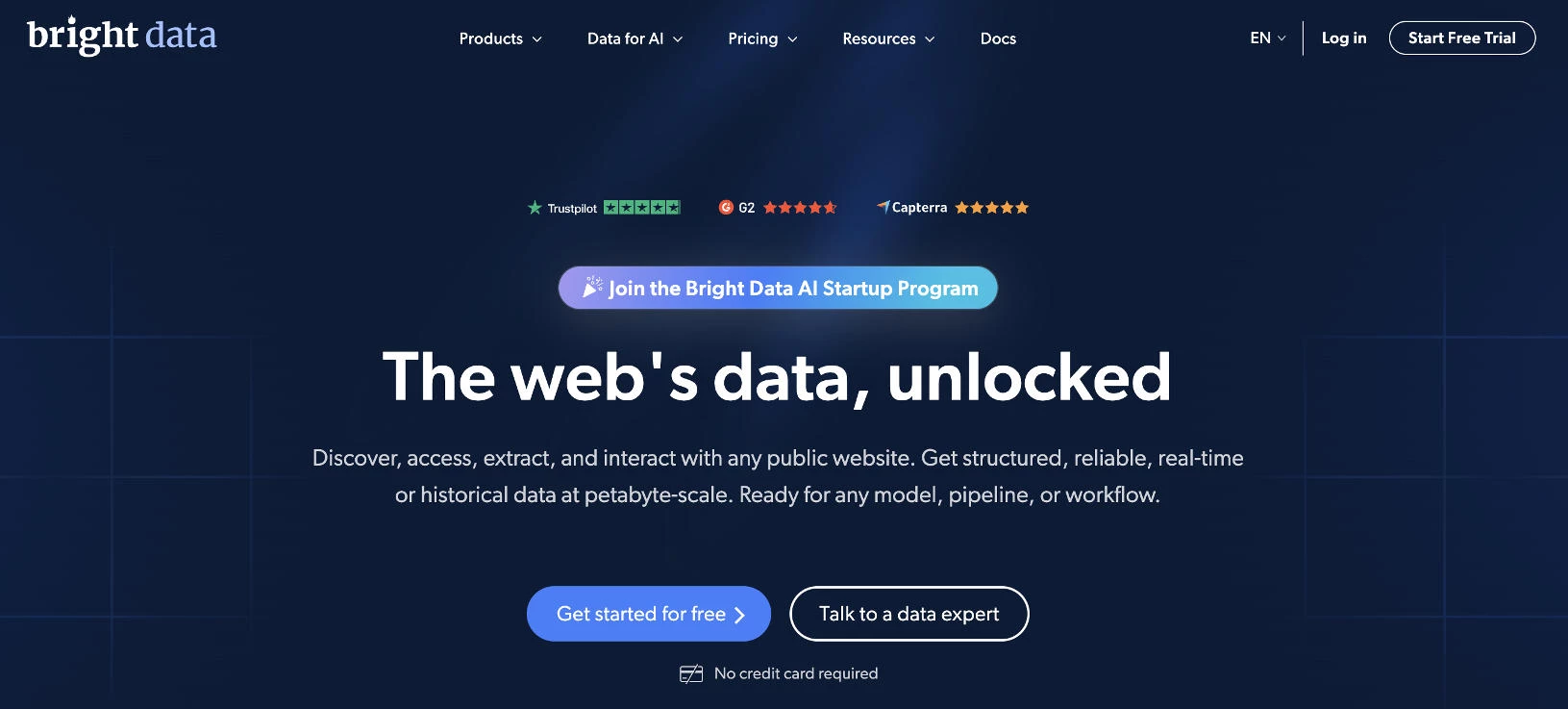
Bright Data is built for businesses that need reliable, compliant, and highly accurate web data extraction at scale. Its infrastructure is built to handle complex websites, dynamic content, and anti-bot protections without constant manual intervention.
They serve customers worldwide, including startups and Fortune 500 companies, and are widely used in production environments.
Unlike lightweight scraping tools, Bright Data combines scraping APIs, automation, and proxy infrastructure into a unified ecosystem.
This makes it especially powerful for price monitoring, competitive research, lead generation, and marketplace intelligence
Pricing:
- Free trial available (no credit card required)
- Unlocker API: from $1 / 1K requests (free tier available)
- Crawl API: from $1 / 1K requests
- SERP API: from $1 / 1K requests (free tier available)
- Browser API: from $5 / GB
- Scraper APIs: from $0.75 / 1K records (free tier available)
Special Offer: Ready to scale your data collection? Get 25% off when you use code APIS25 at checkout.
Notable Features
- Customizable scraping APIs for SERP, eCommerce, and social platforms
- MCP Server integration (free) for AI agents like Claude, LangGraph, and Google ADK
- LLM-ready datasets and 50PB+ Web Archive for AI training and fine-tuning
- Petabyte-scale infrastructure built for AI models, pipelines, and data workflows
- Industry-leading compliance stack, including GDPR, CCPA, ISO 27001, SOC 2, plus a public Trust Center
Who’s It For?
Bright Data is built for organizations that treat web data as critical infrastructure.
For regulated industries or enterprise buyers with strict governance requirements, its Trust Center, PwC-audited compliance practices, and rigorous KYC processes make it a strong fit for high-compliance environments.
Ariel Shulman, Chief Product Officer at Bright Data, emphasizes the importance of robust infrastructure for data collection:
“Teams are increasingly made aware of the complexities of extracting clean, structured data at scale from the public web.
Handling IP blocks and geo-targeting can be a constant effort without the right infrastructure in place, and teams are moving away from those to more advanced data solutions.”
Bright Data is ideal for:
- eCommerce brands monitoring prices across Amazon, Walmart, and eBay
- Fortune 500 companies and AI labs (including leading LLM teams)
- Financial services firms operating under GDPR and CCPA requirements
- Agencies running competitive intelligence
2. Scrapingdog: Best for Reliability and Low Cost per Request
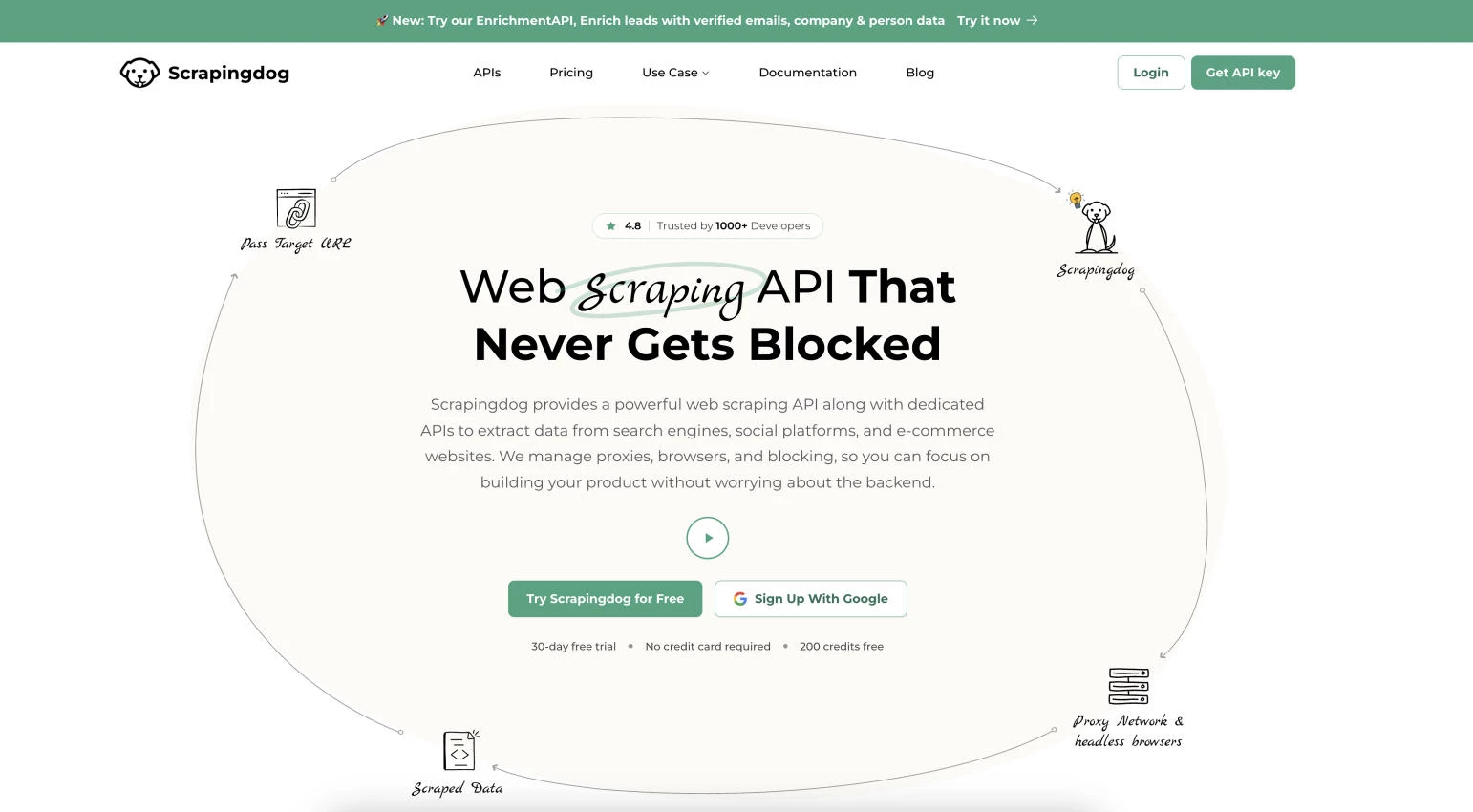
Scrapingdog handles the infrastructure layer of web scraping, managing proxy rotation, headless Chrome rendering, and CAPTCHA solving so users can send a URL and receive structured data back.
It stands out for its library of dedicated APIs targeting platforms that teams commonly need, including Google Search, Amazon, Walmart, and LinkedIn.
Instead of configuring separate tools for each target, users work through a single credit-based system where every plan includes access to the full API catalog.
This makes it a practical option for price monitoring, SEO tracking, lead generation, and feeding data into AI models at scale.
Pricing:
- Free: 200 requests, 1 concurrency
- Paid plans range from $40/month (200,000 requests/5 concurrency) to $30,000/month (1.1 billion requests/2,200 concurrency)
Notable Features
- Dedicated APIs for Google Search, Amazon, Walmart, LinkedIn, and other platforms
- Credit-based pricing where basic requests cost 1 credit and JavaScript rendering costs 5
- Headless Chrome rendering and built-in CAPTCHA solving
- No charge for blocked or failed scrape requests
- Geotargeting and full API catalog access included on every plan
- Pay-as-you-go credit option for teams without predictable monthly volume
Who's It For?
Scrapingdog fits developers and businesses that want blockage-free scraping without building their own infrastructure.
SEO teams can track rankings at scale, eCommerce operators can monitor competitor pricing, and lead generation teams can pull structured profile data through dedicated endpoints.
Because pricing runs on credits rather than raw requests, it rewards teams that understand their feature mix, since JavaScript rendering and premium proxies draw more credits per call.
3. ScraperAPI: Best for Plug-and-Play Integration
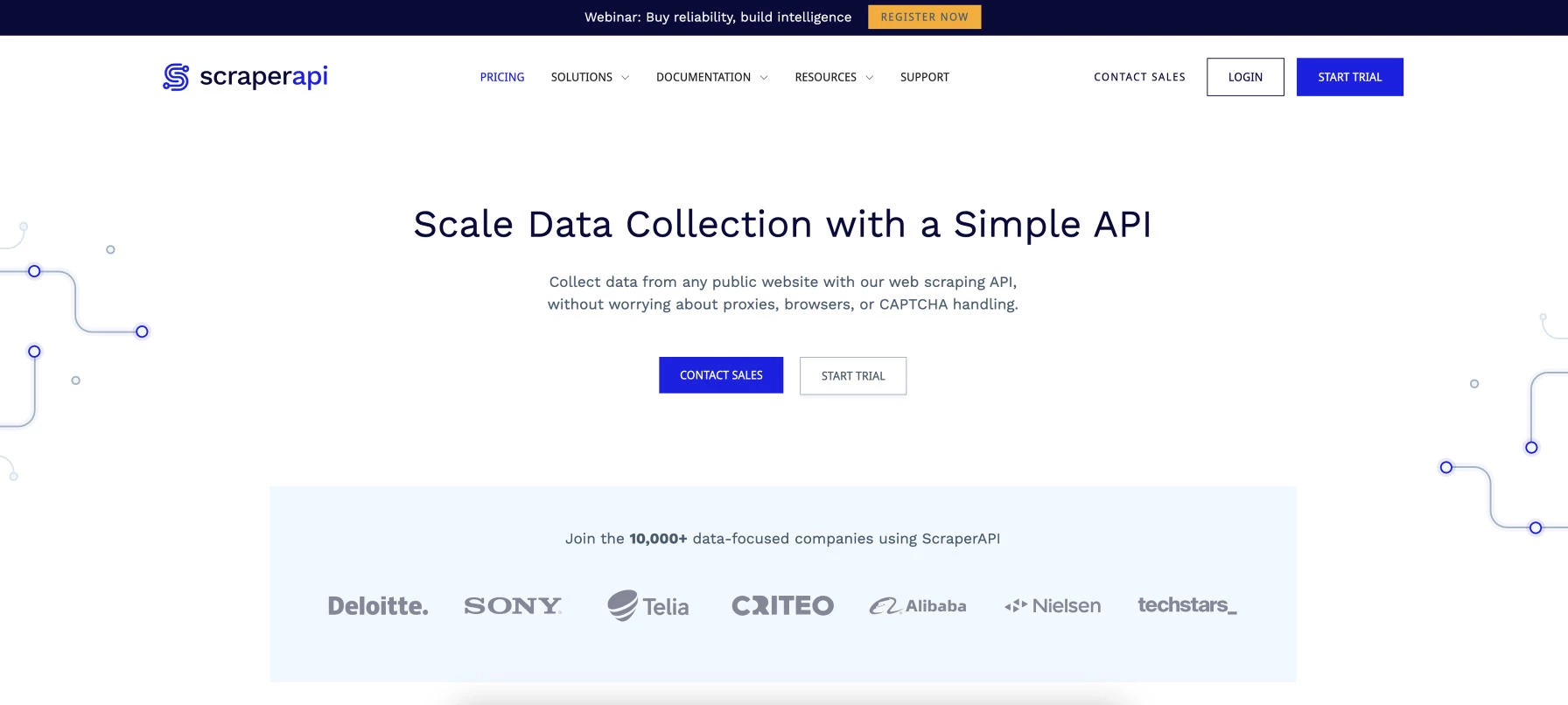
ScraperAPI is built for teams that want data extraction without managing the infrastructure behind it.
It handles proxy rotation, CAPTCHA solving, and JavaScript rendering behind a single API call, so users send a URL and receive the page back.
Instead of assembling proxy pools and headless browsers, developers integrate one endpoint and move straight to working with the data.
This makes it a strong fit for teams that want a simple URL-in, data-out workflow they can wire into existing code within minutes.
Pricing:
- Free trial available (7 days, 5,000 API credits)
- Paid plans range from $49/month (100,000 API credits/20 concurrent threads) to $1,975/month (21.5 million credits/500 concurrent threads)
Notable Features
- Automatic proxy rotation across a pool of 40 million-plus IPs
- JavaScript rendering for dynamic and single-page sites
- Built-in CAPTCHA handling for uninterrupted extraction
- Structured data endpoints for Amazon, Google, and Walmart included at no extra cost
- Geotargeting across 50-plus locations
- Credit-based billing where basic requests cost less than rendered or premium ones
Who's It For?
ScraperAPI suits developers and data teams that want reliable scraping without building or maintaining their own systems.
Its simple integration model works well for teams building SaaS products, internal dashboards, or analytics tools that need web data on demand.
It is particularly practical for those who want dedicated Amazon and Google endpoints without paying extra fees or writing custom parsers for each target.
4. Apify: Best for Customizable Scraping Workflows
[Source: Apify]
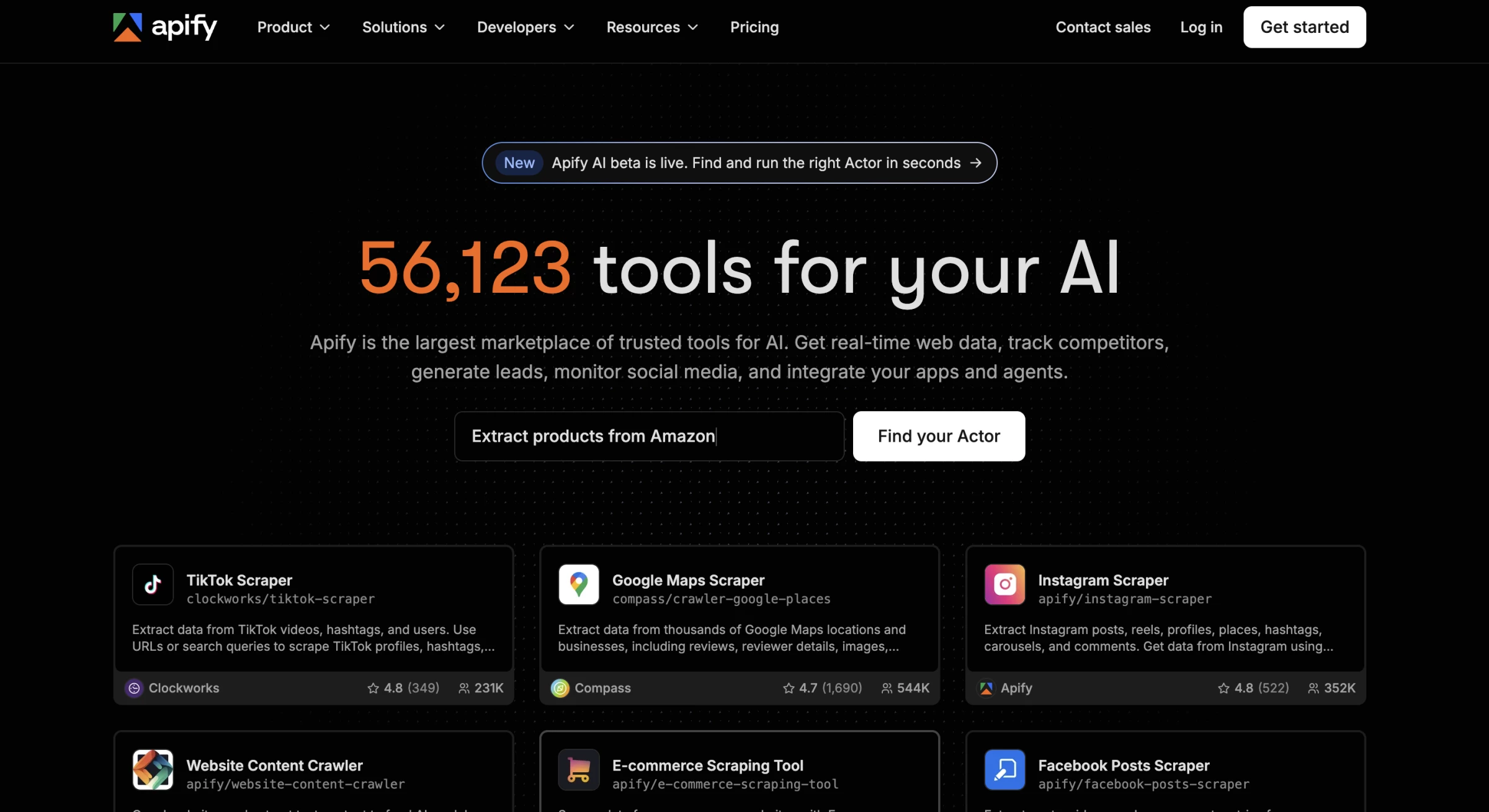
Apify strikes a strong balance between flexibility and usability, making it a favorite for users who want more control over how their web scraping runs.
Instead of rigid templates, it allows customizable workflows that can adapt to different site structures and scraping goals.
Its marketplace of ready-made scraping “Actors” helps users launch common data extraction tasks quickly, from eCommerce listings to social media data.
This reduces setup time while still allowing room for deeper customization when needed.
Pricing:
- Free
- Starter: $29/month
- Scale: $199/month
- Business: $999/month
- Enterprise: Custom
Notable Features
- Extensive marketplace of 55,000+ Actors for common scraping tasks
- Built-in scheduling and automation for recurring jobs
- Dedicated anti-blocking product and proxy service
- Apify MCP server, giving AI agents direct access to Actors
- x402 support, letting agents run Actors and pay per run
- Cloud-based execution with no local setup required
- Flexible data export formats (JSON, CSV, Excel, integrations)
- SOC 2 and GDPR
Who’s It For?
Apify is ideal for startups, researchers, marketers, and small-to-midsize businesses that need repeatable, customizable scraping workflows.
It's particularly useful for product monitoring, lead generation, marketplace tracking, and content aggregation, and increasingly for teams wiring web data into AI agents.
5. Oxylabs: Best for Built-In Compliance
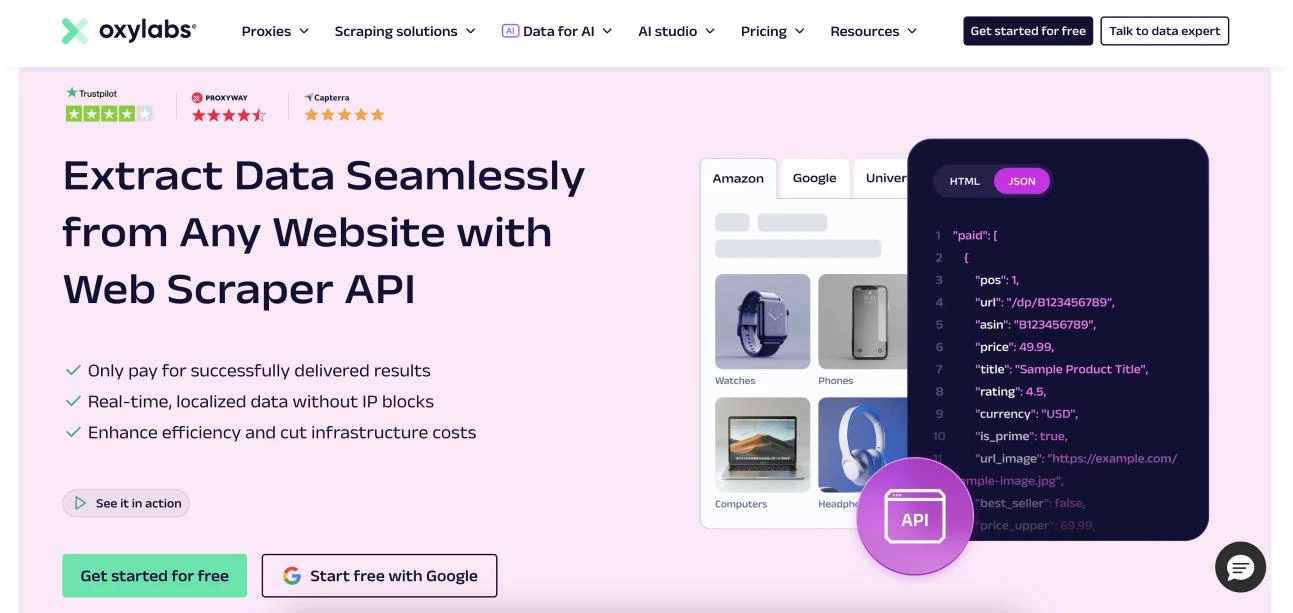
Oxylabs is a strong choice for businesses that need consistent, large-scale web scraping without sacrificing stability. It’s designed to handle complex websites and frequent data pulls while maintaining structured, reliable output for analytics and monitoring.
For growth-focused businesses, it delivers dependable performance and clear compliance practices, making it a practical option for sustained, high-volume data gathering.
Pricing:
- Free (up to 2,000 results)
- Paid plans start at $8/GB
Notable Features
- Pre-configured scraping solutions for eCommerce and SERPs
- Advanced anti-blocking and request retry systems
- Structured data parsing for cleaner outputs
- Extensive geo-targeting options for localized data collection
Who’s It For?
Oxylabs is ideal for data-driven businesses that rely on frequent, high-volume scraping. It’s great for users who need consistency, uptime, and clean datasets.
6. Decodo (formerly Smartproxy): Best for Mid-Market Value
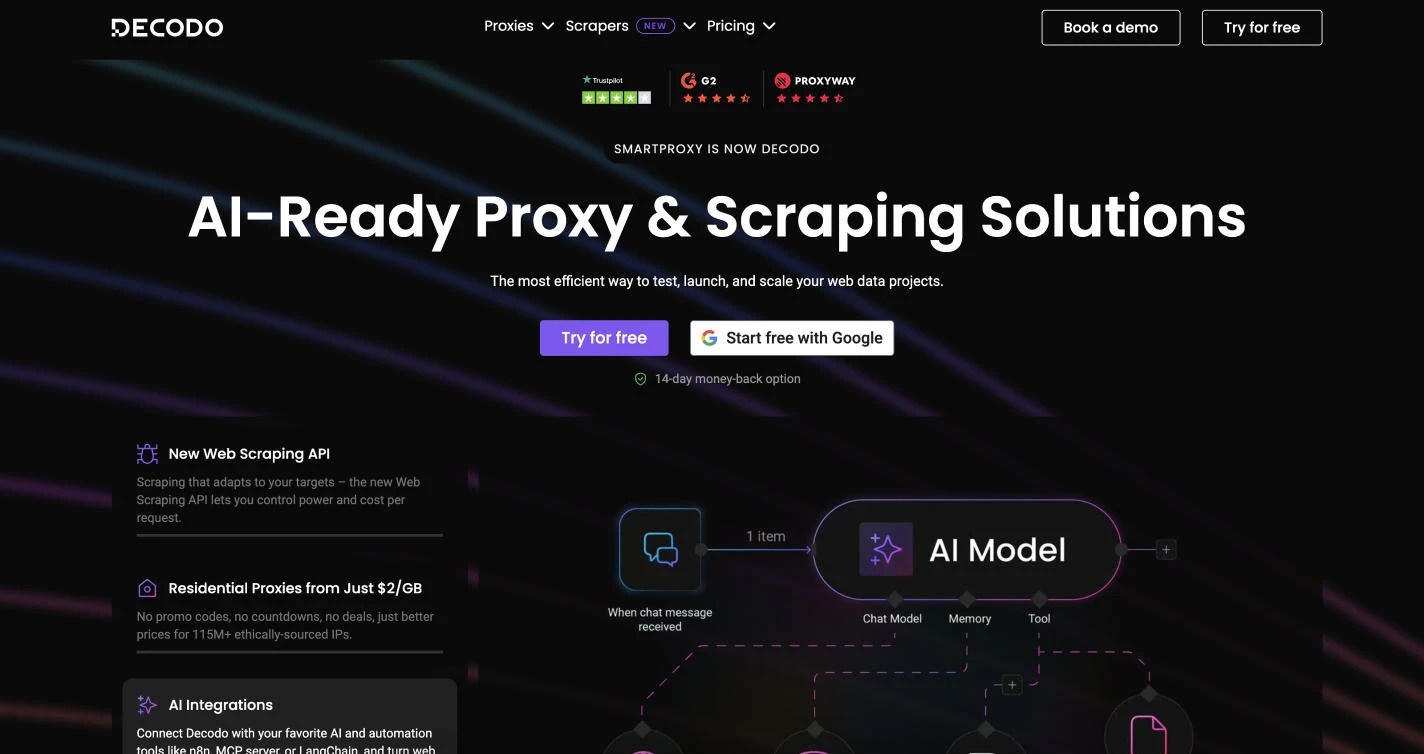
Decodo, rebranded from Smartproxy in 2025, is a proxy-first platform that pairs large proxy pools with a set of scraping APIs.
It gives teams residential, mobile, and datacenter proxies alongside dedicated SERP, eCommerce, and web scraping endpoints, so users can match the tool to the target.
Its Web Scraping API lets users enable JavaScript rendering and premium proxies only when a target requires them, which keeps costs down on simpler pages.
This positions Decodo as a middle ground for teams that have outgrown lightweight APIs but do not need the weight or price of a full enterprise platform.
Pricing:
- Web Scraping API: priced per 1,000 requests, with a free tier available
Notable Features
- Pool of 125 million-plus IPs across 195-plus locations
- Dedicated SERP, eCommerce, web, and no-code scraping APIs
- Optional JavaScript rendering and premium proxies enabled per request
- Site Unblocker for CAPTCHA bypass, fingerprinting, and retry logic
- Multiple proxy types, including residential, mobile, datacenter, and static residential
- GDPR-compliant infrastructure with self-serve setup
Who's It For?
Decodo suits small and midsize teams that want dependable proxies and scraping APIs without enterprise pricing.
Performance marketers, data scientists, and developers can run SERP tracking, eCommerce monitoring, and general scraping through a single provider.
It is a practical fit for teams that still want control over their scraping logic, since the proxy-first model means users build on top of the infrastructure rather than handing off extraction entirely.
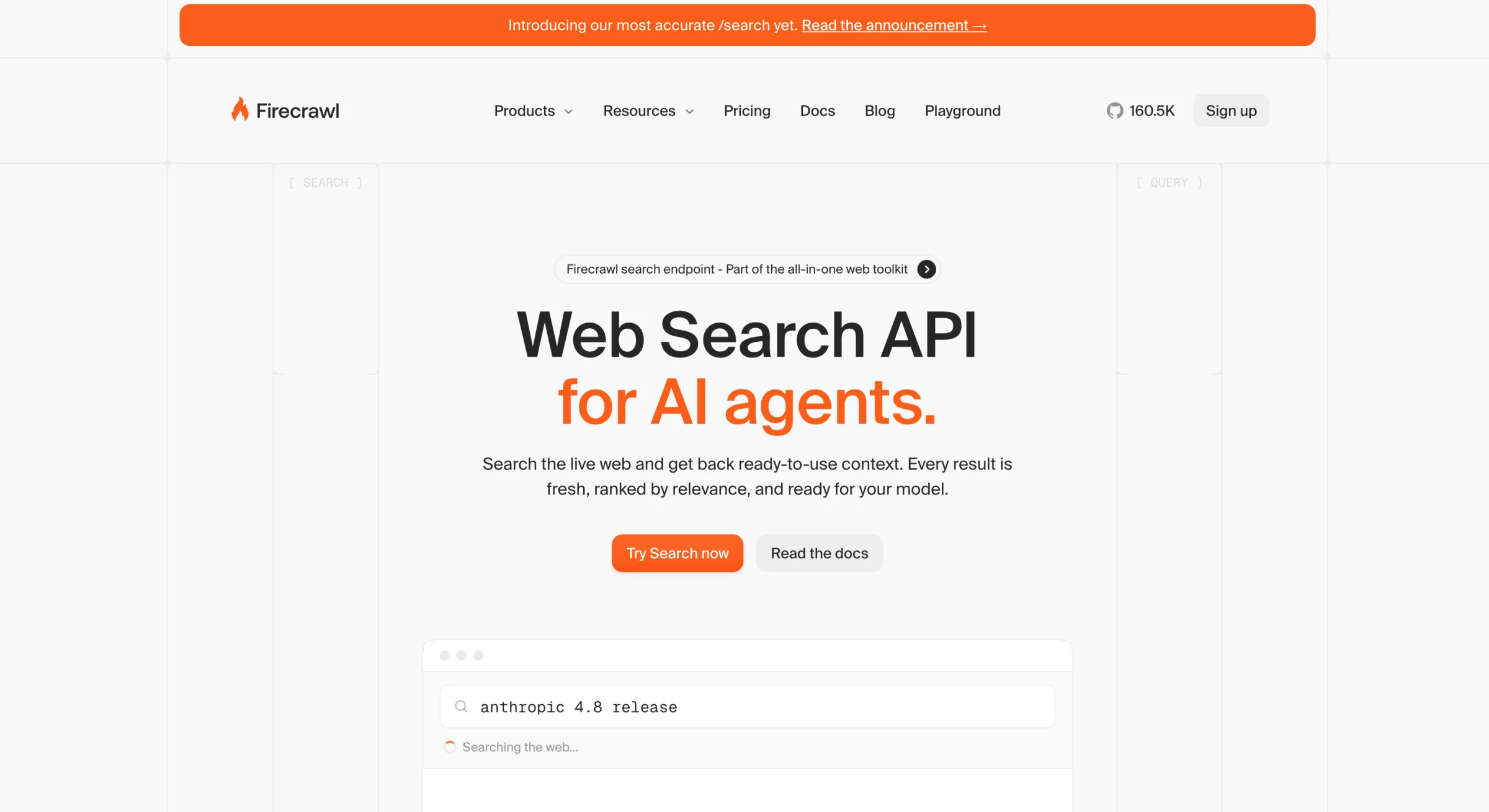
7. Firecrawl: Best for Clean, Structured Data Extraction
[Source: Firecrawl]
Firecrawl now positions itself as the context API to search, scrape, and interact with the web at scale, which is a meaningful shift from pure crawling toward infrastructure for AI agents.
It still excels at turning entire websites into organized, readable formats like Markdown or structured JSON, but the product surface is considerably wider than it was a year ago.
Alongside Scrape and Crawl, Firecrawl now offers Search, Interact, Monitor, and an Agent endpoint in preview.
This makes it particularly useful for content aggregation, research, internal knowledge bases, RAG pipelines, and data preparation workflows. Users can quickly extract usable text from blogs, documentation sites, or resource libraries, then hand it to a model.
Pricing:
- Free: $0: 1,000 credits/month, 2 concurrent requests
- Hobby: $16/month: 5,000 pages, 5 concurrent requests
- Standard: $83/month: 100,000 pages, 50 concurrent requests
- Growth: $333/month: 500,000 pages, 100 concurrent requests
- Scale: $599/month: 1,000,000 pages, 150 concurrent requests
- Enterprise: Custom, with credit rollover, zero-data retention, SSO, and SLA
Notable Features
- Automatic full-site crawling with link discovery
- Clean Markdown conversion for easy reuse
- Structured output optimized for databases or content systems
- Lightweight setup with minimal configuration required
- Scalable crawling without manual workflow building
Who’s It For?
Firecrawl shines when your goal isn’t just scraping pages, but actually using the content afterward.
Content marketers can turn entire blogs into structured research assets, SaaS teams can transform documentation into searchable knowledge hubs, and researchers can quickly compile competitor content into clean, analysis-ready datasets.
It's now also a common default for teams building AI agents that need live web context.
Best Open-Source Scraping Frameworks
Not every team needs a managed API. For engineering teams with the resources to build and maintain their own scrapers, open-source frameworks offer complete control over how data is collected, processed, and scaled, all without licensing costs.
These tools power a large share of the scraping done today, and they have become central to how teams feed large language models and retrieval systems. The trade-off is responsibility, since teams handle their own proxies, infrastructure, and upkeep as target sites change.
8. Scrapy: Best for High-Volume Python Crawling
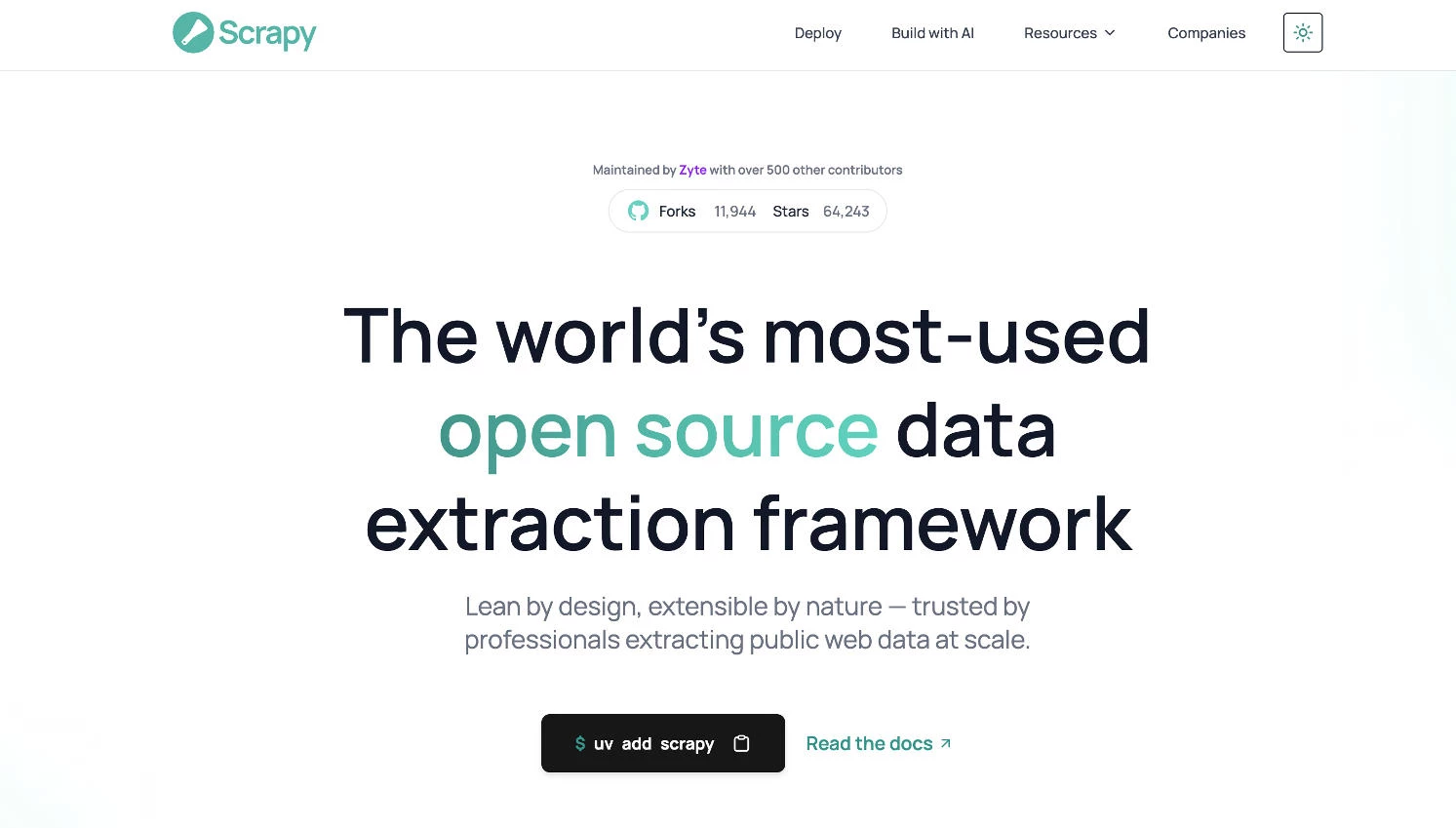
Scrapy is the most widely used open-source web scraping framework in the Python ecosystem, built to crawl websites and extract structured data at scale.
It provides a complete crawling architecture, including a scheduler, downloader, retry handling, and data processing pipelines, rather than a single-purpose parser.
This structure lets engineering teams follow links across large sites and process the results through custom pipelines, all within one framework.
Maintained by Zyte and a large contributor community, Scrapy continues to modernize, with the 2.14 release in January 2026 introducing native async and await support in place of older internals.
Cost: Free and open-source under a BSD license.
Notable Features
- Full crawling framework with built-in scheduler, downloader, and retry logic
- Custom data pipelines for cleaning, validating, and storing extracted items
- Native async and await support for modern, high-throughput crawling
- Cross-platform operation on Linux, Windows, macOS, and BSD
- Extensible middleware system for proxies, headers, and request handling
- Large ecosystem of add-ons, including scrapy-redis for distributed crawls
Who's It For?
Scrapy is best suited to developers and engineering teams that need to crawl large sites and want full control over the extraction process.
It fits high-volume projects such as data mining, price monitoring, and research, where custom pipelines and link-following at scale matter more than a no-code interface.
Because it requires writing and maintaining Python code, it rewards teams with the technical resources to build and run their own scraping infrastructure.
9. Crawlee: Best for Node.js Teams
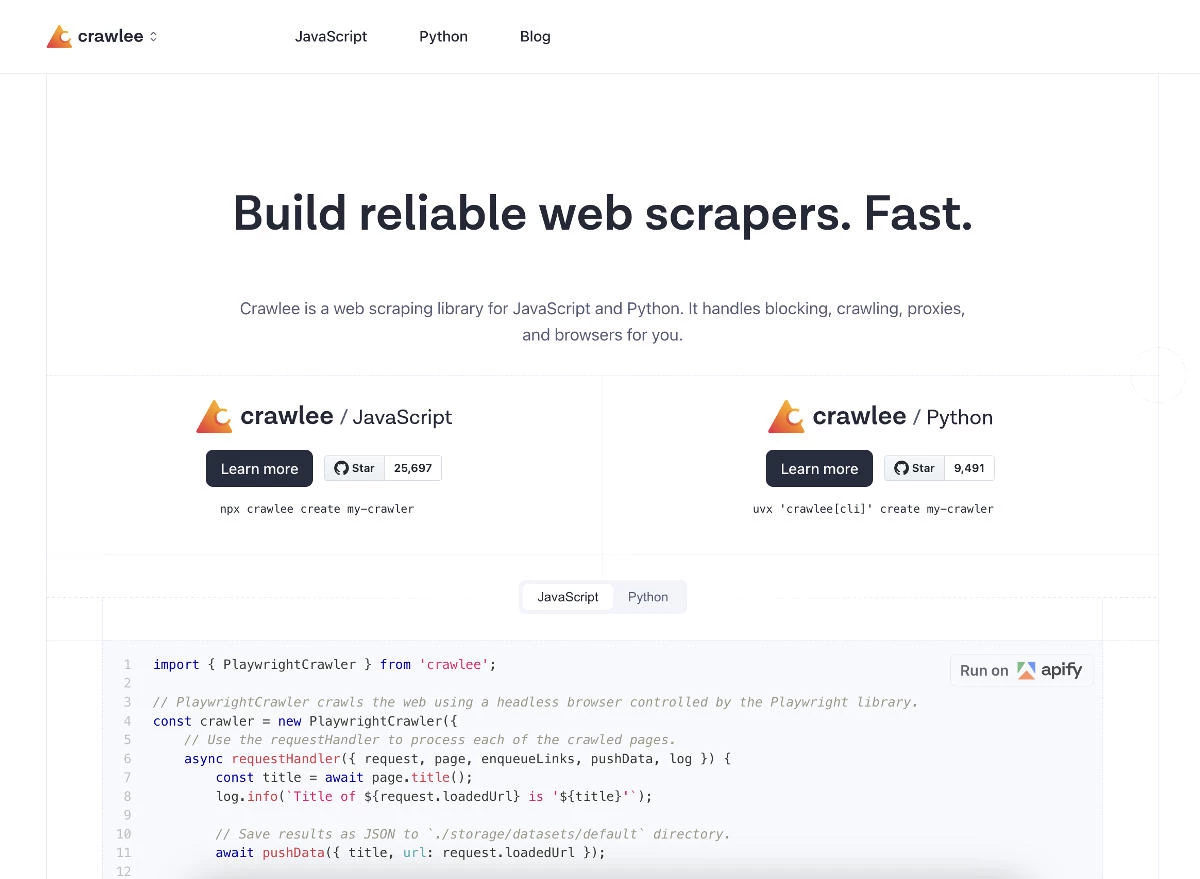
Crawlee is a modern web scraping and browser automation library for JavaScript and TypeScript, built by the team behind Apify.
It provides a single, unified interface for both HTTP-based and browser-based crawling, so teams can switch between lightweight requests and full browser rendering without rewriting their code.
The framework integrates established tools like Playwright, Puppeteer, and Cheerio, which lets developers work with familiar libraries under one consistent API.
This makes it a strong foundation for Node.js teams building reliable crawlers that need to scale from simple scripts to large extraction projects.
Cost: Free and open-source under an Apache 2.0 license.
Notable Features
- Unified interface for HTTP and headless browser crawling
- Native integration with Playwright, Puppeteer, Cheerio, and JSDOM
- Automatic concurrency scaling based on available system resources
- Built-in proxy rotation and session management to keep IPs healthy
- Persistent request queue and storage for pausing and resuming crawls
- TypeScript-first design with browser-like fingerprinting to avoid blocks
Who's It For?
Crawlee is best suited to JavaScript and TypeScript developers who want a full-featured scraping framework native to their ecosystem.
It fits teams building crawlers for AI, LLM, and retrieval-augmented generation workflows, since it handles HTML, PDFs, and other file types out of the box.
Because it deploys easily to the Apify platform as a serverless Actor, it works well for teams that may later want managed infrastructure without leaving the framework.
10. Crawl4AI: Best for AI and RAG Pipelines
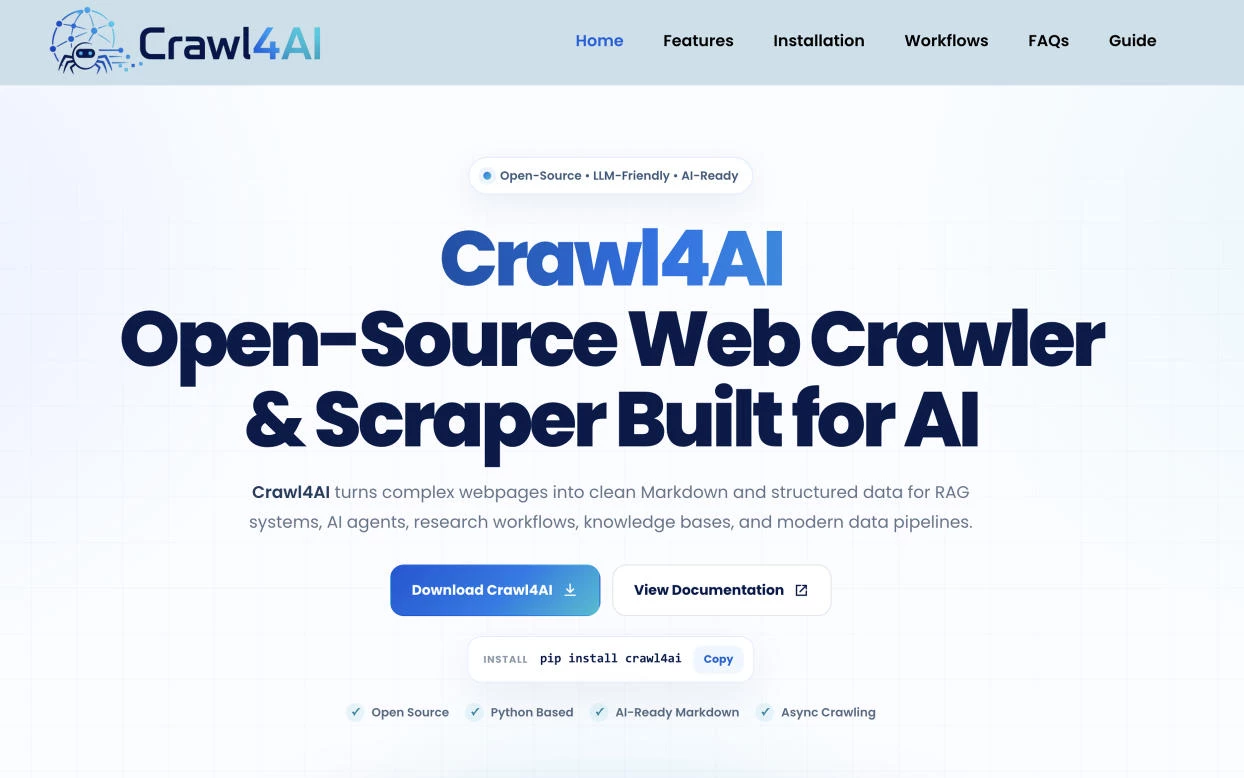
Crawl4AI is an open-source, asynchronous Python crawler built specifically for AI workflows, turning web pages into clean, LLM-ready output.
Instead of handing back raw HTML that needs stripping and cleaning, it converts pages directly into structured Markdown and JSON formatted for large language models.
Built on Playwright for browser automation and asyncio for concurrency, it handles JavaScript rendering, parallel crawling, and session management out of the box.
This focus on AI-ready output has made it one of the most widely adopted crawlers for retrieval-augmented generation systems and agent pipelines, with one of the largest star counts of any crawler on GitHub.
Cost: Free and open-source under an Apache 2.0 license.
Notable Features
- Clean Markdown generation with heuristic filtering to remove page noise
- Structured data extraction using CSS, XPath, or LLM-driven methods
- Support for open-source and proprietary LLMs, including local models
- Asynchronous crawling for parallel, high-throughput data collection
- Automatic conversion of page links into numbered citations and references
- No forced API keys or paywalls, with full control over the pipeline
Who's It For?
Crawl4AI is best suited to developers and AI teams building retrieval-augmented generation systems, chatbots, and agent workflows.
It fits teams that want web content delivered in a format LLMs can consume directly, cutting out the cleaning and parsing step that traditional scrapers require.
Because it runs on Python and outputs LLM-ready data by default, it works well for engineering teams already building AI applications who want to own their data pipeline.
11. Playwright: Best for JavaScript-Heavy and Interactive Sites
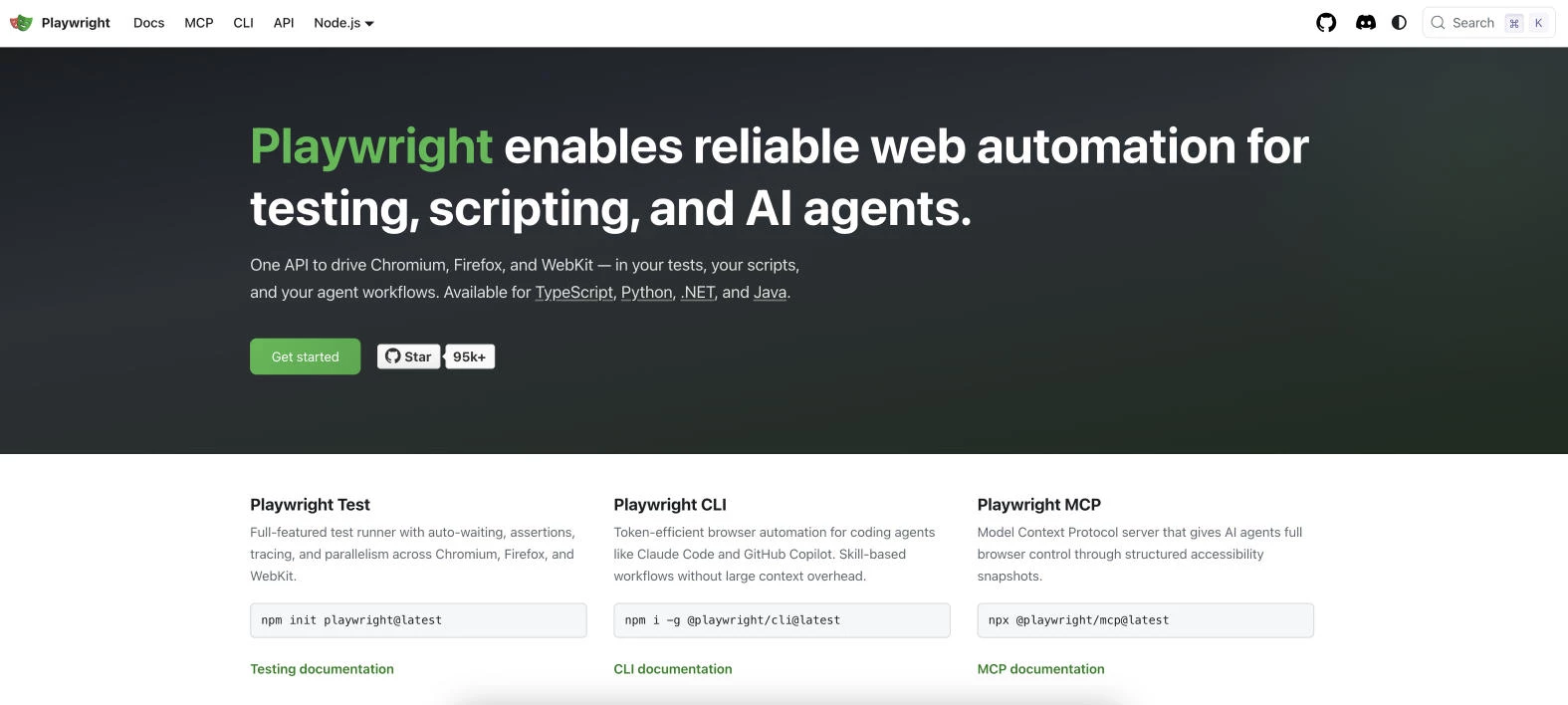
Playwright is an open-source browser automation framework from Microsoft, built to control real browsers through code.
It excels at scraping modern, dynamic websites, since it renders JavaScript, interacts with page elements, and handles multi-step flows like logins and form submissions.
Its automatic waiting for elements to become actionable reduces the flaky scripts and manual timeouts that often complicate browser-based scraping.
This makes it a strong choice for teams extracting data from single-page applications and interactive sites that a plain HTTP request cannot handle.
Cost: Free and open-source under an Apache 2.0 license.
Notable Features
- Cross-browser support for Chromium, Firefox, and WebKit from one codebase
- Multi-language bindings for Node.js, Python, Java, and .NET
- Automatic waiting for elements to reduce flaky, unreliable scripts
- Concurrent page handling for scraping multiple pages in parallel
- Full control over navigation, clicks, scrolling, and form interaction
- Request interception and resource blocking to reduce bandwidth
- Who's It For?
Playwright is best suited to developers who need to scrape JavaScript-rendered sites, single-page applications, and pages requiring user interaction.
It fits teams that already work in Node.js, Python, Java, or .NET and want one framework that runs consistently across browsers.
Because running real browsers is resource-intensive, it works best when the target genuinely requires a rendered page rather than a lightweight HTTP request, a trade-off worth weighing for high-volume jobs.
Best AI-Search and Retrieval APIs
The newest category of web data tools looks less like a scraper and more like a search engine built for machines.
These retrieval APIs use semantic understanding to return content that matches the meaning of a query, not just its keywords, and they deliver clean text rather than raw HTML. Built to feed language models grounded context on demand, they complement traditional scrapers rather than replace them.
12. Exa: Best for AI Agent and RAG Retrieval
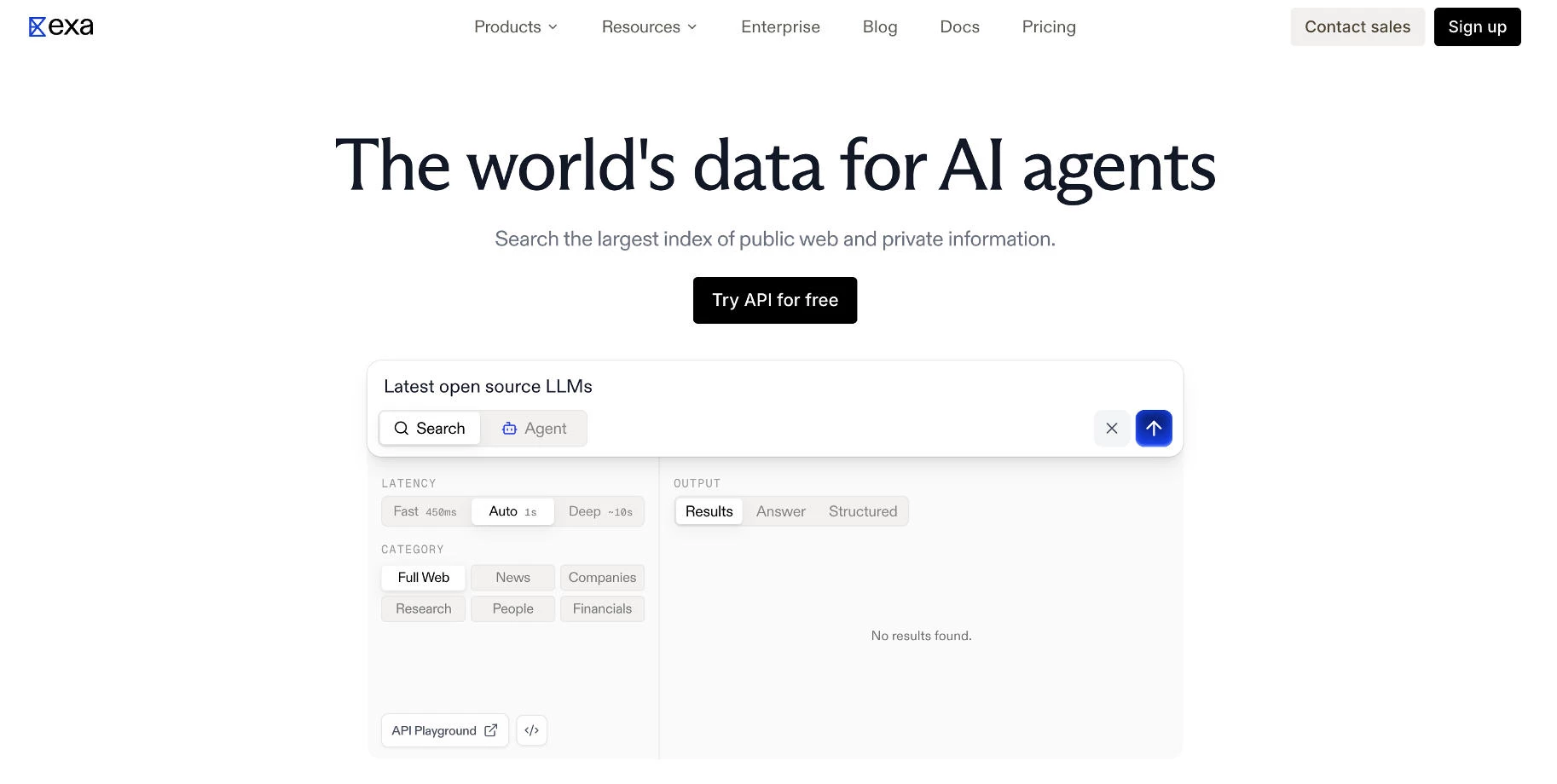
Exa is an AI-native search API built for large language models, autonomous agents, and retrieval-augmented generation pipelines.
Instead of matching keywords the way a traditional search engine does, it encodes web pages as vector embeddings and returns results based on conceptual similarity.
This lets developers run natural-language queries, such as finding blog posts by people who worked at a specific company, and receive clean, intent-matched page text rather than raw HTML.
Its content endpoint delivers ready-to-use text for models, which removes the separate scraping and cleaning step that RAG pipelines usually require.
Pricing:
- Search API: Pay as you go model, pricing available by request
Notable Features
- Neural semantic search that ranks pages by meaning rather than keywords
- Clean page text returned in place of raw HTML for direct LLM ingestion
- Bundled content extraction for the first ten results on standard search
- Low-latency search modes built for real-time agent workflows
- Open-source MCP server that integrates with Claude, Cursor, and VS Code
- Native compatibility with LangChain, LlamaIndex, and other agent stacks
Who's It For?
Exa is best suited to AI engineers building research agents, RAG pipelines, and applications that need fresh, grounded web context.
It fits teams that value semantic relevance over exact keyword coverage, since its neural index surfaces conceptually related pages that traditional search can miss.
One limitation worth noting is index breadth, as Exa can be narrower than a general search engine on obscure domains or very recent pages, so teams needing exhaustive coverage may pair it with another source.
How to Choose a Web Scraping Tool: Key Evaluation Criteria
The choice between individual tools comes down to a handful of practical factors. The criteria below offer a structured way to compare options against the specific demands of a project.
| Tool | Best For | MCP/Agent Tooling | Scheduling/Automation | Anti-bot Handling | Pricing Starts At |
| Bright Data | Overall scalability and accuracy | ✅ | ✅ | ✅ | $1/1K records |
| Scrapingdog | Reliability and low cost per request | ❌ | ❌ | ✅ | $40/month (free trial) |
| ScraperAPI | Plug-and-play integration | ❌ | ❌ | ✅ | $49/month (free trial) |
| Apify | Customizable workflows | ✅ | ✅ | ✅ | $29/month (free plan available) |
| Oxylabs | Compliance and stability | ✅ | ✅ | ✅ | $49/month (free trial) |
| Decodo | Mid-market value | ❌ | ❌ | ✅ | Per-request (free tier available) |
| Firecrawl | Clean content extraction | ✅ | ✅ | ✅ | $16/month (free plan available) |
| Scrapy | High-volume Python crawling | ❌ | Via code | Manual | Free (open-source) |
| Crawlee | Node.js teams | ❌ | Via code | ✅ | Free (open-source) |
| Crawl4AI | AI and RAG pipelines | ❌ | Via code | ✅ | Free (open-source) |
| Playwright | JavaScript-heavy and interactive sites | ✅ | Via code | Partial | Free (open-source) |
| Exa | AI agent and RAG retrieval | ✅ | ❌ | N/A | $7/1K requests (free tier) |
- Speed determines how quickly a tool returns data. It matters most for real-time uses like price monitoring or live agents, while scheduled jobs can tolerate slower response times.
- Scalability measures whether a tool grows with volume without failing or becoming costly. A tool that handles thousands of requests may struggle at millions, so confirm concurrency limits match projected needs.
- Pricing structures vary from per-request and per-record billing to credit systems and subscriptions. Model expected volume and feature mix, since JavaScript rendering and premium proxies often cost more than basic requests.
- Ease of use reflects the technical skill a tool demands, from no-code interfaces to code-based frameworks. Non-technical teams benefit from managed APIs and visual builders; engineering teams may prefer open-source control.
- Error handling covers how a tool responds to blocks, failures, and site changes. Strong retry logic, anti-bot evasion, and success-based billing reduce both data gaps and wasted spend at scale.
- Customization determines how far a team can tailor extraction to unusual site structures or output formats. Open-source frameworks offer the deepest control, while managed APIs trade some flexibility for convenience.
- Customer support and documentation shape how fast a team resolves issues and gets running. Clear docs, responsive support, and active communities matter most for complex projects and teams new to scraping.
Web Scraping Tips and Best Practices
Web scraping can be incredibly powerful for individuals and businesses, but only when it’s done strategically.
The right approach helps you collect accurate data, avoid disruptions, and stay compliant while minimizing wasted time and effort.
These best practices will help you build reliable workflows without unnecessary complexity:
- Start with clear goals: Identify the exact fields you need (price, SKU, ranking, email, etc.), how often you need them, and how the data will be used before selecting a scraping tool.
- Respect website terms and robots.txt: Review the site’s terms of service and robots.txt file to understand access guidelines, rate limits, and restrictions to reduce legal and operational risks.
- Use built-in scheduling features: Automate recurring scraping jobs on a daily, weekly, or hourly basis so your datasets stay current without manual exports or constant monitoring.
- Limit request frequency: Space out requests and use reasonable crawl delays to reduce the risk of IP blocks, incomplete data pulls, or triggering anti-bot protections.
- Choose structured outputs: Export data in clean formats like CSV or JSON so it integrates smoothly with spreadsheets, BI tools, dashboards, or internal reporting systems.
- Test on small samples first: Run limited test jobs to verify data accuracy, formatting, and completeness before committing credits or scaling to thousands of pages.
- Monitor for site changes: Regularly check your scraping workflows for broken selectors, missing fields, or layout updates, so data remains accurate and consistent over time.
Web Scraping Tools: Final Thoughts
The best web scraping tool in 2026 is the one that actually fits how you work.
Some teams need serious scale and resilience. Others just want a clean, no-code way to pull competitor prices or SEO data.
The real win is choosing a platform that integrates smoothly into your workflow and delivers usable data, not just impressive features on paper.
Our team ranks agencies worldwide to help you find a qualified partner to implement the latest AI solutions. Visit our Agency Directory for the Top IT Services Companies, as well as: