
I tested the most talked-about AI tools for customer support to find out which ones can really amplify the support experience.
Below, you’ll find a breakdown of their standout features, potential limitations, and the best options for streamlining customer support workflows.
AI Tools for Customer Service: Key Findings
- Use Zendesk or Intercom if you want high automation at scale. Intercom is faster to deploy, while Zendesk performs better for structured, high-volume support workflows.
- Forethought and Kustomer improve decision-making by analyzing customer data, auto-triaging tickets, and surfacing insights that help teams prioritize high-impact issues.
- Choose Nutshell AI or Tidio for SMBs. Nutshell strengthens CRM-context responses across customer history, while Tidio is better for fast setup and handling common FAQ-style questions.
Why AI Tools for Customer Service are Critical for Modern UX
Consumers now expect near-instant resolutions and round-the-clock availability, and companies are responding.
The market for AI customer support is projected to grow at a CAGR of 23.2% to reach $83 billion by 2033.
Every minute a customer waits is a chance to lose them. AI customer support tools learn patterns, identify high-priority issues, and automate support so humans have more time to help real people.
Top AI Tools for Customer Support in 2026
Our list was built through hands-on testing across the channels most support teams rely on: chat, email, ticket routing, and escalation flows. Here's the rubric we applied to each platform:
- Resolution rate: How often does the AI fully resolve a query without human escalation?
- Integration quality: Does it connect cleanly to Zendesk, Salesforce, Shopify, HubSpot, or your existing CRM?
- Human handoff: When the bot can't handle it, does the escalation feel seamless or frustrating?
- Compliance: Does the tool meet HIPAA, GDPR, SOC 2, or other standards relevant to your industry?
- Ideal team size: Which segment does the tool actually serve best: startup, SMB, mid-market, or enterprise?
Together, these criteria reveal how each platform performs under real support conditions.
With that in mind, here’s a side-by-side comparison before we dive into each tool:
Tool | Best For | Free Trial | Human Handoff | Pricing (Starting From) |
CRM-integrated context-aware support | ✅ (14-day) | ❌ (Manual escalation) | $16/user/month | |
Email automation & high-volume ticketing | ✅ | ✅ | $19/user/month | |
E-commerce & Shopify-native support | ✅ (7-day) | ✅ | $10/month | |
Scalable multichannel helpdesk | ✅ (free plan) | ✅ | Free; paid from $19/user/month | |
AI ticket triage & routing | ❌ | ✅ | Custom (typically enterprise-level) | |
AI-assisted mid-market support | ✅ (free plan) | ✅ | Free; paid from $7/user/month | |
Enterprise AI scalability | ❌ | ✅ | Custom (usage-based) | |
Enterprise CRM-integrated AI | ✅ (30-day) | ✅ | $25/user/month (add-on pricing) | |
Omnichannel AI agent (Fin) | ✅ | ❌ | $29/seat/month | |
Human-backed AI contact center | ❌ | ✅ (3,000+ reps) | $2,900/month or $1.25/resolution | |
Multilingual conversational bots | ✅ | ✅ | Custom (enterprise plans) | |
Live chat + chatbot for SMBs | ✅ (free plan) | ✅ | Free; paid from $24.17/month | |
No-code AI chatbots from your content | ✅ (free plan) | ❌ (Limited) | Free; paid from $40/month | |
AI-powered answers from your content | ✅ (limited)
| ❌
| Free: paid from $24/month | |
AI-driven insights for high-volume CX | ❌ | ✅ | Custom (enterprise pricing) |
1. Nutshell AI: Best for Context-Aware Customer Conversations
Ideal for SMBs and mid-market teams using CRM-driven support workflows
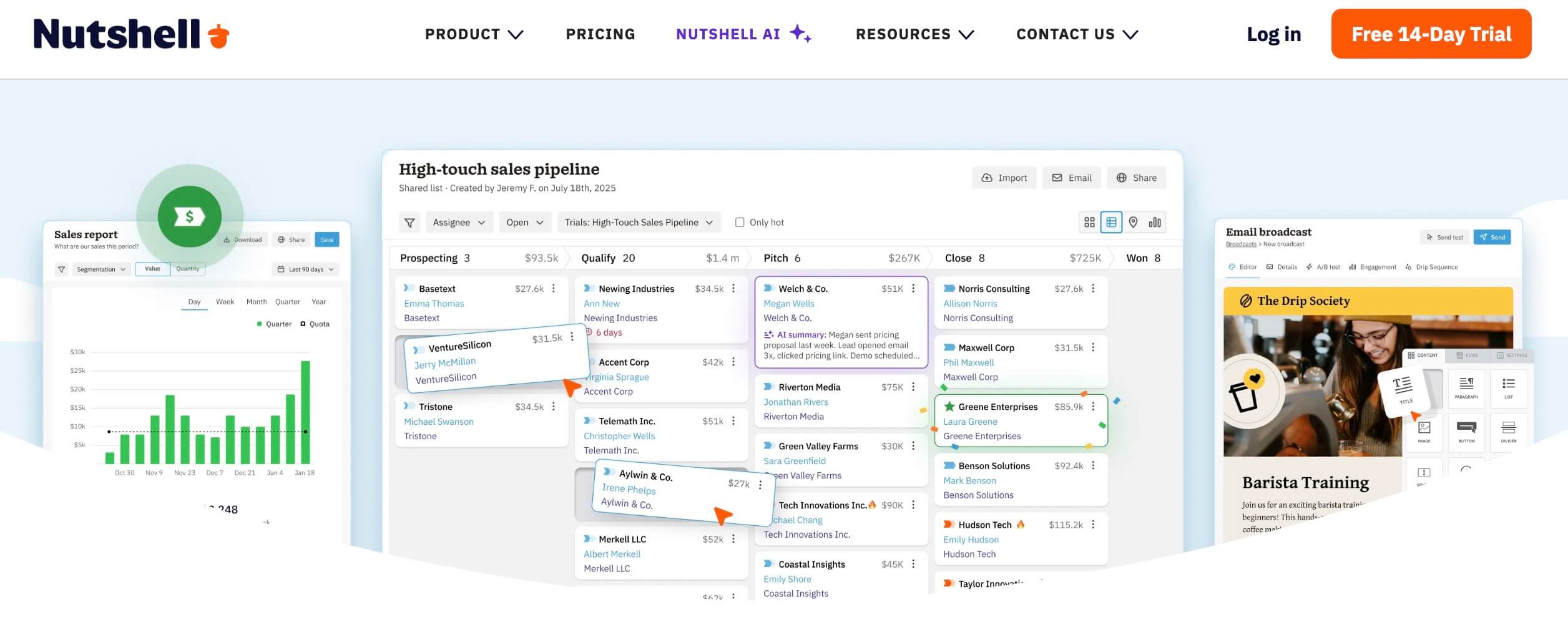
Nutshell is a CRM platform with built-in AI tools that help teams respond with context by pulling from past conversations, call history, and contact activity in real time.
I tested its chatbot, timeline summaries, and AI-generated call notes to see how well it handled ongoing customer conversations. The experience felt more like continuing a discussion than restarting one.
| Pros | Cons |
|
|
When I tested the AI chatbot, setup was simple. I trained it using website content, and it started handling common questions and collecting contact details right away.
It passed conversations to a human when questions became more specific.
The AI timeline summarization stood out most. I could open a contact and instantly see past conversations, key talking points, and suggested follow-ups, which saved me from digging through long activity logs.
For voice-based interactions, AI meeting and call summaries highlighted the main discussion points and next steps. That made handoffs and follow-ups much easier.
I also used AI email reply suggestions when responding to routine questions. The drafts were relevant and cut down the time I spent writing similar messages repeatedly.
Pricing (billed annually)
- Foundation: $13/user/month
- Growth: $25/user/month
- Pro: $42/user/month
- Business: $59/user/month
- Enterprise: $79/user/month
Other Notable Features
- AI Agents that surface conversation insights
- Voice-to-text notetaker for capturing support notes
- Built-in meeting scheduler for booking calls from chat
- Email and calendar sync to keep communication centralized
2. Zendesk: Best for Email Customer Support Automation
Best suited for mid-market to enterprise teams handling high ticket volumes
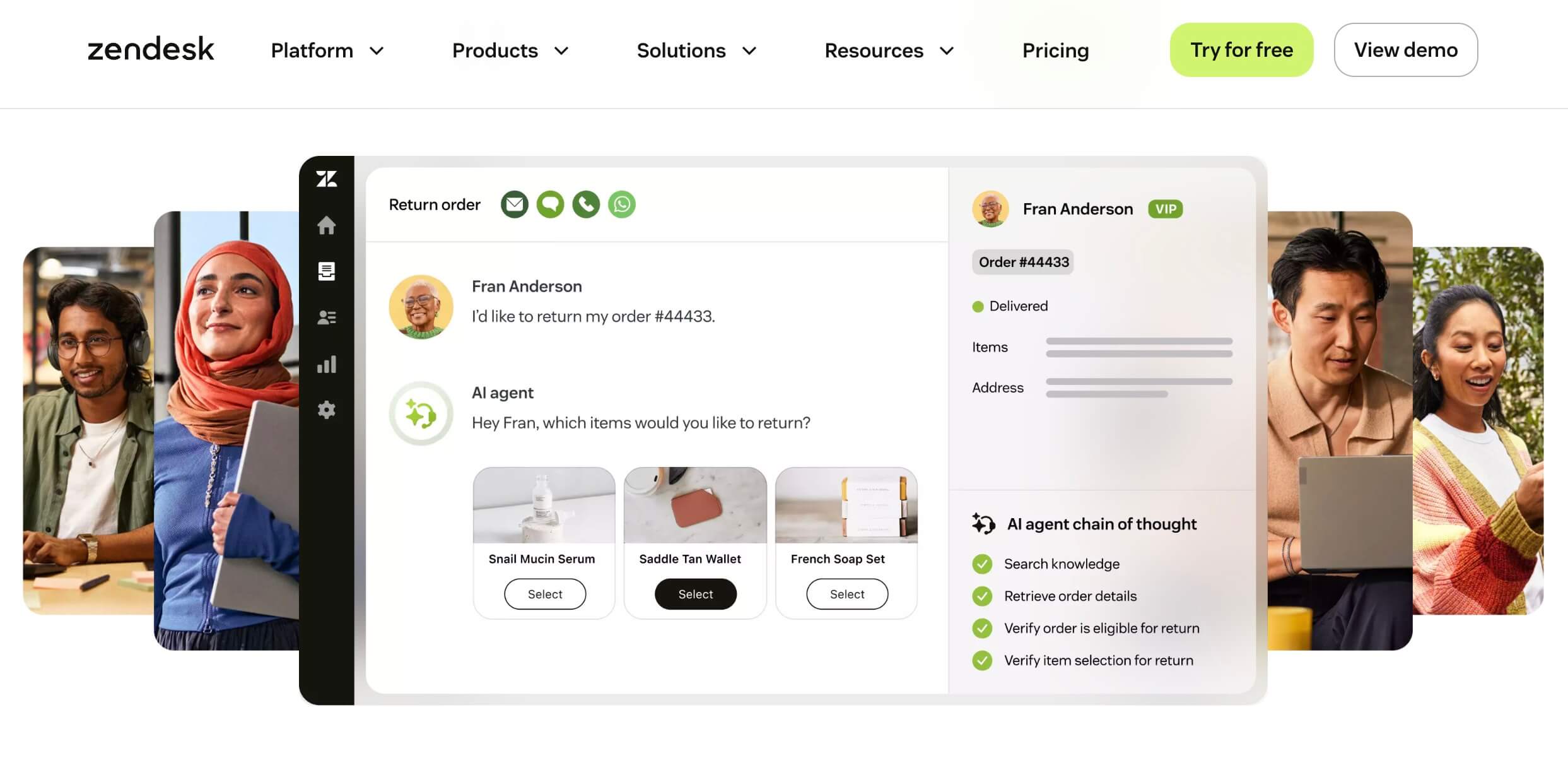
Zendesk's AI agents are trained to autonomously handle requests across all customer touchpoints. When a customer asks a question, the AI figures out the intent behind it.
If it’s a straightforward topic, it pulls information from the company’s knowledge base. For more complex or personalized issues, it guides the customer through a tailored conversation flow.
| Pros | Cons |
|
|
When I tested the platform, I mainly focused on its email automation features. It performed well when addressing repetitive queries and kept messaging consistent.
The system was built around smart ticket routing, AI-driven automation, and a unified workspace, making it easier to respond to large volumes of customer messages.
Once configured, the AI recognized the nature of incoming requests, suggested relevant responses, and prioritized tickets based on keywords, history, or customer profiles, reducing manual triage significantly.
Zendesk's own data shows AI agents resolving 80%+ of routine interactions. Teams using Zendesk AI report average CSAT improvements of 10 points when well-configured.
Pricing (billed annually)
- Support Team: $19/agent/month
- Suite Team: $55/agent/month
- Suite Professional: $115/agent/month
- Suite Enterprise: $169/agent/month
Other Notable Features
- A marketplace with over 1,500 integrations
- Uses generative AI for real-time guidance and ticket summaries
- Provides advanced reporting and analytics
- Includes enterprise-class security features
3. Gorgias: Best for E-Commerce Customer Support Automation
Ideal for Shopify, Magento, and DTC e-commerce brands
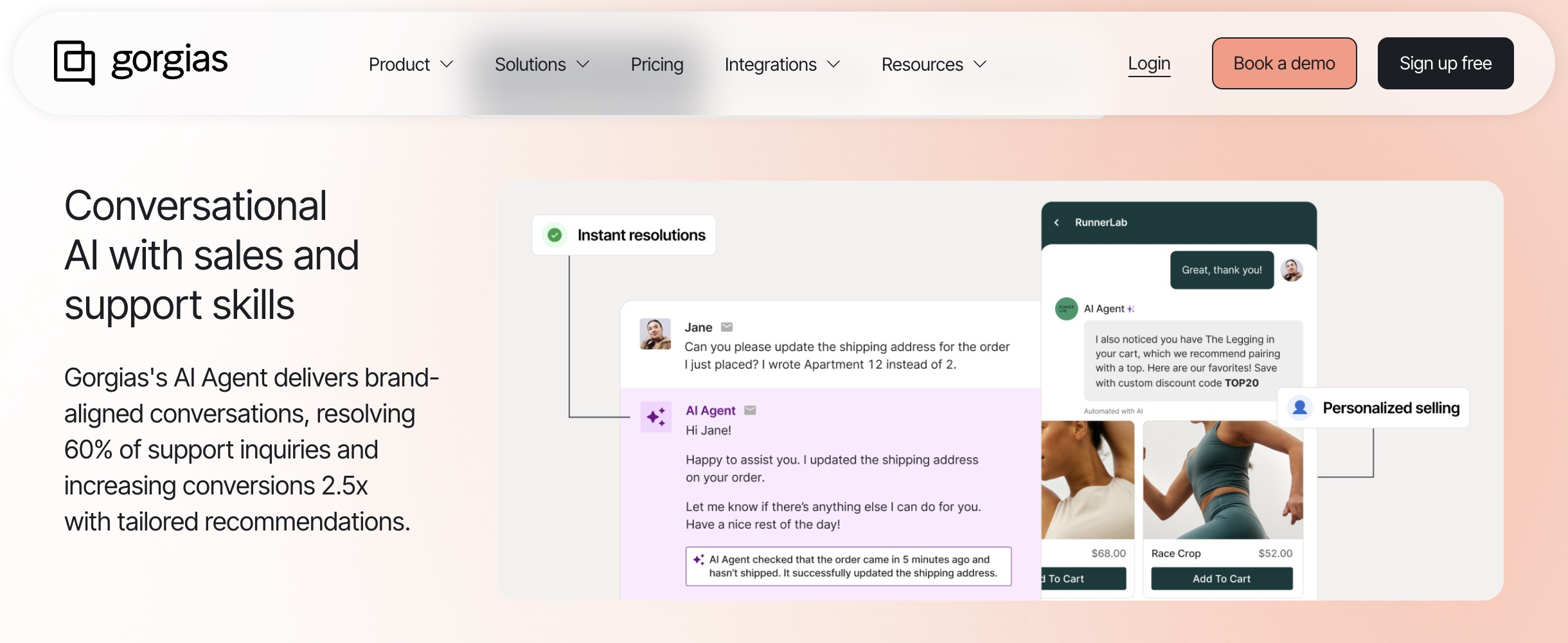
Gorgias is purpose-built for e-commerce brands, with native integrations for Shopify, Magento, and BigCommerce that pull order data, shipping status, and customer history directly into the support view.
If your team spends half its time answering WISMO (Where Is My Order?) questions, Gorgias is designed to automate exactly that.
| Pros | Cons |
|
|
When I tested Gorgias, the most impressive feature was how it surfaces order data inside the conversation view. Without switching tabs, agents could see the full order history, apply refunds, and update shipping, all from one window.
The intent detection for e-commerce queries was accurate. Routine requests like order tracking and return initiation were auto-resolved with pre-built flows, while edge cases escalated cleanly.
Gorgias customers report automation rates of 30% for routine e-commerce queries.
Pricing (billed annually)
- Starter: $10/month (up to 50 tickets)
- Basic: $50/month (up to 300 tickets)
- Pro: $300/month (up to 2,000 tickets)
- Advanced: $750/month (up to 5,000 tickets)
- Enterprise: Custom
Other Notable Features
- Pre-built Shopify, Magento, and BigCommerce integrations
- Revenue tracking tied to support conversations
- Automated order modifications and refunds
- 150+ e-commerce-specific integrations
4. Freshdesk: Best for Scalable Multichannel Helpdesk
A strong fit for startups and SMBs needing an affordable all-in-one helpdesk
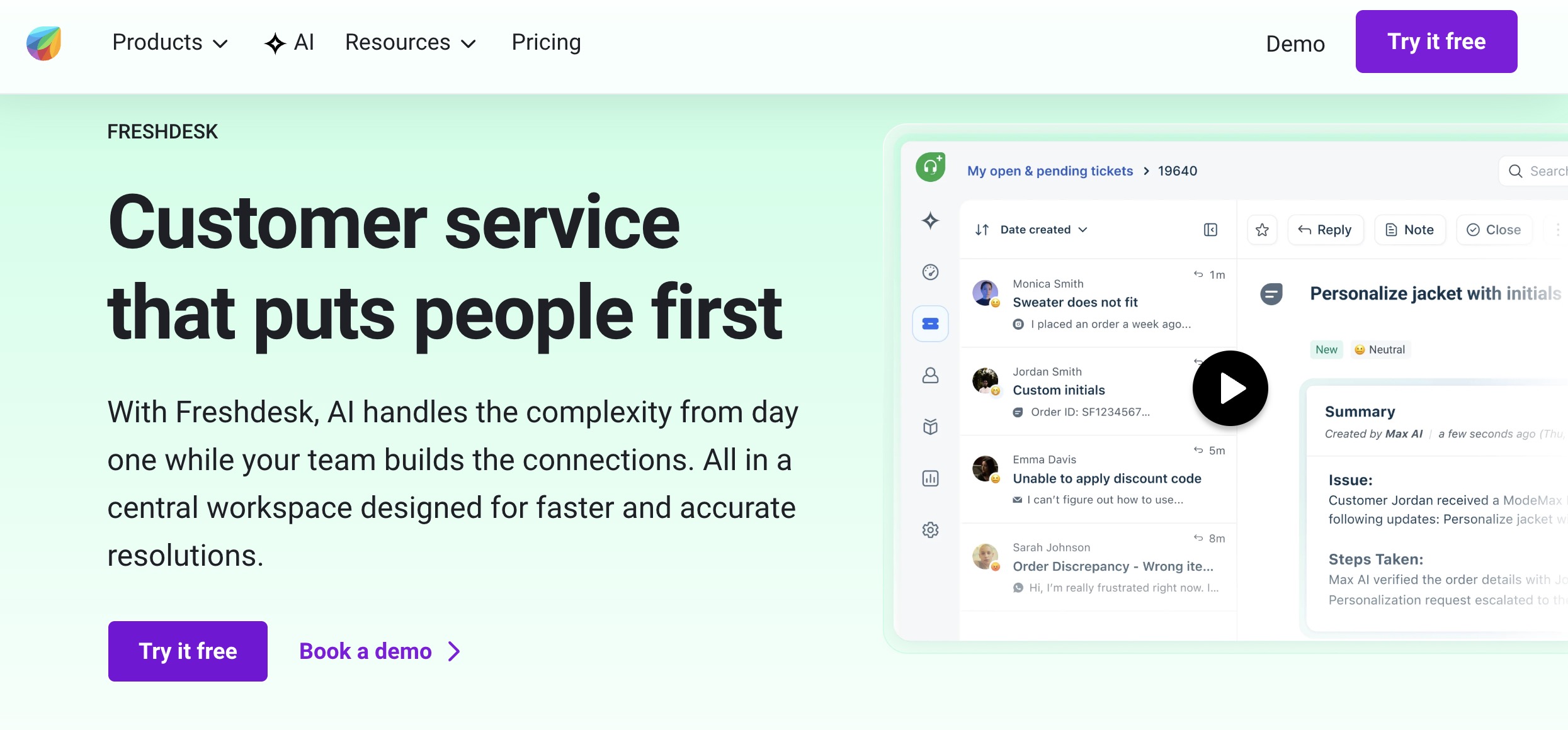
Freshdesk (by Freshworks) is one of the most accessible full-featured helpdesks available, with a free plan that covers the basics and Freddy AI powering automation, triage, and response suggestions across tiers.
It's a strong choice for teams that need a unified inbox without the enterprise price tag.
| Pros | Cons |
|
|
Freshdesk's onboarding flow is intuitive, and the free plan covers email ticketing, a knowledge base, and basic automation out of the box.
Freddy AI, the platform's AI layer, improves meaningfully on paid plans.
It auto-classifies incoming tickets, flags high-priority issues, and surfaces suggested replies based on similar past resolutions, reducing the time agents spend re-reading ticket history.
Pricing (billed annually)
- Growth: $19/agent/month
- Pro: $55/agent/month
- Enterprise: $89/agent/month
Other Notable Features
- Freddy AI for smart ticket routing and response suggestions
- Freshchat integration for live chat and bot deployment
- Knowledge base with AI-assisted article suggestions
- 650+ integrations, including Shopify, Slack, and Salesforce
5. Forethought: Best for AI Ticket Triage
Best suited for mid-market and enterprise teams optimizing ticket routing with AI
Forethought is a GenAI solution designed to autonomously handle customer inquiries from first contact to resolution, with a particular focus on AI ticket triage and improving productivity.
| Pros | Cons |
|
|
Solve, its flagship support agent, was built to detect user intent from interactions and generate workflows based on outcomes described in natural language.
It’s great for simple, repetitive questions, like tracking an order or resetting a password, which takes pressure off support teams.
The Triage agent stood out.
It analyzes conversation nuances, tags and routes tickets based on historical data and intent, and filters out low-value items like spam, so support teams can prioritize what actually needs attention.
Pricing
- Custom pricing
Other Notable Features
- Detects sentiment, spam, and language in real time
- Includes a Chrome extension for easy helpdesk integration
- Offers voice support with intelligent call resolution
- Installs quickly with a plug-and-play setup in just 2 days
6. Zoho Desk/Zia: Best for AI-Assisted Mid-Market Support
Ideal for businesses already operating within the Zoho ecosystem
Zoho Desk is a full-featured helpdesk with Zia, Zoho's AI engine, handling sentiment analysis, response suggestions, anomaly detection, and auto-tagging.
For teams already in the Zoho ecosystem, using Zoho CRM, Zoho Analytics, or Zoho SalesIQ, this tool integrates seamlessly and adds AI without the complexity of a standalone platform.
| Pros | Cons |
|
|
Zia's anomaly detection was one of the more useful AI features I encountered: it flags when ticket volume spikes unexpectedly, helping teams get ahead of issues before they cascade.
Zoho Desk is a smart choice for mid-market teams that want AI-augmented support without committing to enterprise-tier pricing.
It's particularly strong for businesses already running Zoho CRM, where the unified customer view pays dividends.
Pricing (billed annually)
- Free: Up to 3 agents
- Express: $7/agent/month
- Standard: $14/agent/month
- Professional: $23/agent/month
- Enterprise: $40/agent/month
Other Notable Features
- Blueprint workflow builder for complex multi-step processes
- Radar app for real-time performance monitoring
- Integration with 200+ business apps
7. Ada: Best for Enterprise Scalability
Designed for large enterprises with global, compliance-heavy support needs
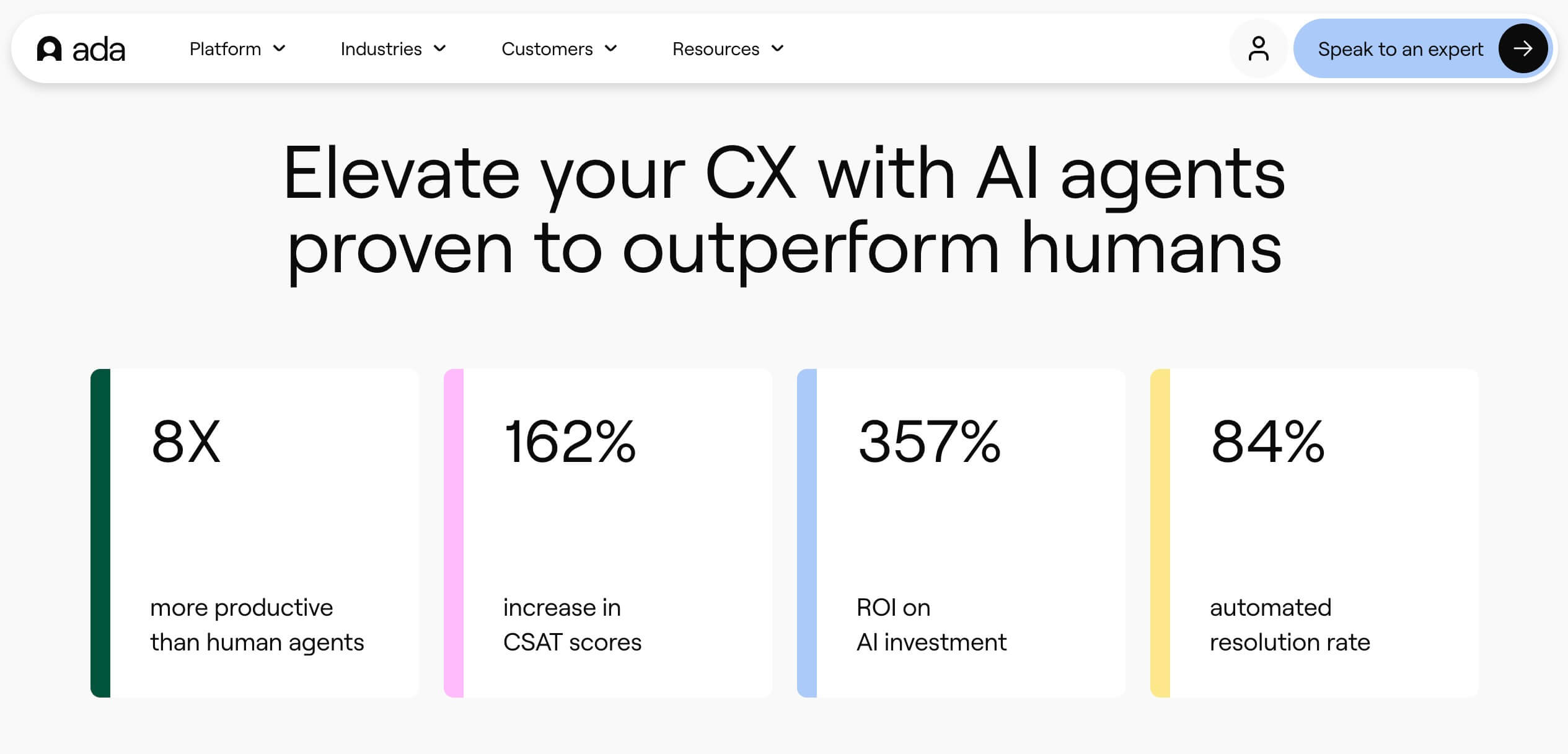
Ada's platform features AI agents that use natural language processing to handle common inquiries, trigger actions through API integrations, and escalate complex cases, all while maintaining enterprise-grade compliance.
| Pros | Cons |
|
|
I’ve been testing Ada for a range of customer service tasks, from answering common queries to triggering actions through API integrations.
It offered a detailed conversation review, which made it easy to see where the AI was accurate and where it needed refinement.
Language and channel flexibility are big standouts. The platform supports over 50 languages and works across several communication channels, including chat, email, and voice.
Users can also track performance through dashboards that display metrics such as resolution rate and customer satisfaction.
Pricing
- Custom pricing
Other Notable Features
- HIPAA, SOC2, and GDPR compliance built in
- Integrations with Salesforce and Twilio for streamlined workflows
- Robust APIs and SDKs for advanced enterprise configurations
- Zero data retention controls available
8. Salesforce Einstein/Service Cloud: Best for Enterprise CRM-Integrated AI
Best suited for enterprises deeply embedded in the Salesforce ecosystem
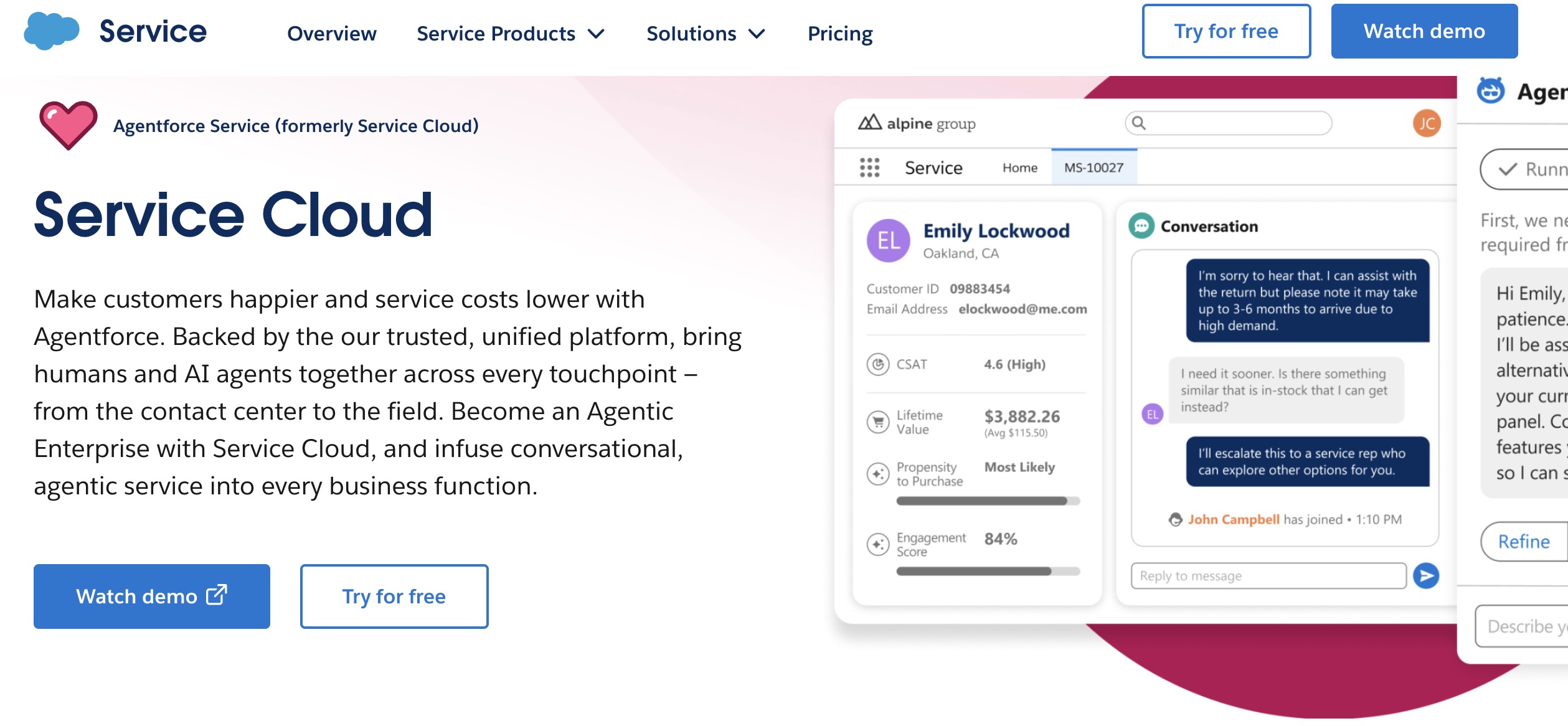
Salesforce Service Cloud with Einstein AI is the natural choice for enterprises that have already built their CRM on Salesforce.
Einstein brings predictive case routing, AI-generated reply drafts, next-best-action recommendations, and voice transcription, all drawing on the richest customer data set most enterprises already own.
| Pros | Cons |
|
|
For enterprises with Salesforce already in place, Service Cloud is less a tool to evaluate and more a question of when to activate.
The Einstein layer sits on top of every case, surfacing the right knowledge article, the right reply suggestion, and the right next step based on CRM history.
The tradeoff is complexity. Implementation timelines typically run 4–8 weeks, and the full value of Einstein only materializes once your data model is clean and your knowledge base is populated.
Pricing
- Free suite: Up to 2 users
- Starter Suite: $25/user/month
- Pro Suite: $100/user/month
- Enterprise: $175/user/month
- Unlimited (with Einstein): $350/user/month
- Einstein add-ons: additional pricing
Other Notable Features
- Einstein Copilot for AI-generated case summaries and draft replies
- Pre-built industry clouds for healthcare, financial services, and retail
- Agentforce for fully autonomous AI service agents
- Integration with the full Salesforce ecosystem (Marketing Cloud, Commerce, etc.)
9. Intercom: Best for Omnichannel Support
Ideal for SaaS companies and product-led growth teams
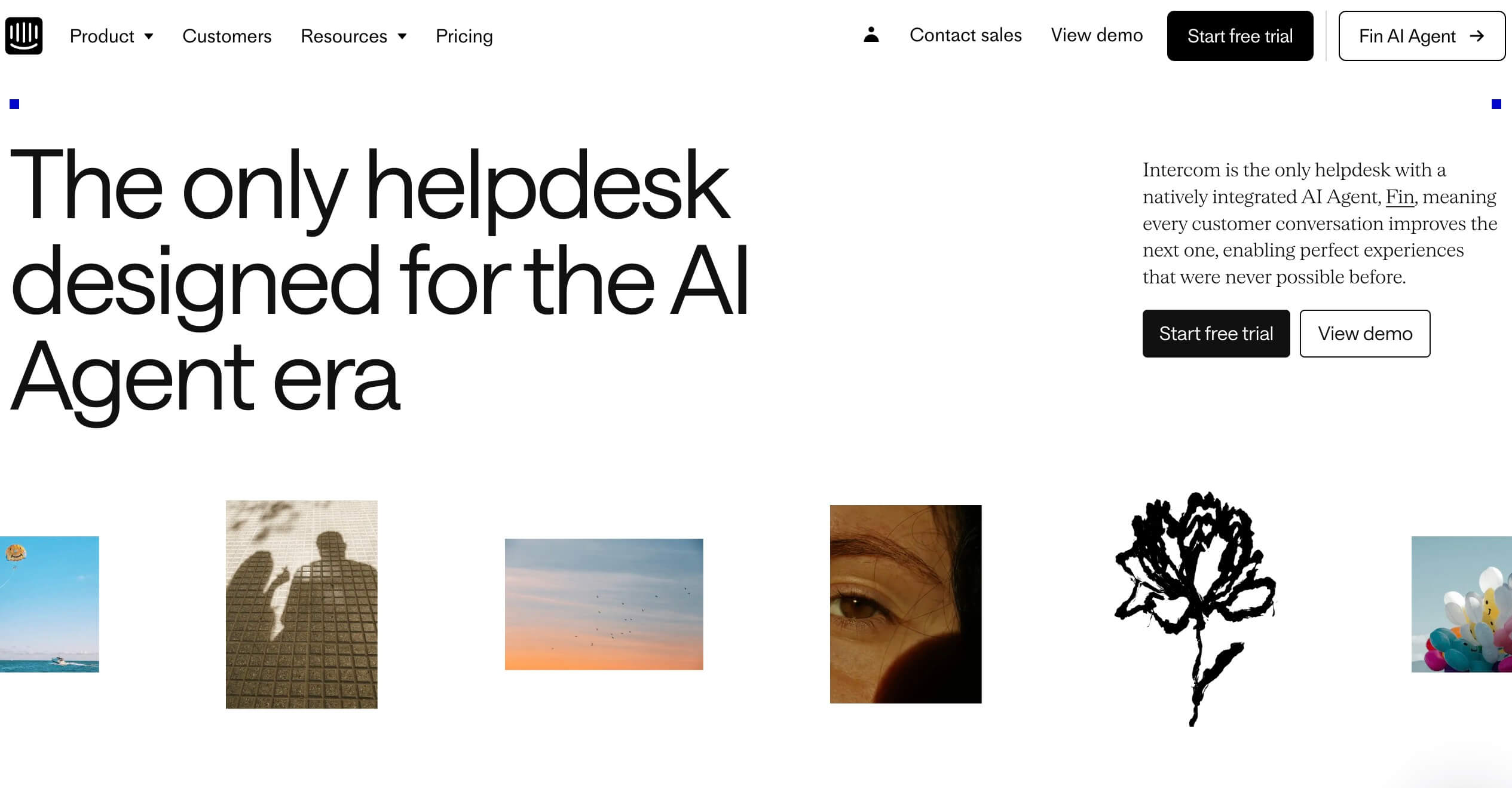
Getting started with omnichannel support can feel overwhelming, especially when you're trying to manage consistency across chat, email, SMS, and social platforms.
Intercom's Fin AI agent was built to handle that complexity, and I found the experience smooth and surprisingly intuitive, even without prior AI setup experience.
| Pros | Cons |
|
|
The AI agent was easy to set up. I could sync a website, import a Zendesk knowledge base, upload documents, or create custom snippets.
The customization options around tone and behavior were especially useful. I could define how the agent should speak, what follow-up questions it should ask, and when to escalate.
There were even pre-set tones available, which helped speed things up.
The handoff experience was one of the strongest I tested: when Fin escalates, the human agent receives a full conversation summary and suggested solutions, not a blank handoff.
Pricing (billed annually)
- Essential: $29/seat/month
- Advanced: $85/seat/month
- Expert: $132/seat/month
Other Notable Features
- Centralized content and data management
- Automatic handoff to human agents for complex or sensitive issues
- Help Center integration to support accurate and efficient self-service
- Proactive outbound messaging to reduce inbound support volume
10. Crescendo.ai: Best for Human-Backed AI Support at Scale
Best suited for mid-market and enterprise teams needing AI with human-backed support
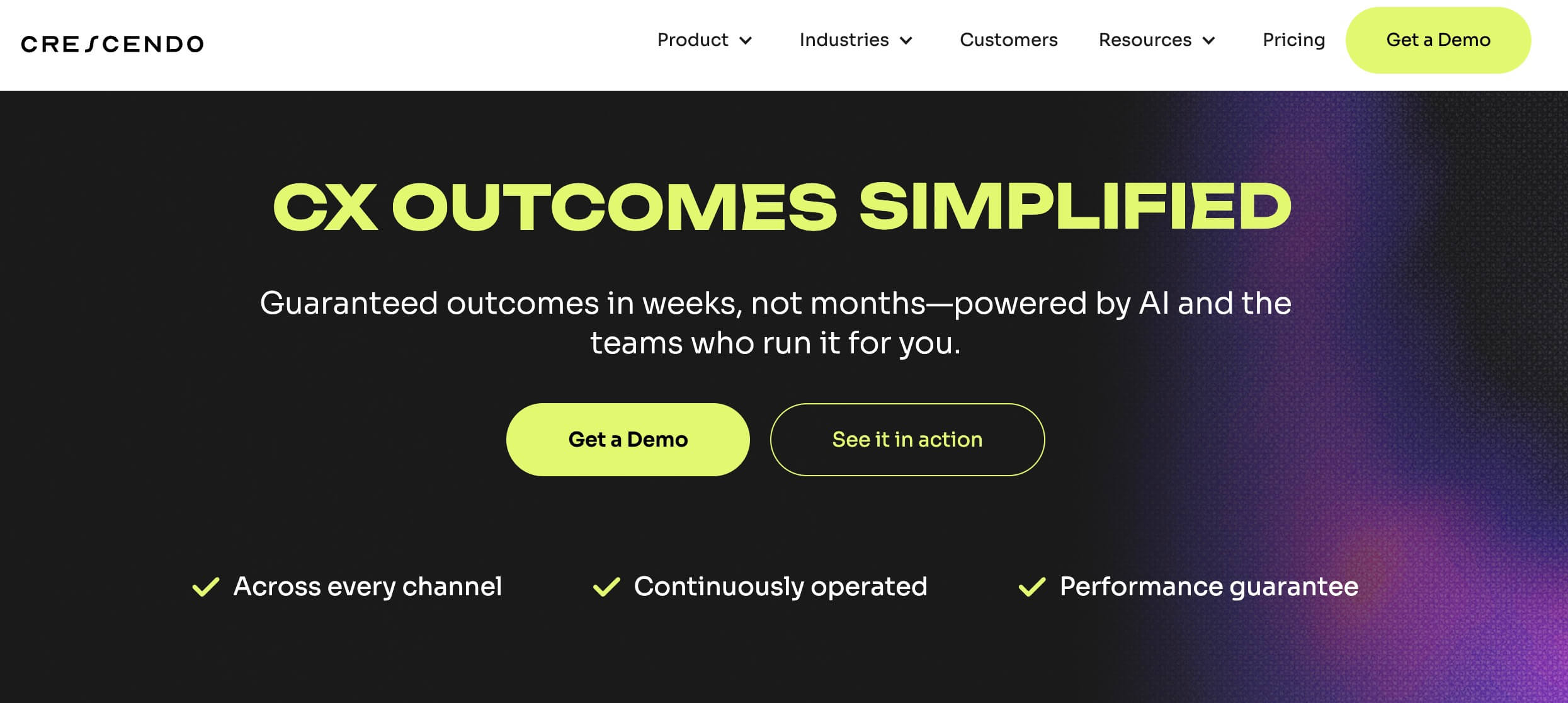
Crescendo.ai is a whole lot more than a chatbot. It’s an AI-native contact center layer across chat, messaging, voice, and email, designed to resolve customer issues end-to-end, not just handle the easy questions.
It pairs auto-tuning AI with seamless 24/7 handoffs to a live human team whenever automation can’t fully resolve an issue. That means no repetitive bot loops for tricky edge cases.
| Pros | Cons |
|
|
I like that the handoff isn’t a hard reset.
When Crescendo passes a conversation to a live agent, it includes a quick summary plus suggested solutions, so the rep can pick up where the bot left off instead of making the customer repeat themselves.
And because Crescendo also bakes in knowledge-base management, the system can improve from what it sees in real conversations without having to retrain it every time a new edge case appears.
The platform is explicitly geared toward mid-market agility and enterprise scale, with an emphasis on consistency, compliance, and integration into whatever your team already runs.
Pricing
- Service fee: Starting at $2,900/month
- Managed AI: $1.25 per resolution
Other Notable Features
- Support for 50+ languages is included
- “Agentic AI” workflows and knowledge workflows are core capabilities
- Seamless handoff to a full human team, with support for custom models
- Outcome-based pricing and a performance guarantee
11. Yellow.ai: Best for Multilingual Conversational Bots
Designed for global companies supporting customers across multiple languages
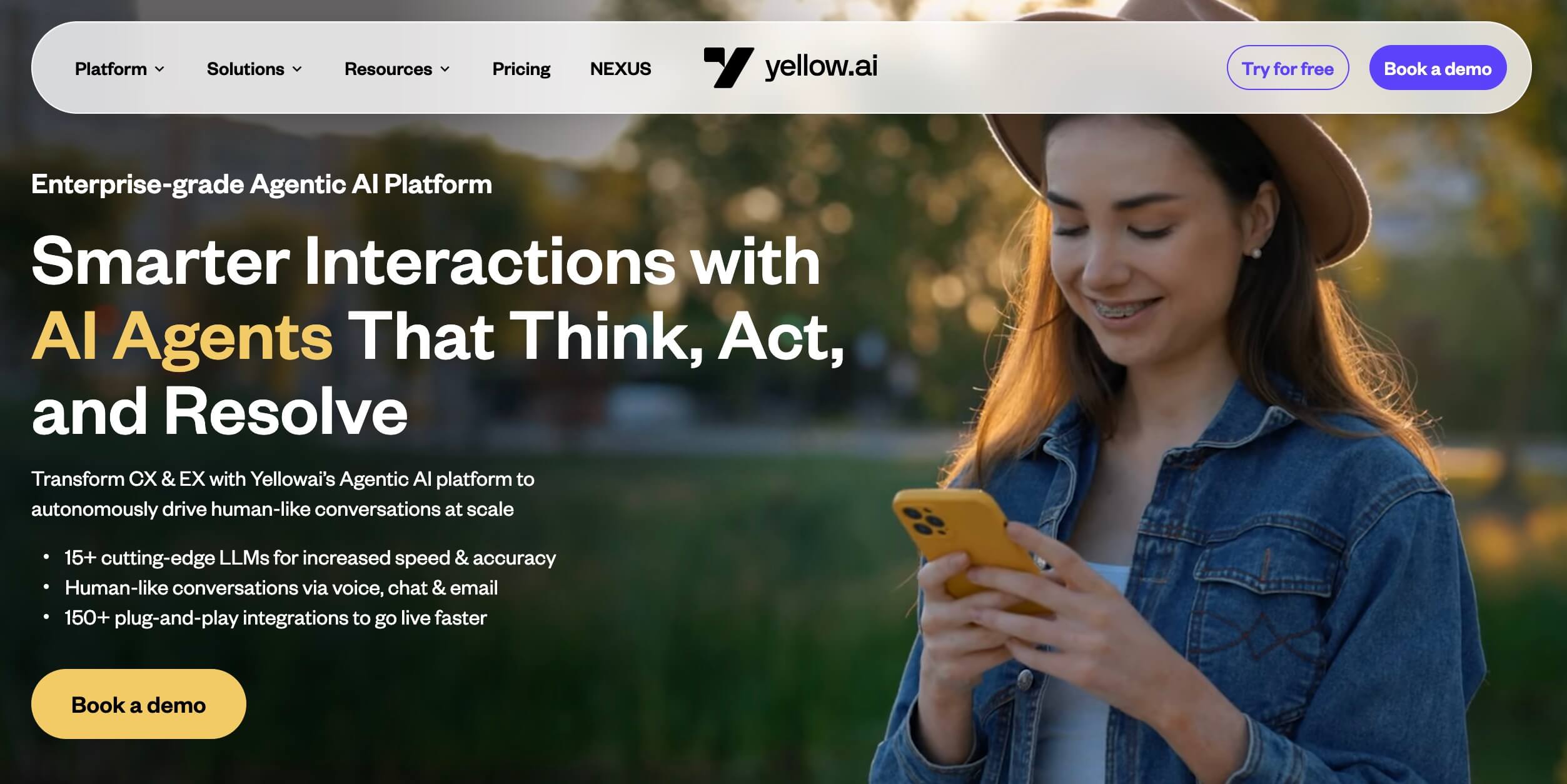
Yellow.ai is built for global customer support at scale, specifically designed to manage conversations across different languages, channels, and customer journeys.
Instead of relying solely on static decision trees, it leverages LLMs to understand intent, personalize responses, and switch languages based on the customer’s preference.
| Pros | Cons |
|
|
The conversations felt natural. The bot didn’t translate word-for-word; it responded in context.
When I switched between English and Spanish mid-conversation, Yellow.ai adjusted instantly without restarting the chat flow.
It also picked up on hesitations, interruptions, and tone of voice. When I asked a vague question, it clarified instead of forcing me into a predefined path.
The platform also includes sentiment analysis, allowing the AI to flag frustrated customers and transfer them to a human agent if needed.
During testing, I simulated an angry customer message, and Yellow.ai escalated it automatically to a live rep with a short ticket summary.
That alone can save support teams from combing through lengthy transcripts.
Pricing
- Custom pricing
Other Notable Features
- Integrates with CRM and help desk platforms like Zendesk, Salesforce, and Freshdesk
- Workflow builder to automate end-to-end customer journeys
- Omnichannel deployment across web, email, WhatsApp, Messenger, SMS, and phone
- Pre-built industry templates to accelerate bot deployment
12. Tidio/Lyro: Best for Live Chat & Chatbot Combo for SMBs
Ideal for small businesses and e-commerce stores with predictable support queries
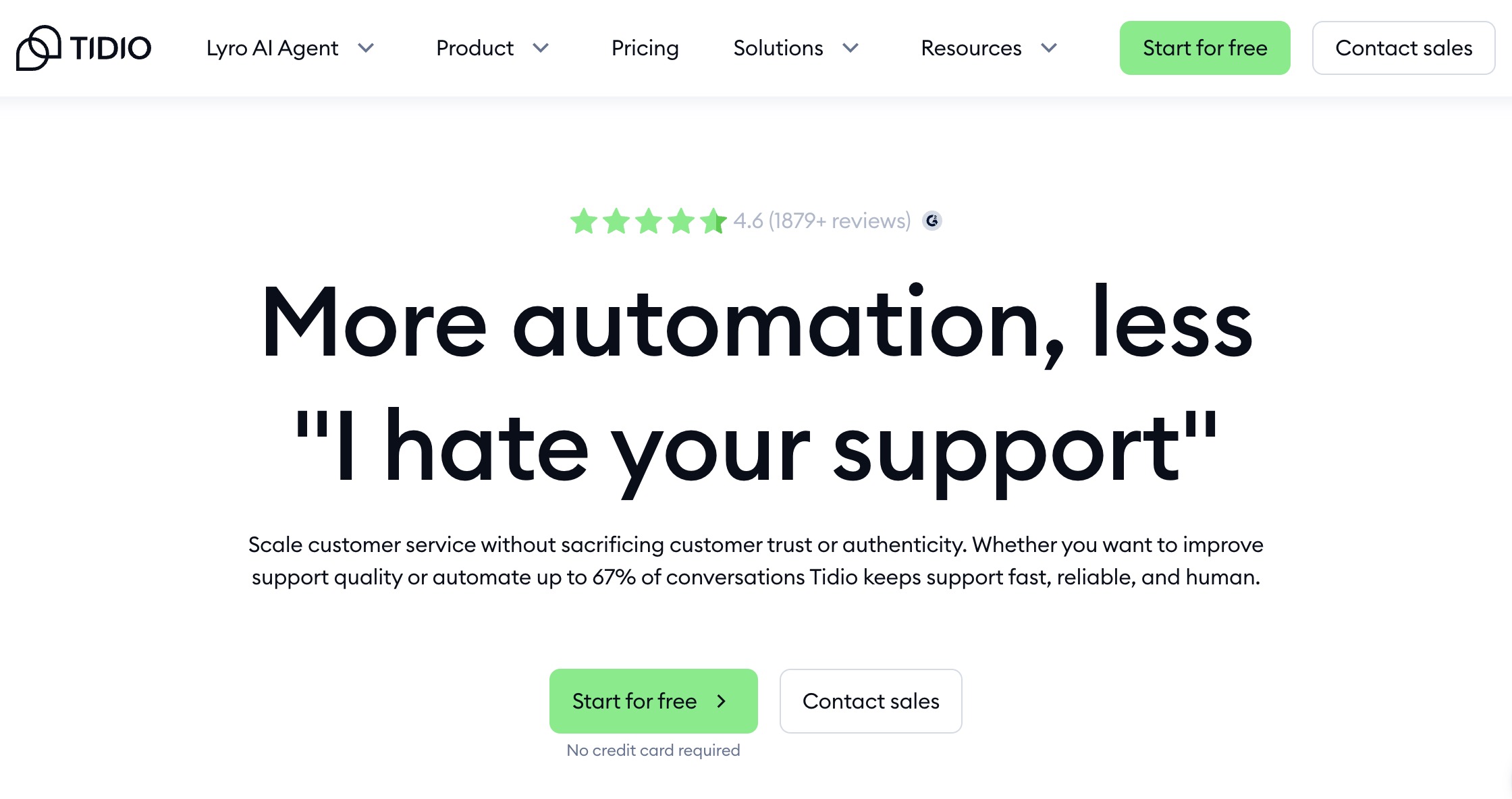
Tidio combines live chat, a visual chatbot builder, and Lyro, its AI-powered conversational agent, into one lightweight platform built for small and mid-sized businesses.
It's one of the fastest tools to go live with: most teams have a chatbot handling real conversations within a day.
| Pros | Cons |
|
|
Lyro, Tidio's AI engine, was straightforward to configure. The interface is clean enough that non-technical teams can build and adjust conversation flows without developer support.
Tidio shines in e-commerce and service businesses where the majority of support queries are predictable, such as return policies, order status, business hours, and pricing.
For SaaS or technically complex products, it hits its ceiling faster.
Pricing
- Free: Basic live chat (up to 50 conversations/month)
- Starter: $24.17/month
- Growth: $49.17/month
- Plus: $749/month
- Premium: Custom
- Lyro AI: $32.50/month add-on
Other Notable Features
- Lyro AI for automated FAQ resolution
- Visual chatbot builder with pre-built templates
- Integrations with Shopify, Wix, WordPress, and 120+ apps
- Real-time visitor tracking and proactive chat triggers
13. Chatbase: Best for No-Code AI Chatbots
A strong fit for startups building chatbots from internal content or documentation
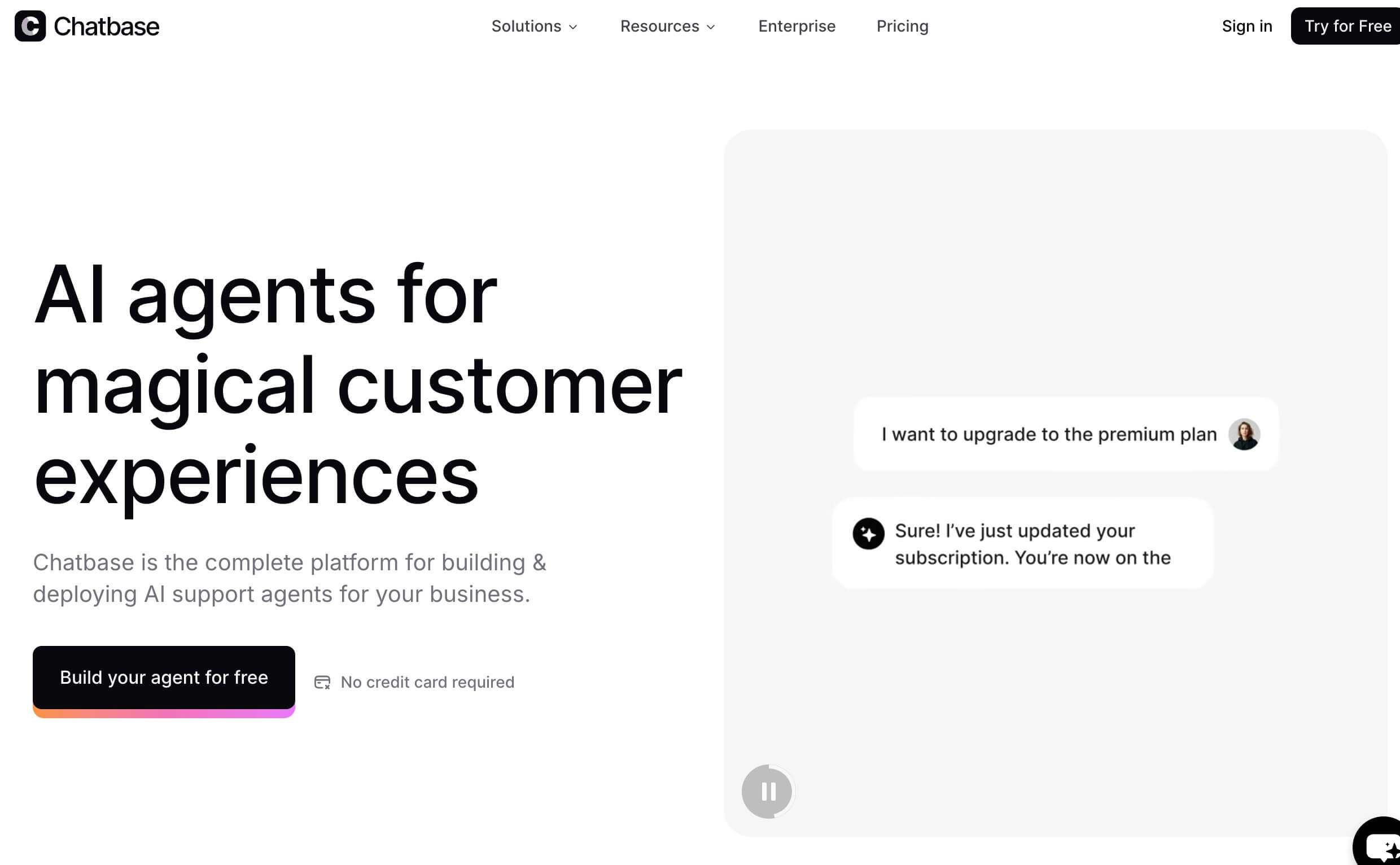
Chatbase is an AI support agent that lets you build and customize chatbots.
You can train an agent using your own data, like content from your website or documents, and it’ll automatically respond to questions based on that information.
| Pros | Cons |
|
|
One of the key features I found valuable was the ability to fine-tune the agent’s personality and tone. You can adjust how formal, creative, or reserved it is, depending on the audience or use case.
This makes it suitable for different environments, whether it's a support bot answering FAQs, an onboarding assistant for employees, or a knowledge base for internal documentation.
View this post on Instagram
The integration capabilities were another strong point. I tested it with Slack and explored how it would work with tools like WhatsApp and Zapier.
Analytics are built into the platform, offering insight into the agent’s strong suits and shortcomings across interactions.
This feedback loop helps iterate and improve the customer experience over time without having to rebuild from scratch.
Pricing (billed annually)
- Free
- Hobby: $40/month
- Standard: $150/month
- Pro: $500/month
Other Notable Features
- Customizable tone to stay on-brand and respond with empathy
- Supports 95 languages and replies in the user’s language
- Recognizes logged-in users to deliver personalized answers
14. Denser AI: Best for AI-Powered Answers from Your Content
Best suited for knowledge-heavy teams managing large volumes of internal or external content
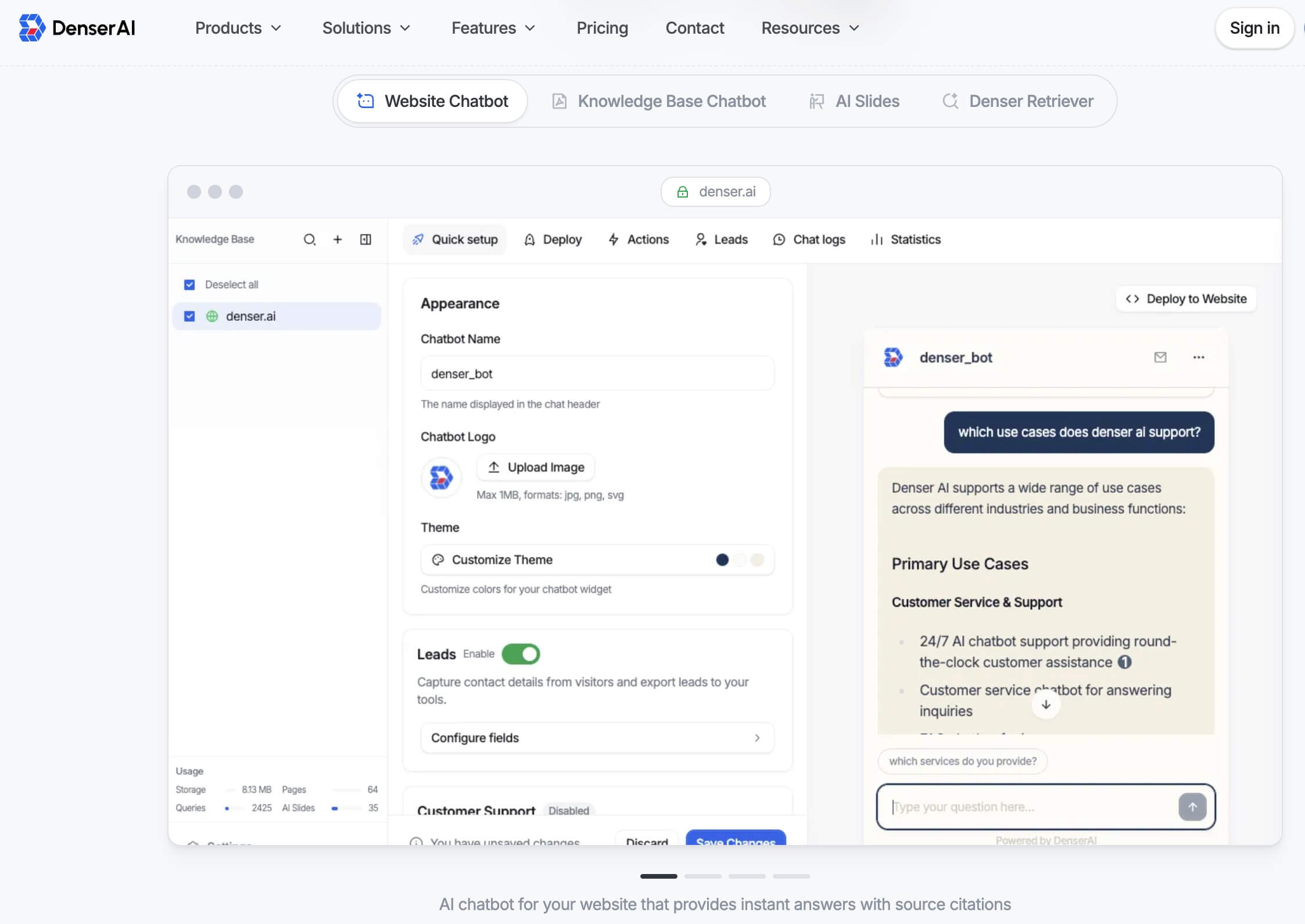
Denser.ai is easily one of the more polished AI customer service tools I’ve worked with for turning raw documents into usable intelligence.
The premise is simple: you upload your content, whether it’s PDFs, Word docs, Excel sheets, or even entire websites, and Denser.ai spins up a smart assistant.
| Pros | Cons |
|
|
I tried it with the Coca-Cola corporate website, and within minutes, Denser had crawled the pages and built a conversational layer on top of that content.
I could ask it questions like “When was the company founded?” or “What does the company sell?” and it answered accurately, with direct references to where that info lived on the site.
It felt like giving a standard company website an instant brain.
Deploying the assistant was equally smooth. I clicked on the “Deploy” tab and had a few options.
I tried the website embed: just copy-pasted the JavaScript snippet into a test page, and boom, the chat widget appeared instantly.
Denser.ai is a great choice for knowledge-heavy teams, but I’d be cautious about relying on it for anything high-touch customization without some engineering help.
Pricing (billed annually)
- Free – Limited
- Starter: $24/month
- Standard: $96/month
- Business: $320/month
Other Notable Features
- Customizable agent behavior and tone to stay on-brand
- No-code setup; embed on your site or connect via API in minutes
- Handles large knowledge bases and multiple content formats (PDFs, docs, URLs)
15. Kustomer: Best for AI-Driven Customer Insights
Ideal for high-volume e-commerce, DTC, and subscription-based businesses
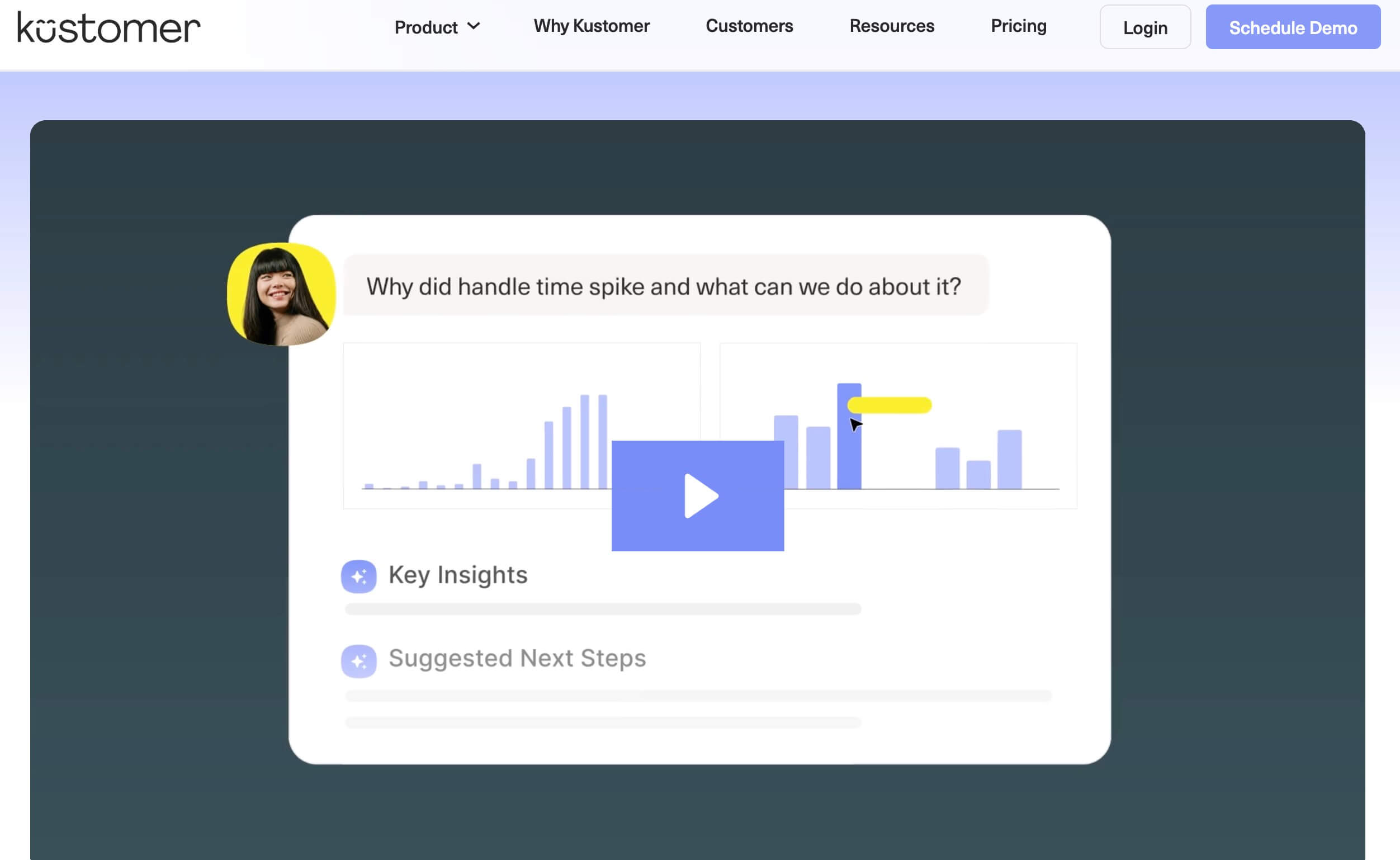
Kustomer pulls every interaction from emails, chats, DMs, order updates, and even past complaints into a single, scrollable Customer Timeline.
Agents always know what happened before, what’s happening now, and what needs to happen next.
| Pros | Cons |
|
|
When I tested it, the platform went beyond summarizing conversations.
The AI auto-tags issues, detects customer sentiment in real time, and suggests reply options to speed up resolution. If the conversation gets escalated, agents get a clean summary instantly.
And because Kustomer includes a built-in CRM, there’s no need to switch tabs to check purchase history or customer data. It’s all right there in one window: the support timeline, all customer records, and the AI.
Kustomer is ideal for brands that deal with high-volume, multi-channel customer interactions, especially eCommerce, DTC, subscription services, marketplaces, and companies with repeat customers.
Pricing
- Custom pricing
Other Notable Features
- Real-time sentiment analysis to prioritize unhappy or urgent customers
- Auto-generated summaries for faster handoffs between bots and humans
- Automated tagging and categorization to reduce manual data entry
How To Choose the Right AI Customer Support Tool
Different industries have fundamentally different support requirements. Use this decision table to identify the best starting point for your business:
Your Situation | Recommended Approach | Best Tool(s) |
< 500 tickets/month, simple FAQs | No-code AI chatbot | Chatbase, Tidio, Help Scout |
500–5k tickets, SMB helpdesk | Multichannel helpdesk + AI | Freshdesk, Zoho Desk, Nutshell AI |
5k–50k tickets, mid-market | Full AI platform with escalation | Intercom (Fin), Zendesk, Forethought |
E-commerce brand, Shopify-native | E-commerce-specialized AI | Gorgias, Kustomer, Tidio |
Global teams, 10+ languages | Multilingual conversational AI | Yellow.ai, Ada, Intercom |
Enterprise with CRM requirements | CRM-integrated AI platform | Salesforce Einstein, Ada, Zendesk |
Healthcare / HIPAA requirements | Compliance-certified AI or managed team | Ada, Freshdesk (HIPAA) |
A few additional filters worth applying before you commit:
- Start with your primary pain point. Most teams have one dominant problem: too many tickets, too little customer context, or too much setup complexity. That should be your first filter.
- Audit your existing stack. The best AI tool plugs cleanly into your CRM, helpdesk, and communication channels. Verify pre-built integrations before committing.
- Think in terms of coverage. A tool that deflects 60% of tickets and hands off the rest gracefully beats one that deflects more but leaves customers stranded.
- Pressure-test the pricing model. Some platforms charge per seat, others per resolution. Run the numbers against your current ticket load before signing.
- Run a pilot on real conversations. Feed the tool your actual support data and measure resolution rate, escalation frequency, and response accuracy against your current baseline.
AI Customer Support Software: Challenges and What’s Next
AI customer support tools are powerful, but they’re not perfect. Today’s platforms still struggle with accuracy, contextual understanding, and seamless integration into existing workflows.
And when implemented incorrectly, they don’t always feel human.
Furthermore, trust remains a major roadblock: 63% of consumers worry that AI systems may make biased or unfair decisions, especially when handling sensitive support issues.
The next wave of AI support tools is already addressing these gaps:
- Response accuracy and context understanding
- Lack of human-like empathy
- Data privacy and security concerns
- Integration complexity
- Skill and resource gaps
1. Response Accuracy and Context Understanding
Even top-tier AI systems can misinterpret intent or provide generic answers when conversations stray from standard FAQs. Nuance, tone, sarcasm, or multi-step requests can trigger incorrect responses or dead-end flows.
What's next: Enhanced LLM fine-tuning and retrieval-augmented generation (RAG) allow AI to pull information directly from verified internal sources (knowledge bases, CRM data, internal docs), producing more contextual and reliable responses.
2. Lack of Human-Like Empathy
Bots may interpret messages too literally, overlook frustration, or offer a generic response when a customer is clearly upset. This can escalate tension instead of resolving it, especially in high-stakes situations like billing disputes or service outages.
Customers want to feel heard, understood, and reassured. That emotional intelligence is still something humans consistently outperform AI on.
What's next: Platforms are adding emotion and sentiment detection, enabling AI to adjust tone automatically or escalate the conversation to a human rep, along with a summary.
3. Data Privacy and Security Concerns
According to PwC, eight out of ten consumers say that how a company protects their personal data directly affects whether they trust that brand.
Customer messages often contain sensitive details like account numbers, payment information, and personal identifiers. Without clear guardrails, businesses risk exposing data to systems that store or train them.
What’s next: The newest AI customer service platforms are addressing data security head-on with features like zero retention, automatic PII redaction, and private or self-hosted models, giving businesses precise control over how customer data is handled and stored.
4. Integration Complexity
Some platforms claim “plug-and-play automation,” yet require significant setup to connect CRMs, ticketing systems, or internal knowledge bases, slowing down deployment.
These integration hurdles often result in teams juggling multiple tools instead of having a unified support ecosystem.
What's next: More tools are shipping with pre-built integrations and low-code connectors for Zendesk, Salesforce, Shopify, HubSpot, and custom APIs, thus reducing the technical lift. This shift allows businesses to activate automation in hours instead of weeks.
5. Skill and Resource Gaps
Even with no-code interfaces, new users can feel overwhelmed when designing conversation flows or training bots effectively. Teams often lack the expertise to structure knowledge bases or optimize prompts for different customer scenarios.
What's next: Many platforms now include autonomous bot training: simply upload documentation, and the AI auto-builds workflows, recommended responses, and conversation paths. This lets non-technical teams launch AI agents without relying on developers or a complex setup.
Customer Support AI Tools: Final Thoughts
AI customer support removes the repetitive, time-draining work that keeps agents from delivering empathy.
But the tools in this guide only deliver value if they're matched to the right use case, the right team size, and the right support model.
The best approach is to understand where automation serves your customers well and where human judgment is still the better answer.
Our team ranks agencies worldwide to help you find a qualified partner. Visit our Agency Directory for the top customer service outsourcing companies, as well as:
- Top AI Customer Service Companies
- Top Call Center Companies
- Top Inbound Call Center Companies
- Top Outbound Call Center Companies
- Top Outsourced Customer Support Companies in California
Best AI Tools for Customer Support FAQs
1. What are the best AI customer support tools for small e-commerce businesses?
For small e-commerce businesses, Gorgias, Tidio, and AeroChat are the strongest starting points.
- Gorgias is purpose-built for Shopify and handles WISMO, returns, and cart recovery automatically, making it the default choice for DTC brands.
- Tidio's Lyro AI resolves up to 70% of common questions with a free tier that doesn't require engineering to configure.
- If budget is the primary constraint, Freshdesk's free plan covers email ticketing and basic automation for up to 10 agents, a strong starting point before you need AI features.
2. How to reduce customer support ticket volume with AI?
Reducing ticket volume with AI requires a two-part approach: deflection and prevention.
Deflection means intercepting queries before they become tickets, through AI chatbots (Chatbase or Tidio), self-service knowledge bases (Zendesk Guide), and proactive messaging that answers questions before customers ask.
Prevention means using AI to identify why tickets are being created in the first place:
- Forethought and Kustomer both surface recurring issues and root-cause patterns that, when fixed at the product or process level, eliminate entire categories of inbound volume.
3. How long does it take to implement AI customer support software?
Implementation time varies significantly by tool and complexity. No-code chatbots like Chatbase and Tidio can be live in under an hour.
SMB helpdesks like Freshdesk and Help Scout typically take one to three days for basic setup and one to two weeks for full automation and integrations.
Enterprise platforms like Zendesk, Ada, and Salesforce Einstein typically require two to eight weeks with dedicated IT resources and a populated knowledge base.
Managed teams can have dedicated agents operational in under two weeks. The key variable is the quality of your existing knowledge base and the complexity of your support workflows
4. AI chatbot vs. managed support team: which is better for startups?
For most early-stage startups (under 500 tickets/month), an AI chatbot is the right starting point. It's cost-effective, fast to deploy, and handles the FAQ volume that would otherwise consume founder time.
As ticket volume grows and query complexity increases, especially for SaaS products where support touches billing, onboarding, and technical issues, the math changes.
A managed support team becomes more compelling when you need consistent quality, 24/7 coverage, and human judgment on interactions that affect retention, without the overhead of building an internal team.
The decision isn't permanent: many companies use AI tools first, then layer in managed support as they scale.
5. Which customer support AI tools integrate with Shopify or HubSpot?
For Shopify: Gorgias offers the deepest native integration, with order data, shipping status, and customer history surfaced directly in the ticket view. Tidio, Kustomer, and Yellow.ai also have Shopify connectors.
For HubSpot: Intercom, Freshdesk, and Zendesk all offer pre-built HubSpot integrations that sync contact data and support history bidirectionally.
If you're running both Shopify and HubSpot, Kustomer or Intercom tend to handle the combined data model most cleanly.
6. Which AI support tool is best for multilingual global teams?
Yellow.ai leads on language breadth, supporting 135+ languages with native-level fluency and real-time context-switching.
Ada covers 50+ languages with enterprise-grade compliance built in, making it the right choice for regulated industries with global teams.
7. Is customer data safe with AI tools?
Data safety varies significantly by platform. Most platforms listed here comply with GDPR and CCPA. Tools like Ada and Freshdesk offer HIPAA-compliant configurations for healthcare use cases.
For the highest level of data control, look for: zero retention policies (no customer data stored after the session), automatic PII redaction, private cloud or self-hosted deployment options, and certifications like SOC 2 Type II, ISO 27001, and HIPAA.
Always review a platform's data processing agreement before deployment.
8. How much does AI customer support cost?
Costs vary depending on the tool, features, and scale of usage. Some platforms offer affordable entry plans, but pricing can increase with higher automation volume or advanced capabilities.
That said, AI often reduces long-term costs by handling repetitive inquiries and lowering the need for large support teams.